

9 Best Time Tracking Software for Staffing Agencies: The Results of Our Independent Testing
By Jacob Tyler
August 26, 2026 14 min readA missed clock-out is annoying in most businesses. However, in a staffing agency, it can ripple into incorrect worker pay, disputed client invoices, messy approvals, and hours assigned to the wrong job. That is why a basic timer is rarely enough.
For this guide, we tested nine best time tracking apps for recruitment agencies against specific workflows: moving workers between client assignments, correcting timesheets, approving hours, handling pay and bill rates, preparing payroll, and producing records clients can verify. We also looked at how well each tool worked for remote, shift-based, and field staffing rather than assuming one setup fits every agency.
Everything You Need to Know About the 9 Best Time Tracking Tools for Staffing Agencies
- TimeBee combines automated time records with client/project tracking, employee rates, billable hours, payroll calculations, invoicing, GPS-based records, offline time, and optional activity evidence.
- Timerack is specifically designed around staffing assignments, numerous workers and locations, pay/bill rates, time collection, and ATS/payroll connections.
- Clockify provides you with flexible time tracking across multiple clients and assignments.
- Deputy offers scheduling, time clocks, geofencing, timesheets, shift changes, biometric clocking on higher plans, and payroll integrations.
- Hubstaff pairs time tracking with project records, screenshots and activity information, GPS/geofencing, invoices, costs, and payment-related workflows.
- WebWork combines time tracking, screenshots, activity reporting, mobile geolocation, invoicing, and reporting.
- Connecteam lets workers clock time against jobs, projects, or clients from mobile devices and adds GPS, scheduling, payroll integration, and geofencing on higher Operations plans.
- QuickBooks Time allows you to connect tracked time, job information, approvals, mobile GPS, kiosks, and payroll/accounting workflows inside the QuickBooks ecosystem.
- Jibble supports unlimited users, while the platform includes mobile/web time, automated timesheets, offline tracking, kiosks, GPS, geofencing, and identity verification.
How We Chose the Best Time Tracking Apps for Staffing Agencies
We used a four-part scorecard for every platform. More importantly, we did not test the products as isolated timers.
Instead, we followed time from the moment a worker started an assignment until an administrator had something usable for approval, payroll, billing, or client reporting.
Time-Tracking Reliability and Worker Experience – 30%
Every payroll and approval workflow starts with accurate time. If workers struggle to track hours, your back office ends up correcting the same records later.
To test this, our QA specialist checked live tracking, missed clock-outs, manual edits, mobile and offline use, device switching, and how easily managers could spot and correct errors.
Staffing, Client, and Assignment Workflow – 25%
Staffing agencies need hours tied to the correct worker, client, project, and assignment, not simply recorded against a generic tag.
Our staffing operations reviewer moved workers between multiple client assignments, submitted and corrected timesheets, tested approvals and permissions, and checked whether records stayed attached to the right job throughout the workflow.
Payroll, Billing, and Rate Management – 25%
Approved hours often feed both worker pay and client billing, and those rates are not always the same. Poor rate handling can create payroll errors or inaccurate invoices.
Our team created different worker pay rates, client bill rates, and overtime scenarios, then followed approved time into payroll calculations, exports, integrations, and billing workflows.
Reporting, Oversight, and Compatibility – 20%
Managers need useful records they can review, share, and act on, while workers need a tracking method suited to where they actually work.
To assess this, we reviewed reports, GPS, geofencing, kiosks, screenshots, permissions, integrations, and desktop/mobile support. We scored oversight based on usefulness, not simply how much employee data a platform could collect.
The 9 Best Time Tracking Software for Recruitment Agencies: A Quick Breakdown
| App | Starting Price | Compatibility | Best For | Main Limitation |
| TimeBee | 14-day free trial; custom paid pricing | Web, Windows, macOS, Linux, mobile, browser, kiosk | Overall staffing time tracking and workforce visibility | More setup than a simple attendance clock |
| Timerack | Custom price quote | Web, iOS, Android, kiosk, dedicated time clocks | Staffing-specific assignments and pay/bill workflows | No simple public self-serve price |
| Clockify | Free for up to 4 people; Basic $3.99/seat/month annually | Web, Windows, macOS, Linux, Android, iOS, Chrome, Firefox, Edge | Multiple clients and flexible assignments | Staffing-specific ATS/pay-bill workflows are not its core design |
| Deputy | Starting from: $5/user/month | Web, tablet, mobile, time-clock apps | Temporary and shift-based staffing | Less relevant for desktop proof-of-work monitoring |
| Hubstaff | Starter $4.99/user/month annually | Windows, macOS, Linux, ChromeOS, iOS, Android, browser extensions | Remote contractors and proof of work | Monitoring depth may be unnecessary for attendance-only teams |
| WebWork | Pro $3.99/user/month on current yearly pricing | Web, Windows, macOS, Linux, iOS, Android, Chrome | Cost-conscious remote workforce monitoring | Staffing-specific back-office workflows are less specialized than Timerack |
| Connecteam | Operations Basic $29/month annually for first 30 users | Web, iOS, Android, shared kiosk | Field and deskless staffing | Geofencing and deeper automation require higher tiers |
| QuickBooks Time | Premium $20 base + $10/user/month | Web, iOS, Android, tablet/desktop/laptop kiosk | QuickBooks payroll/accounting workflows | Requires QuickBooks Online for the standalone Time plans |
| Jibble | Free for unlimited users | Web, Windows, macOS, iOS, Android, Chrome, kiosk | Free attendance and location tracking | Less purpose-built for complex staffing pay/bill administration |
9 Best Time Tracking Tools for Recruitment Agencies That Earned The Spot
Here is what we found while reviewing these nine apps.
1. TimeBee – Best Overall for Staffing Agencies
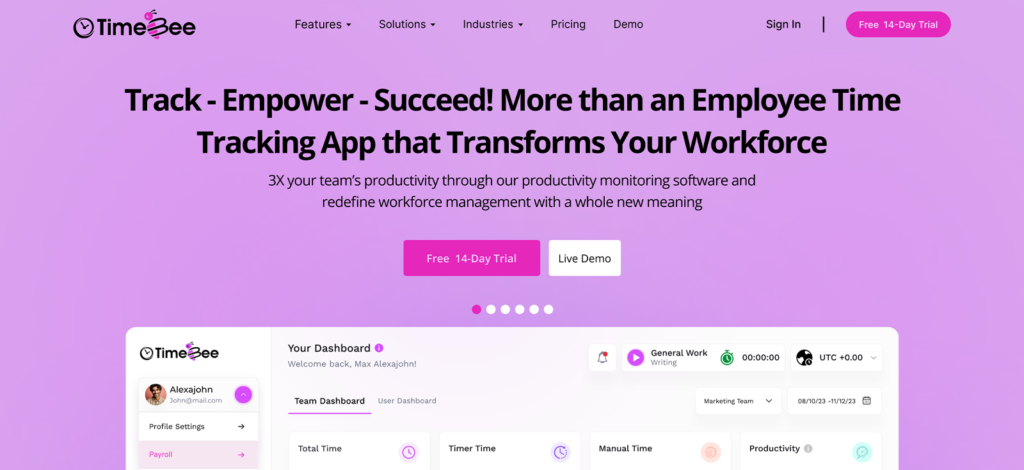
TimeBee fits staffing agencies that want work hours to move beyond a basic timer. It records time automatically, then connects those records with projects, attendance, employee rates, payroll calculations, billable hours, invoicing, GPS data, and activity insights. That matters when one set of hours must support internal administration and client-facing records.
We tested it by moving workers between four client projects, correcting missed time, switching devices, and reviewing the resulting records for payroll and billing. Across 24 work sessions, all stayed attached to the intended project without an administrator reclassifying the entry. We also ran four sessions offline; all four synchronized once connectivity returned.
The useful part was not simply that TimeBee captured hours. Our staffing operations reviewer could take the same records into payroll calculations, billable reporting, and client invoicing instead of rebuilding the timesheet elsewhere.
For field placements, GPS and kiosk clock-ins add another way to verify attendance. However, kiosk sign-ins didn’t go through when the internet connection was unstable. Moreover, we would not enable every monitoring feature for every worker; screenshots and activity data make more sense for remote client work than staff already clocking in at a supervised site.
TimeBee Pricing
- Free Trial: 14-day
- Custom Pricing
TimeBee Compatibility
TimeBee works on any browser through a web extension, desktop application (Windows, macOS, and Linux), mobile application (iOS and Android), and kiosk workflows.
TimeBee Pros and Cons
| Pros | Cons |
| Connects tracked time with payroll calculations and client billing | Requires a custom quote for paid plans. |
| Supports project/client rates and billable hours | Setup is broader than a basic clock-in tool |
| Works across remote and on-site workflows | Activity monitoring may be unnecessary for shift-only teams |
| Reduces repeated manual reconstruction of time records |
Verdict
TimeBee ranked first because it covered the broadest part of our staffing workflow without forcing us to recreate the same hours at every stage. Choose it when you want time, rates, payroll calculations, billing, and workforce visibility connected.
Get TimeBee and Turn Tracked Hours Into Cleaner Staffing Operations
Learn More
2. Timerack – Best Purpose-Built Time Tracking Software for Staffing Agencies
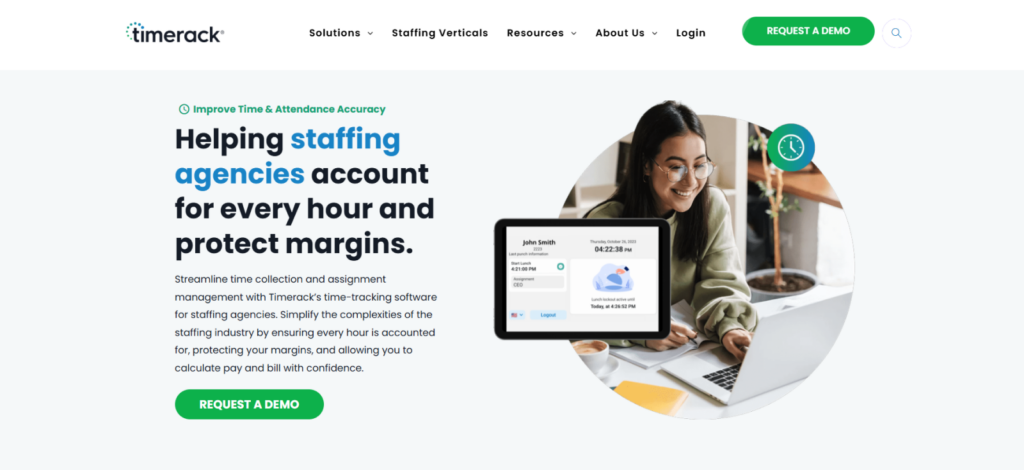
Timerack is one of the best time tracking software for staffing agencies. Instead of adapting projects into placements, you work with assignments, time collection, multiple locations, pay and bill rates, and ATS/payroll connections. That matters when worker pay and client billing must stay aligned.
We tested six assignments across three client accounts, moved workers between jobs, and introduced several rate variations. Of 20 clock-ins, 19 landed against the intended assignment on first review. We also tested six pay/bill changes; the workflow required fewer workarounds than general-purpose trackers because those rates are treated as staffing data rather than project costs.
Our Staffing Operations Reviewer found this most useful once hours moved toward payroll. Timerack can calculate pay and bill from staffing time records and connect with recruiting, ATS, and payroll systems. However, if clients expect screenshots or detailed desktop activity from remote contractors, Timerack is not built around that use case.
Timerack Pricing
Custom pricing only.
Timerack Compatibility
It supports web entry, iOS and Android mobile tracking, mobile kiosks, and dedicated time-clock hardware.
Timerack Pros and Cons
| Pros | Cons |
| Purpose-built for staffing assignments | No free trial |
| Handles multiple pay and bill rates | More specialized than simple trackers |
| Connects with ATS and payroll systems | Limited desktop productivity monitoring |
| Supports mobile, kiosk, and physical clocks | Initial configuration is time-consuming |
Verdict
Choose Timerack when pay/bill accuracy matters more than productivity monitoring. It mapped more naturally to our staffing workflow than a generic project tracker. If you mainly place remote knowledge workers and need proof of computer activity, other options like TimeBee and Hubstaff may be more suitable for you.
3. Clockify – Best for Flexible Time Tracking Across Clients and Assignments
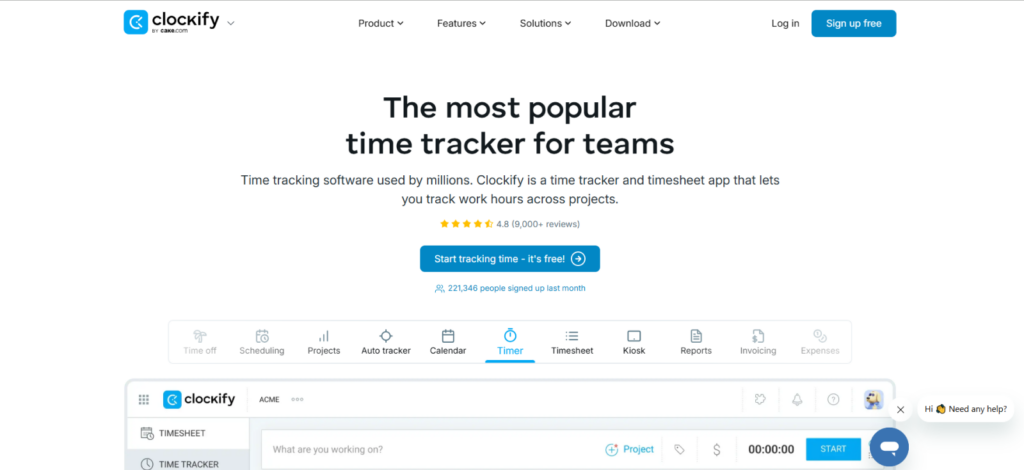
Clockify works well when you need a flexible client/project structure without staffing-specific middle-office software. You can create clients, use projects as assignments, track time through timers, timesheets, mobile, or kiosks, and add rates, approvals, expenses, and invoicing through its paid tiers.
We tested four clients and eight project-based assignments, then submitted 24 time entries across web, desktop, and mobile. 22 of them reached the correct client/project combination without correction. Two needed attention after we deliberately changed an assignment and approver. The test also showed the trade-off: Clockify can represent staffing work well, although you are adapting a project model rather than using a native placement structure.
Our QA Tester found the approval workflow useful because approved timesheets can be locked, while subsequent changes leave an audit trail. That gives managers a clearer checkpoint before hours reach payroll or billing.
Clockify Pricing
- Free: Up to 5 users
- Basic: $3.99/seat/month, billed annually
- Standard: $5.49/seat/month, billed annually
- Pro: $7.99/seat/month, billed annually
- Enterprise: $11.99/seat/month, billed annually
Clockify Compatibility
It supports web browsers, Windows, macOS, Linux, iOS, Android, and shared kiosks.
Clockify Pros and Cons
| Pros | Cons |
| Flexible client/project structure | Large multi-client setups can require more admin work |
| Strong cross-platform support | Limited assignment-level pay/bill controls |
| Kiosk, rates, reports, and invoicing available | No native ATS or placement management |
Verdict
Choose Clockify when you need flexible time allocation across several clients. It handled most of our project-based test cleanly. However, if separate worker pay, client bill rates, and staffing assignments drive your back office, looking for other options might be better.
4. Deputy – Best for Temporary and Shift-Based Staffing
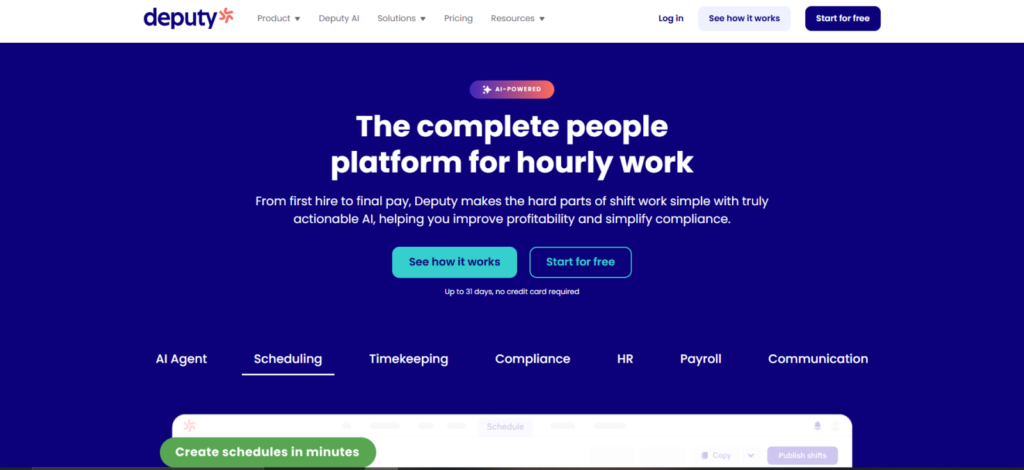
Another one of the best time tracking apps for staffing agencies is Deputy. It is the strongest when the shift, rather than the project, sits at the center of your staffing workflow. It combines scheduling, time clocks, geofencing, timesheets, break management, approvals, and payroll/HR integrations, which suits agencies supplying hourly workers to client sites.
We created 20 shifts across two locations and introduced late starts, a missed clock-out, an early departure, and a shift change. Nineteen of the 20 attendance records matched the intended worker and location on review. The exception occurred when location permission was disabled on our test phone, which showed how the app surfaces a worker-side setup problem.
Overall, as per our reviewers, the setup and ease of use were better than most desktop trackers for shift staffing because workers clock against scheduled work rather than choosing from a long project list. That reduces ambiguity when you mainly need to confirm the right worker reached the right site and worked the expected hours.
Deputy Pricing
- Lite: $5/user/month (when billed annually)
- Core: $6.50/user/month (when billed annually)
- Pro: $9/user/month (when billed annually)
Deputy Compatibility
Deputy is compatible with Windows, macOS, and Linux through its web app, while iOS and Android users can access dedicated mobile apps and time-clock functionality.
Deputy Pros and Cons
| Pros | Cons |
| Scheduling and time tracking work together | $30 monthly minimum can affect small teams |
| Geofencing supports site attendance | Not designed for desktop proof-of-work |
| Strong timesheet and approval workflows | Advanced controls require higher tiers |
| Staffing pay/bill rules may need another system |
Verdict
Deputy is a good choice when you place temporary workers into scheduled shifts at client sites. Its attendance workflow felt more natural than project-based trackers. However, if you place remote professionals and also need screenshots, app usage, or project-level activity evidence, it might not align well with your goals.
5. Hubstaff – Best for Remote Staffing Agencies and Contractor Proof of Work
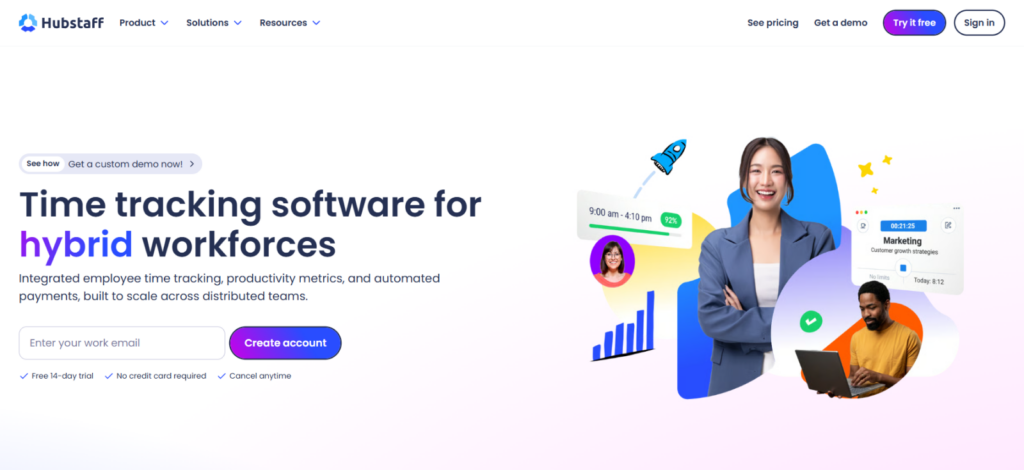
Hubstaff is most useful when a client wants more context than a submitted timesheet. Alongside project time, it can capture screenshots, activity levels, app/URL usage, GPS/geofencing, costs, and invoices. That suits agencies placing remote contractors whose hours may need supporting evidence.
We ran 24 remote work sessions across four client projects and introduced project switches and manual edits. Twenty-one were ready for review without reconciliation; three needed attention after we changed the selected project mid-session. This showed that monitoring data can support a timesheet, but it does not replace checking whether the worker tracked the correct assignment.
Our reviewers treated activity percentages cautiously. Keyboard and mouse activity can show device interaction, but not whether the work itself was valuable. We therefore treated these metrics as context rather than proof of productivity.
Hubstaff Pricing
- Free Trial: 14 days.
- Starter: $4.99/seat/month
- Grow: $7.50/seat/month
- Team: $10/seat/month
- Enterprise: $25/seat/month
Hubstaff Compatibility
Hubstaff supports Windows, macOS, Linux, iOS, Android, and web-based tracking.
Hubstaff Pros and Cons
| Pros | Cons |
| Strong proof-of-work features | Monitoring can create extra review work |
| Screenshots and activity complement project time | Activity does not measure work quality |
| GPS and geofencing support field work | Screenshots may be inappropriate for some placements |
| Supports costs, invoices, and payments | Overkill for simple attendance |
Verdict
If your remote client work needs defensible context around billed hours, Hubstaff can be an appropriate choice. It gave our reviewers more evidence than basic timers for project-based contractors. If workers mainly report to physical shifts, then apps like Deputy or Connecteam provide a cleaner attendance model without generating desktop-monitoring data you may not use.
TimeBee: Know Your Team’s Time. Grow Your Agency
See More
6. WebWork – Best Value for Remote Workforce Monitoring
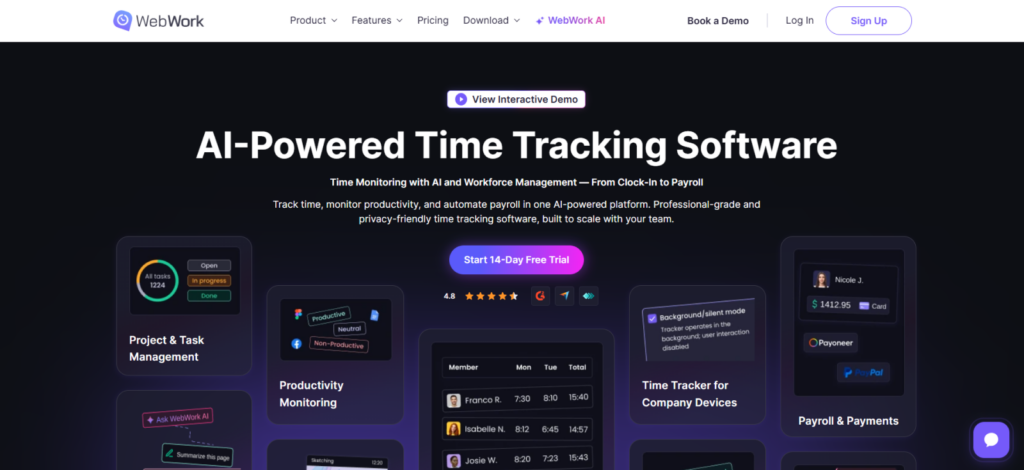
WebWork suits staffing agencies that need remote time tracking plus screenshots, activity data, app/website usage, and location information at a relatively low entry price.
Its staffing solution also covers contractors and placed employees, including approvals, billing, payroll, and client-ready reporting.
We ran 20 desktop and mobile sessions across three client projects. Nineteen stayed attached to the intended project on first review; one mobile session needed checking after we interrupted connectivity.
Our team also reviewed screenshots and activity records for useful context. For client-billed remote work, they helped; for basic internal attendance, they added little practical value.
WebWork Pricing
- Pro: $3.99/user/month, billed annually
- Plus: $6.39/user/month, billed annually
- Premium: $7.19/user/month, billed annually
WebWork Compatibility
WebWork is compatible with Windows, macOS, and Linux through its desktop app, while dedicated mobile apps are available for iOS and Android. You can also track time directly through the web app or Chrome extension.
WebWork Pros and Cons
| Pros | Cons |
| Low entry price for remote teams | Payroll requires a higher tier |
| Screenshots and activity support proof of work | Monitoring needs manager interpretation |
| Staffing-focused billing and reporting workflows | Relatively less specialized for pay/bill rules |
Verdict
WebWork works as one of the best time tracking software for recruitment agencies when remote accountability and price are both priorities. It handled 19 of our 20 tracking sessions cleanly and gives you more context than a basic timer. However, if you do not need monitoring, a simpler attendance or project-tracking tool may be easier to manage.
7. Connecteam – Best for Field and Deskless Staffing
Connecteam makes the most sense when workers report to client sites rather than desks. Its Operations Hub combines GPS time tracking, jobs, scheduling, payroll integrations, shared kiosks, and geofencing on higher tiers, so attendance stays tied to the job and location.
We created three client sites and 18 shifts, then tested clock-ins, job selection, a missed punch, and location restrictions. Seventeen shifts produced the expected worker/site record on first review. The one failure came from disabled location permissions, which the worker corrected before geofencing worked properly.
Our operations specialist found its job/client structure more natural for field staffing because workers clock against a place and assignment, not computer activity.
Connecteam Pricing
- Basic: $29/month, billed annually for the first 30 users
- Advanced: $49/month, billed annually for the first 30 users
- Expert: $99/month, billed annually for the first 30 users
- Enterprise: Custom payment
Connecteam Compatibility
Connecteam provides web administration plus iOS and Android apps. Its separate kiosk app works on compatible Android and Apple phones or tablets.
Connecteam Pros and Cons
| Pros | Cons |
| Strong mobile and field workflow | Geofencing requires Advanced |
| Tracks time by jobs, clients, or projects | Broad suite may be more than you need |
| Payroll integration starts on Basic | Not designed for desktop productivity evidence |
Verdict
Connecteam will suit you if your agency places workers across physical client locations. Its mobile and job-site workflow was cleaner than desktop-oriented trackers in our field test.
8. QuickBooks Time – Best for Staffing Agencies Using QuickBooks
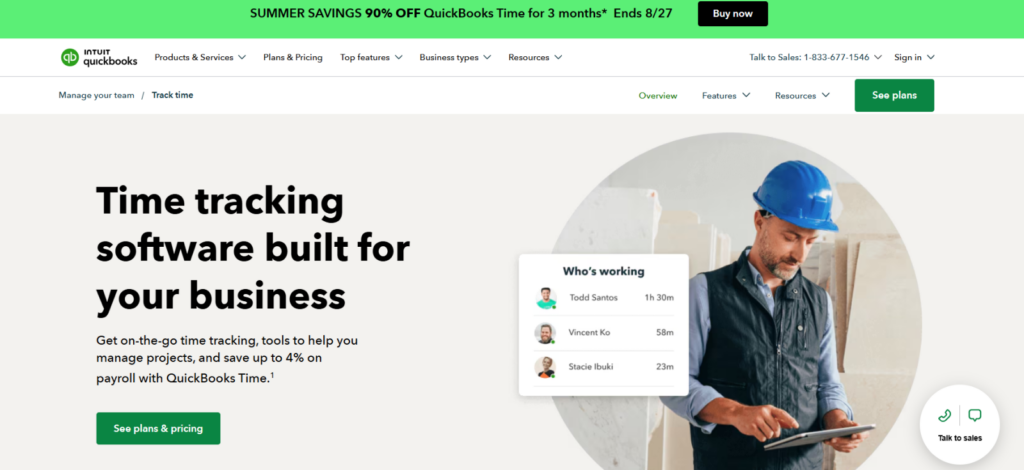
QuickBooks Time is most compelling when approved hours need to move into QuickBooks. It combines employee/job time, mobile GPS, approvals, kiosks, and payroll/accounting sync, while Elite adds project controls and additional location functionality.
We created three customer/job records and ran 20 entries across mobile and web. Almost all of them reached the intended job without intervention. One edited mobile entry needed a second review before the administrator sent it downstream.
The workflow became more useful at the accounting stage because we did not have to rebuild the same hours. Overall, it is one of the cleanest options when QuickBooks is already your financial system.
QuickBooks Time Pricing
- Time Premium: $20/month + $10/user/month
- Time Elite: $40/month + $12/user/month
- Workforce Premium: $88/month + $13/user/month
- Workforce Elite: $134/month + $17/user/month
QuickBooks Time Compatibility
QuickBooks Time works through web browsers and iOS/Android devices; Time Kiosk can run on a connected tablet, desktop, or laptop.
QuickBooks Time Pros and Cons
| Pros | Cons |
| Strong QuickBooks payroll/accounting flow | Base fee raises cost at scale |
| Mobile GPS and job tracking | Geofencing requires higher-tier functionality |
| Timesheet submission and approvals | Less useful outside QuickBooks |
| Shared kiosk supports on-site teams | No deep desktop activity monitoring |
Verdict
When your agency already runs payroll or accounting through QuickBooks and wants approved hours to reach it with fewer handoffs, QuickBooks Time might be the best choice for you. But if you are not invested in QuickBooks, its main advantage disappears, and lower-cost or more staffing-specific alternatives make more sense.
9. Jibble – Best Free Time Tracking Software for Staffing Agencies
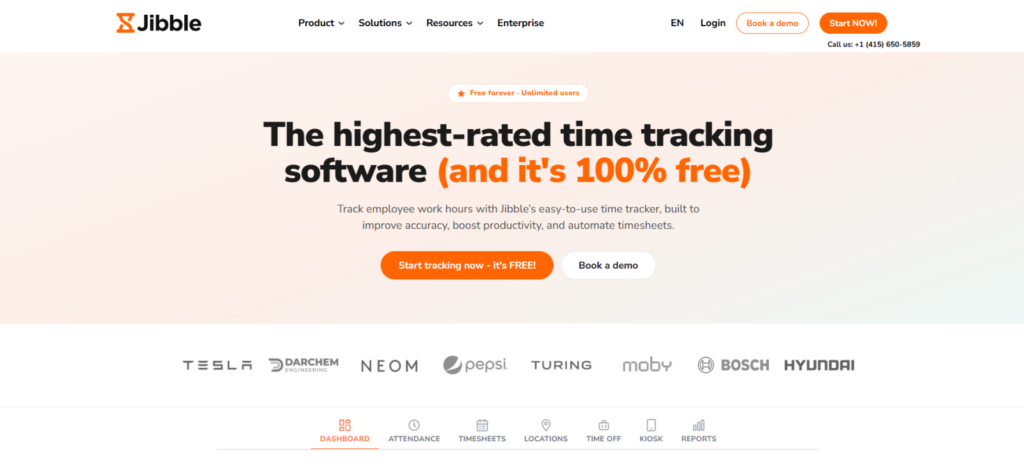
Jibble is one of the best time tracking tools for staffing agencies, especially when your first requirement is reliable attendance without a large per-user cost. Its free offering supports unlimited users and includes mobile/web tracking, automated timesheets, offline mode, kiosks, GPS, geofencing, and face recognition.
We tested 20 worker clock-ins across mobile and kiosk workflows. Fifteen appeared immediately with the expected attendance record. The remaining offline test synchronized after connectivity returned. We also checked location and identity controls; once permissions were configured correctly, managers had a clear attendance trail.
Our HR software reviewer found Jibble better suited to high-volume attendance than complex staffing finance. It supports projects, approvals, reports, and payroll-ready exports, but not staffing-specific markups or pay/bill administration.
Jibble Pricing
Jibble is completely free to use irrespective of the number of users.
Jibble Compatibility
Jibble is compatible with Windows and macOS through its desktop apps, while iOS and Android are supported through dedicated mobile apps. You can also use Jibble through its web app and Chrome extension. It also supports kiosks.
Jibble Pros and Cons
| Pros | Cons |
| Free plan supports unlimited users | Not built for complex staffing pay/bill rules |
| GPS, geofencing, and kiosk options | Advanced staffing workflows may need another system |
| Offline tracking suits variable client sites | Location controls depend on device permissions |
Verdict
Choose Jibble when you need affordable attendance across many workers at client sites. It handles clock-ins smoothly and recovers the offline entries reliably as well.
Final Verdict
There is no single time tracker that fits every staffing model because the meaning of “worked time” changes with the placement.
A remote software contractor may need project-level hours and defensible work evidence. A warehouse temp needs an accurate, location-backed shift record. A staffing firm operating hundreds of placements may care more about assignment-level pay and bill rates than screenshots or application activity.
So, if you are looking for the best time tracking tools for recruitment agencies, do remember that the right tools depend on your own needs and priorities.
FAQs
How do staffing agencies track temporary employees’ hours?
Staffing agencies generally need to connect each time record to a worker, an assignment, and the client receiving the labor. Once the worker records their start, stop, breaks, or total hours, a manager or client can review the timesheet before those approved hours move into payroll and client billing. For on-site temporary workers, mobile apps, kiosks, GPS, geofencing, PINs, or identity verification can add attendance evidence.
Can staffing time tracking software manage pay rates and client bill rates separately?
Some staffing time tracking platforms can manage worker pay rates and client bill rates separately, but you should verify exactly how each product defines its rates. Timerack explicitly supports multiple pay and bill rates across employees, clients, and assignments. TimeBee allows hourly rates to vary by employee and client and can use tracked time for payroll calculations and client invoicing. Clockify supports billable and historical rates, but its rate system is structured around general project/time tracking rather than a staffing-specific pay/bill engine.
Do staffing agencies need GPS or geofencing?
Yes, GPS and geofencing are useful when a worker’s location is genuinely relevant to whether the assignment was fulfilled. For example, agencies supplying cleaners, security staff, healthcare support workers, event crews, construction personnel, or warehouse workers may need evidence that someone clocked in at the correct client location. Connecteam, Deputy, QuickBooks Time, Jibble, Hubstaff, WebWork, and TimeBee all provide location-related capabilities in different forms or plan levels.
Can time tracking software integrate with staffing payroll?
Yes, but payroll integration can mean different things. Some tools only calculate payroll-ready hours or export timesheets, while others sync approved time directly with payroll systems or offer payroll processing.
What should staffing agencies look for in time tracking software?
A staffing agency should prioritize accurate time tracking, clear client and assignment separation, reliable approvals, pay and bill rate handling, payroll-ready records, and flexible tracking across desktop, mobile, GPS, or kiosks. The best time tracking apps for recruitment agencies should let hours move from worker to client to payroll or billing without repeated manual entry.
TimeBee: All Your Work Hours – One Clear View
Get TimeBee


Jacob Tyler
Member since July 2, 2026
Jacob Tyler
Member since July 2, 2026
Jacob Tyler is a B2B technology journalist specializing in workplace software, employee monitoring platforms, productivity technology, HR systems, data privacy, and the changing role of technology in modern organizations.
He holds an MSc in Information Systems from the University of Manchester. His professional qualifications include the CompTIA Data+ certification.
With more than 10 years of experience covering B2B software and digital transformation, Jacob focuses on translating complex product capabilities into clear guidance for business readers.
His work examines how software functions in practice, which operational problems it is designed to address, what data it collects, and what organizations should consider before implementation.
Through his writing, Jacob helps HR leaders, operations teams, founders, managers, and IT decision-makers understand workplace technology and make informed purchasing decisions.