

7 Best Payroll Solutions for Recruitment Agencies: Tested on Features, Pricing, & Ease of Use
By Jacob Tyler
September 25, 2026 15 min readA proper payroll system adds value to any organization by creating a clear record of hours and payments that both employers and employees can verify. But for agencies that use multiple payment models, payroll solutions become much more critical.
Recruitment agencies fall into that category. A well-established staffing agency manages full-time employees, contractors, freelancers, part-time workers, and client-based staff simultaneously.
Each group follows different pay structures and compliance requirements. Payroll data also moves between ATS, time-tracking, accounting, and payment systems, which increases the risk of errors when workflows lack proper integration.
Over my 10 years working with HR technology, I’ve seen many tools claim to simplify payroll. In practice, a platform must perform well on payroll accuracy and integrations before it should be recommended.
We tested the best payroll software for staffing companies in the market against these requirements and shortlisted seven that stood out.
A Quick Look at the 7 Best Recruitment Payroll Software for Agencies
- TimeBee helps recruitment agencies calculate payroll from tracked hours, individual pay rates, adjustments, and client-level cost data.
- Avionté works best for staffing agencies that need temporary-worker payroll connected with assignments and client billing.
- Hubstaff helps remote recruitment teams turn approved timesheets and worker pay rates into contractor payment records.
- Bullhorn One connects staffing payroll with placements, time approvals, invoicing, and broader pay-and-bill workflows.
- Gusto gives smaller recruitment agencies full-service payroll with tax filing, employee payments, and contractor support.
- Time Doctor helps remote agencies calculate payroll from recorded hours, custom pay rates, adjustments, and payroll exports.
- Connecteam lets staffing agencies prepare payroll-ready timesheets with job-specific rates, overtime rules, and payroll integrations.
How We Chose the Best Payroll Software For Recruitment Agencies
To avoid bias, I assembled a dedicated team. Our testing team included an accountant, an HR specialist, a B2B application developer, a QA specialist, and an application engineer. We modeled the tests around a recruitment agency rather than a conventional office.
Our test environment included full-time and part-time employees, hourly staff, contractors, and client assignments with different pay rates. Each platform followed the same payroll path: worker setup, time approval, pay calculation, payroll preparation, and export or processing.
We also checked rate changes, payroll corrections, integration accuracy, and data consistency between connected systems.
Payroll & Pay-Related Features — 30%
Payroll functionality carried the most weight. We examined accuracy, hourly rates, overtime, adjustments, pay calculations, and payroll exports.
For full-service products, we also evaluated tax filing and direct payroll processing. Staffing platforms received credit for assignment-based payroll.
Recruitment Agency Workflow Fit — 25%
Next, we assessed how well each platform matched agency payroll structures. We tested all employees working under different pay arrangements.
Staffing-specific tools also had to connect placements with payroll records.
Integrations With Recruitment Agency Tools — 15%
Payroll data rarely stays in one system. We checked whether approved hours could move into payroll or accounting software without repeated data entry.
We gave more weight to direct payroll integrations and structured exports than generic app marketplaces.
Pricing & Value — 15%
We compared the price required to access the payroll features discussed in this guide, not simply each product’s cheapest advertised plan.
Where vendors use custom pricing, we marked the cost as quote-based rather than estimating it.
Ease of Use — 15%
Finally, we assessed payroll administration from worker setup to final export. We looked at every step from adding employees to handoffs before payroll was ready.
A clean interface helped, but workflow clarity mattered more.
7 Best Staffing Agency Payroll Software — Top Picks Compared
| App Name | Pricing | Compatibility | Best For | Main Limitation |
| TimeBee | Free 14-day trial; custom paid pricing | Web, desktop, browser extension, mobile, kiosk | Time-based payroll with client cost visibility | Full-service payroll tax processing requires another system |
| Avionté | Custom quote; standard pricing not publicly listed | Web platform, APIs, staffing ATS integrations | High-volume staffing payroll with integrated billing | Too complex for straightforward internal agency payroll |
| Hubstaff | Team: $10/user monthly, billed annually | Web, desktop, mobile, payroll payment integrations | Remote contractor payroll from approved timesheets | Payroll taxes require a separate external provider |
| Bullhorn One | Custom quote; payroll modules priced separately | Web platform, mobile, marketplace and API integrations | End-to-end staffing payroll and client billing | Implementation heavier than standalone payroll processing tools |
| Gusto | Simple plan: $49 monthly plus $6/person | Web, mobile, accounting and payroll integrations | Full-service payroll for smaller recruitment agencies | Limited staffing-specific pay-and-bill workflow capabilities |
| Time Doctor | Standard: $11.67/user monthly, billed annually | Web, desktop, mobile, plus 60+ integrations | Remote payroll preparation from recorded hours | Final payroll often requires another external system |
| Connecteam | Basic: $29 monthly for first 30 users | Web, mobile, payroll integrations, API access | Hourly staffing payroll with assignment-based rates | Full payroll processing requires another payroll provider |
Top 7 Staffing Company Payroll Software That Stood Out in Our Testing
Let’s dive into the details of how each app performed and what value it gave in the context of staffing agencies.
1. TimeBee — Best for Time-Based Payroll & Client Profitability
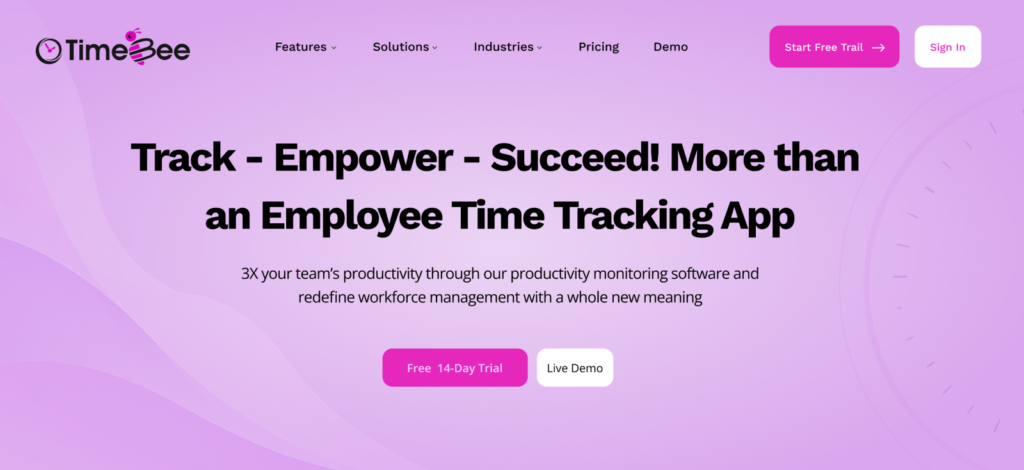
TimeBee’s payroll solutions for recruitment agencies are direct and do not complicate the process. Its payroll depends on recorded hours rather than fixed salaries. The payroll module takes employee rates and tracked time, then turns those records into salary calculations.
That approach also makes the system flexible. Agencies can configure it around the different types of employees they hire. Overall, TimeBee’s time-tracking and attendance data helped maintain accuracy across payroll calculations throughout our testing.
TimeBee Features
For staffing agencies, TimeBee offers the following payroll-focused features.
Automated Payroll Calculations From Tracked Hours
TimeBee lets administrators set hourly rates for individual users. It then uses tracked work hours to calculate salary amounts. Administrators can also change hourly rates or apply adjustments before exporting payroll.
This was one of the easiest TimeBee features to use and helped maintain payroll accuracy. We did not need a separate spreadsheet calculation between approved hours and the salary sheet.
Manual Time Requests & Approval
TimeBee lets employees submit manual time requests when hours are missed or recorded incorrectly. Managers can review these requests before the corrected time becomes part of the employee’s approved record.
tracked hours → correction request → manager approval → payroll calculation
This added an important control before payroll calculations. Instead of correcting salary data after payroll preparation, we could verify missing or incorrect hours first and keep the resulting pay calculation tied to an approved time record.
Billable vs Non-Billable Hours & Client Billing
TimeBee distinguishes client-related billing records and uses internal hourly rates for payroll calculations. Its billing tools also let agencies export tracked time and billing data for external processing.
For an RPO or outsourced recruitment agency, this connects two financial records that depend on the same source hours: what the worker earns and what the agency bills.
Project, Employee & Client Profit Tracking
TimeBee filters payroll information by user and date, while its broader project-costing tools connect hourly rates with project records.
We found this useful when examining labor costs at the client level. Even when comparing several client accounts within the same pay period, accumulated employee pay remained clear and easy to follow.
TimeBee Pricing
- Free trial: 14 days
- Paid plans: Custom pricing
TimeBee Compatibility & Integrations
TimeBee supports web and desktop workflows, with mobile access also available. Payroll records can be exported as CSV files, which gives agencies a practical handoff into a separate payroll or finance process.
TimeBee Pros
- Calculates employee pay automatically from approved tracked hours
- Handles overtime calculations without requiring separate manual spreadsheets
- Connects payroll costs directly with client-level financial records
- Exports payroll data through CSV for external processing
TimeBee Cons
- Public pricing is unavailable for paid subscription plans
- Does not replace a full-service payroll tax processor
- Complex pay structures may still require manual adjustments
TimeBee Verdict
TimeBee is our best choice for staffing agencies whose payroll starts with tracked hours. Its strongest value is the connection between employee pay and client cost, while its calculations and adjustments remained consistent throughout our testing.
It also worked well across both small and larger recruitment-agency setups. The payroll workflow required fewer steps, remained easy to understand, and gave us clear control over hourly rates, corrections, and final pay calculations.
Get TimeBee to Simplify Payroll Calculation From Tracked Hours
Learn More
2. Avionté — Best for Staffing-Specific Payroll & Billing
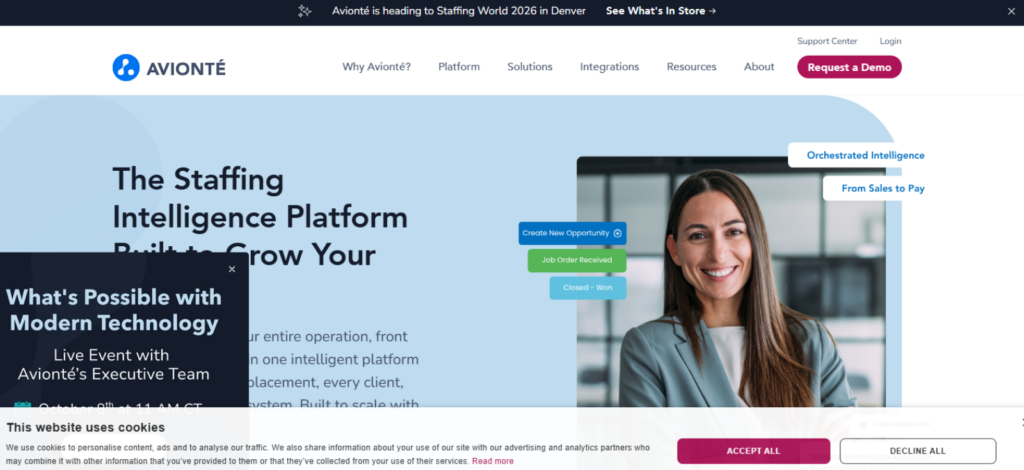
Avionté works well for agencies that directly employ and pay temporary or contract workers. Its back-office system connects payroll calculations and client billing within the same staffing workflow.
That structure fits staffing agencies with workers assigned to different clients or pay rates. Instead of treating payroll as a separate process, Avionté keeps the financial side connected with the placement record.
Avionté Features
As a staffing company payroll software, Avionté offers the following features.
Time Capture & Assignment Tracking
Avionté connects worked time with assignment data before processing payroll. This becomes important when temporary employees work under separate placements with different pay terms or billing requirements.
During our testing, this reduced the need to manually match payroll records with placement information.
Staffing Payroll Processing
Avionté’s back office handles payroll calculations built around contingent staffing. It supports variable rates and workers with multiple assignments.
This gives it considerably more payroll depth than tools that only turn timesheets into payment-ready data.
Client Billing & Pay-Bill Workflow
Avionté carries the same time data from payroll into client invoicing. Its pay-to-bill workflow covers time capture and payroll processing in one connected system.
For staffing agencies, this creates a direct connection between what a worker earns and what the client gets billed.
Avionté Pricing
- Free trial: Not available
- Paid plans: Custom quote
Avionté Compatibility & Integrations
Avionté BOLD Back Office supports integrations with front-office ATS platforms through API functionality. Avionté has also added third-party payroll-related integrations, including payroll tax preparation services from ADP.
Avionté Pros
- Connects staffing assignments directly with payroll and billing
- Handles complex temporary-worker pay structures in one system
- Supports high-volume payroll for established staffing operations
- Reduces duplicate data across front and back offices
Avionté Cons
- Public pricing remains unavailable for payroll deployments
- Implementation requires more configuration than lightweight payroll tools
- Broader functionality creates a steeper initial learning curve
Avionté Verdict
Avionté is a strong choice for staffing agencies that directly payroll temporary and contract workers. Its biggest advantage is connecting assignment data, payroll, and client billing within the same staffing workflow.
It performed particularly well for larger agencies with complex pay structures. However, the broader back-office system requires more setup and configuration, so smaller agencies with simpler payroll requirements could find it more complex than necessary.
3. Hubstaff — Best for Remote Recruitment & Contractor Teams
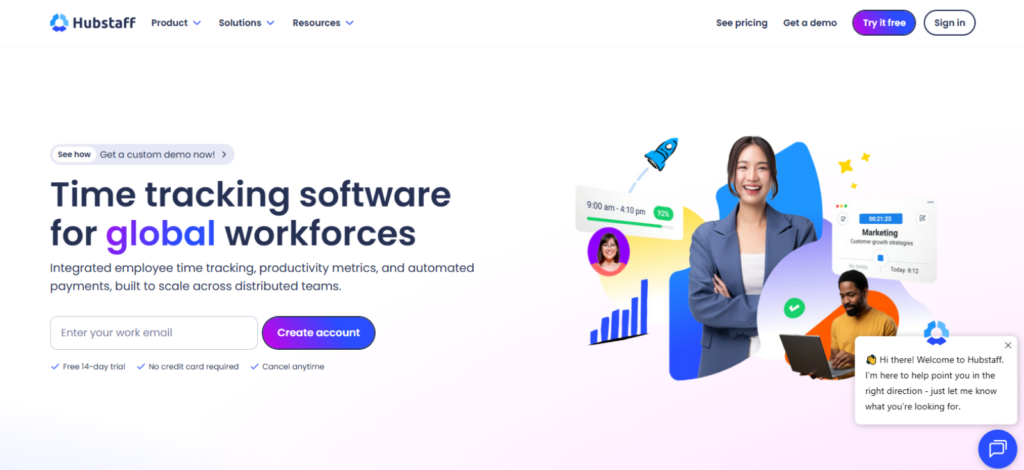
Hubstaff works most accurately for contractor payments. It converts tracked time into timesheets and connects those records with supported payment or payroll providers.
The payroll workflow is straightforward, but accuracy still depends on timesheet approval. For recruitment agencies with remote contractors, we would keep that approval step mandatory before payments are released.
Hubstaff Features
For contractor-heavy recruitment agencies, Hubstaff offers the following payroll-focused features.
Digital Timesheet Approvals
Hubstaff automatically converts tracked hours into timesheets and supports structured approval before payment. Once approved, those hours become the basis for payroll calculations.
This was useful because payroll administrators could verify hours before they became payable.
Custom Pay Rates & Automated Payments
Administrators can assign hourly or fixed pay rates to individual workers. Hubstaff then calculates payment amounts from approved time and supports additions and deductions.
Payments can then move through supported providers, eliminating the need for separate manual calculations.
Project Costs, Expenses & Client Invoicing
Hubstaff connects worker costs with projects and also supports billable rates and invoices.
For agencies that dedicate contractors to specific accounts, this makes it easier to compare labor cost with the amount billed to the client.
Hubstaff Pricing
- Free trial: 14 days
- Team plan: $10/user/month billed annually
- Team plan monthly: $12/user/month
Cheaper Starter and Grow plans exist, but the Team plan is the relevant option for automated payments and broader payroll functionality.
Hubstaff Compatibility & Integrations
Hubstaff supports desktop, web, and mobile workflows. Payroll and payment connections include Wise, PayPal, Payoneer, Deel, and Gusto.
Hubstaff Pros
- Converts approved timesheets directly into payroll calculations
- Supports hourly and fixed contractor payment structures
- Connects payroll records with several payment providers
- Keeps project costs linked with worker payments
Hubstaff Cons
- Automated payroll requires the higher Team subscription
- Per-user pricing increases quickly with contractor headcount
- Tax filing depends on an external payroll provider
Hubstaff Verdict
Hubstaff is a good staffing payroll software for agencies that pay remote contractors according to approved hours. Its timesheet approval process creates a useful checkpoint before worker hours move into payroll or payment systems.
The workflow remained easy to follow, although payroll accuracy depends heavily on correct time records. It fits distributed teams well, but growing agencies should also consider how quickly per-user pricing increases with contractor headcount.
4. Bullhorn One — Best for End-to-End Recruitment Pay & Bill
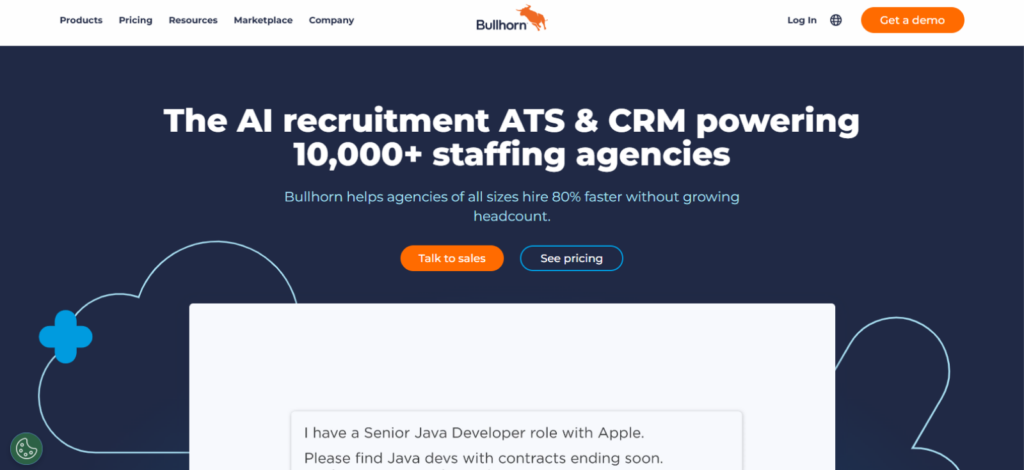
Bullhorn One should be considered when payroll needs to stay connected with the wider staffing workflow. It combines time interpretation and pay-and-bill automation inside its front-to-back staffing platform.
The system suits established staffing agencies better than companies looking for a simple payroll processor. Its strength comes from handling the steps between a placement and the final payroll record.
Bullhorn One Features
As a staffing agency payroll software, Bullhorn One offers the following payroll-focused features.
Time Capture, Approval & Interpretation
Bullhorn One includes timesheet management and time interpretation before records move into pay-and-bill processing.
For our testing, this provided a logical approval layer before payroll. That was most useful when workers submit time against different client assignments.
Staffing-Specific Payroll Automation
Bullhorn supports several complex payroll operations. It includes garnishment sequencing, paycheck reissues, automated payroll tax codes, contractor movement between EINs, and withholding setup across clients and placements.
Those options give finance teams more control than basic software.
Client Billing & Timesheet-Linked Invoicing
Bullhorn’s invoicing workflow connects approved staffing records with client billing. The system supports automated invoice creation and signed timesheet attachments.
This keeps client billing aligned with the same work records used upstream for payroll.
Bullhorn One Pricing
- Free trial: Not publicly listed
- Bullhorn One: Custom quote
Bullhorn One Compatibility & Integrations
Bullhorn One operates inside the broader Bullhorn staffing ecosystem. Agencies can also select external payroll and accounting services that fit their existing financial stack.
Bullhorn One Pros
- Connects recruitment records with payroll and billing
- Automates complex staffing-specific payroll administration tasks
- Links approved timesheets directly with client invoicing
- Supports external payroll and accounting service integrations
Bullhorn One Cons
- Bullhorn One pricing requires a custom quotation
- Implementation is heavier than standalone payroll software
- Broader staffing platform requires more initial configuration
Bullhorn One Verdict
Bullhorn One is best suited to established staffing agencies that want payroll connected with the complete recruitment and pay-and-bill process. Its ability to carry approved time into payroll and client invoicing gives finance teams strong operational control.
The platform handles complex staffing workflows well, but that depth comes with additional setup. Larger agencies will benefit most, while smaller firms that only need straightforward payroll will likely find the system unnecessarily extensive.
5. Gusto — Best Full-Service Payroll for Small Recruitment Agencies
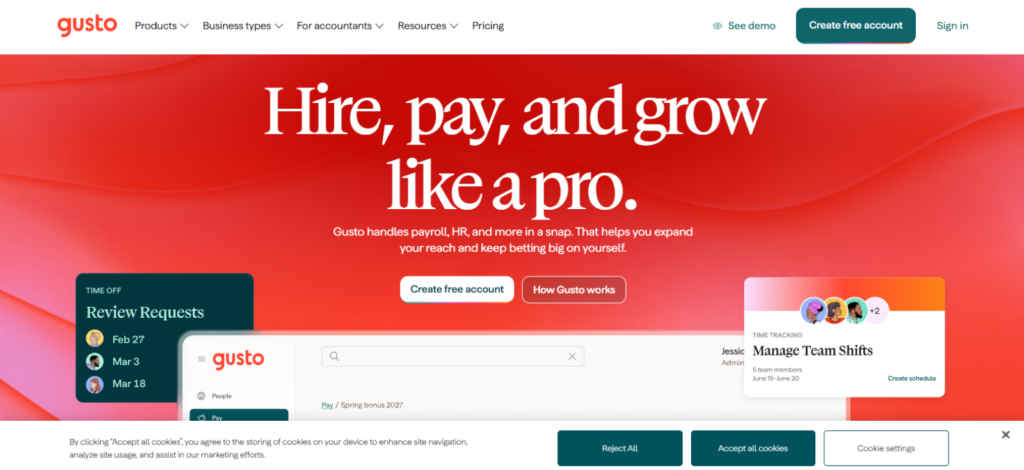
Gusto stood apart from most payroll software for recruitment agencies in our comparison because it actually processes payroll and handles payroll tax filings. Its Simple plan includes unlimited payroll runs and tax payments.
That makes it better suited to boutique recruitment agencies that mainly pay their own employees and contractors. The workflow is less specialized than Avionté or Bullhorn, but it requires fewer external payroll handoffs.
Gusto Features
Gusto offers the following payroll-focused features.
Automated Payroll, Taxes & Filings
Gusto calculates payroll and handles tax filing, be it federal, state, or local, all within supported payroll setups. Simple includes unlimited payroll runs and tax filings, while Plus adds multi-state payroll.
For routine internal payroll, this gave us a more complete workflow than platforms that stop at payroll preparation.
Time Tracking That Syncs With Payroll
Gusto Plus includes time tracking that feeds directly into payroll. Simple users can add Time & Attendance Plus for $6 per person per month after the trial.
This keeps approved hours inside the payroll environment instead of relying on spreadsheet imports.
Contractor Payments
Gusto supports domestic contractor payments and creates and files Form 1099s through its Contractor Only offering. It also supports payments to contractors in more than 120 countries.
That makes it useful for smaller agencies with a mixed internal workforce.
Gusto Pricing
- Simple: $49/month + $6/person
- Plus: $80/month + $12/person
- Premium: $180/month + $22/person
- Contractor Only: $35/month + $6/contractor before current promotions
Gusto Compatibility & Integrations
Gusto supports integrations with accounting and business systems. It also functions as a payroll destination for tools.
Gusto Pros
- Processes payroll and handles automatic tax filings
- Offers clear pricing across all core payroll plans
- Supports both employee and contractor payment workflows
- Time records sync directly into payroll processing
Gusto Cons
- Staffing-specific pay-and-bill features remain relatively limited
- Multi-state payroll requires the more expensive Plus plan
- Complex payroll corrections require careful administrator review
Gusto Verdict
Gusto is our strongest full-service staffing payroll software for small agencies. Payroll, tax filings, and contractor payments stay in one system, reducing the external handoffs required for routine payroll.
Its interface was straightforward during testing, and the pricing structure is easier to understand than most enterprise staffing platforms. The main limitation is scale: agencies with large temporary workforces or complex client-based pay structures will need more specialized staffing payroll functionality.
6. Time Doctor — Best for Remote Recruitment Team Payroll Tracking
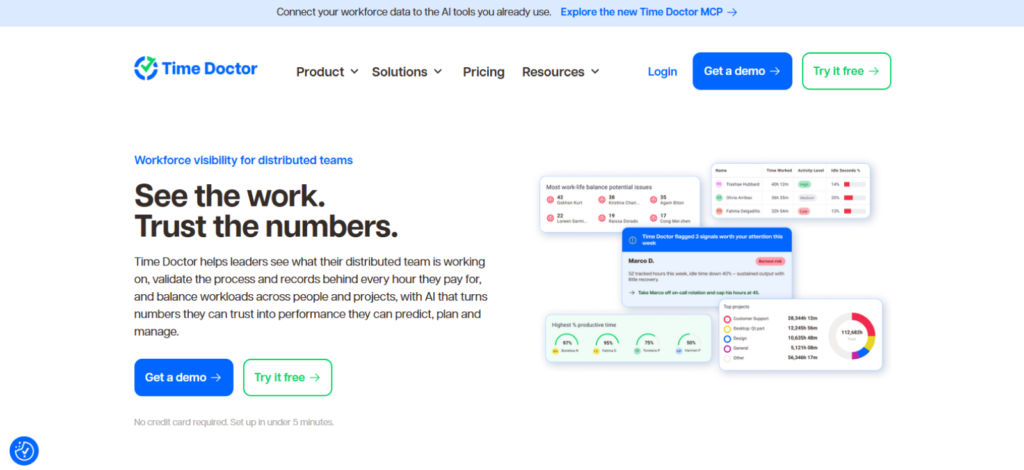
Time Doctor worked best in our testing as a payroll-preparation system for remote workers. Its payroll module uses tracked hours, individual pay rates, limits, and adjustments to calculate payment data before export or transfer to another provider.
The setup is flexible, but the final payroll or payment step often happens through another system.
Time Doctor Features
Time Doctor offers the following payroll-focused features.
Project, Client & Task Time Tracking
Time Doctor’s payroll records are built from tracked hours. The payroll report shows total hours, paid time, manual time, hourly rates, limits, adjustments, and total pay.
For a recruitment agency, this provides a clear record behind each time-based payroll calculation.
Automated Timesheets for Payroll
Time Doctor can send or export payroll information to services such as PayPal and Wise.
It also provides direct one-way timesheet synchronization with payroll systems including Rippling Payroll and Xero AU Payroll.
Pay Rates, Limits & Payroll Adjustments
Administrators can configure worker pay rates, hourly limits, and payroll adjustments such as bonuses or deductions. Time Doctor also remembers saved pay rates and payment methods for later payroll cycles.
This worked well in our recruitment-agency model where contractors followed separate hourly rates and payment arrangements.
Time Doctor Pricing
- Free trial: 14 days
- Standard: $11.67/user/month annually or $14 monthly
- Premium: $16.70/user/month annually or $20 monthly
Payroll is included in Standard and Premium, not Basic. A native payroll integration
Time Doctor Compatibility & Integrations
Standard includes more than 60 integrations. Payroll connections include Gusto, ADP, Deel, Wise, PayPal, Payoneer, Rippling Payroll, and Xero AU Payroll through different export or integration methods.
Time Doctor Pros
- Generates detailed payroll calculations from recorded work hours
- Supports individual rates, limits, and payroll adjustments
- Offers several payroll export and payment options
- Provides direct timesheet sync with selected processors
Time Doctor Cons
- Payroll functionality is unavailable on Basic plan
- Many payroll workflows still rely on exports
- Native payroll integrations add high monthly costs
Time Doctor Verdict
Time Doctor works well as recruitment payroll software for staffing agencies that calculate payroll from employee or contractor hours. Its individual pay rates, payroll adjustments, and export options provide enough flexibility for teams with different payment arrangements.
The payroll workflow remained manageable during testing, although several steps still rely on exports or external payroll systems. It fits remote and contractor-heavy agencies better than staffing firms that need integrated payroll tax processing or client billing.
7. Connecteam — Best for Hourly & Mobile Staffing Teams
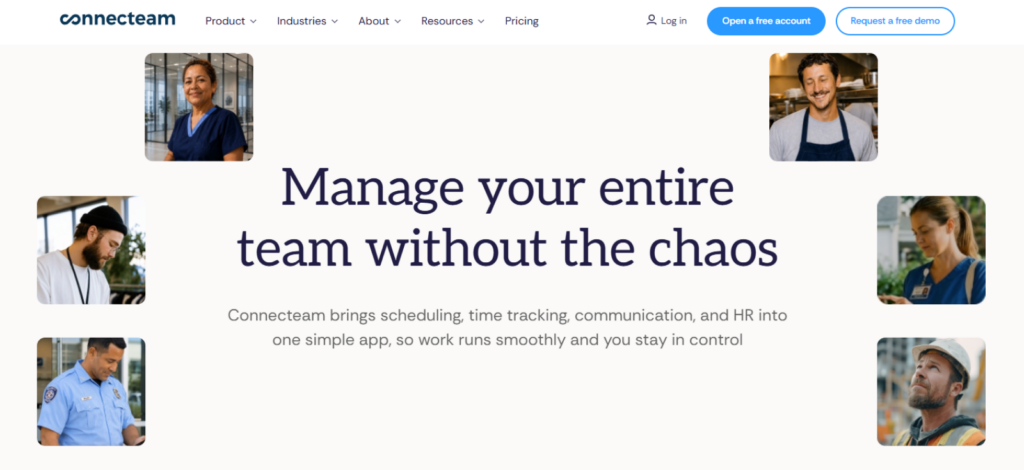
Connecteam works seamlessly when payroll depends on accurate hourly or assignment-based timesheets. It lets agencies configure worker rates and send approved time data to supported payroll processors.
Its strongest payroll value comes before the actual pay run. Connecteam organizes the hours and rates that a separate payroll system uses to calculate the final paycheck.
Connecteam Features
Connecteam offers the following payroll-focused features.
Mobile Time Clock & Job Tracking
Connecteam’s time clock records employee hours against jobs and assignments before those records become payroll-ready timesheets.
For staffing agencies, this separation is useful when employees work under different client jobs during the same payroll period.
Pay Rates, Overtime & Payroll Rules
Connecteam supports hourly, monthly, and yearly pay rates. Rates can also change according to the job or sub-job assigned to the worker.
The system supports overtime rules and separate payroll policies for different worker groups.
Payroll-Ready Timesheets & Integrations
Connecteam integrates with payroll systems. Its integrations can transfer hours, overtime classifications, and in some cases job-specific pay rates.
This was its strongest feature for staffing payroll because approved time moves downstream without manually rebuilding the payroll record.
Connecteam Pricing
- Free trial: 14 days
- Operations Basic: $29/month annually for the first 30 users
- Operations Advanced: $49/month annually for the first 30 users
- Operations Expert: $99/month annually for the first 30 users
The pricing model is attractive for agencies with up to 30 workers because the base cost is not calculated per employee within that initial group.
Connecteam Compatibility & Integrations
Connecteam supports several direct payroll integrations. Its ADP Workforce Now integration, for example, can export actual rates by shift and preserve separate lines when one employee works at multiple rates.
Connecteam Pros
- Supports different pay rates across worker assignments
- Calculates overtime before timesheets reach payroll systems
- Integrates directly with several major payroll processors
- Pricing covers thirty users before additional charges
Connecteam Cons
- Does not process full-service payroll tax filings
- Final payments require a separate payroll processor
- Payroll mapping requires careful integration configuration initially
Connecteam Verdict
Connecteam is a strong option for staffing agencies with hourly or assignment-based workers. Its job-specific rates, overtime rules, and payroll-ready timesheets make it easier to prepare accurate payroll records before sending them to a payroll processor.
The platform also scales well for teams with many hourly workers because its pricing covers the first 30 users under one base plan. Its main limitation is that the final payroll and tax-processing stage still depends on an external payroll system.
Final Verdict
Payroll software is especially important for recruitment agencies because multiple workers and payment schedules make payroll harder to manage manually. The solutions above all offer value and can automate different parts of that process, from payroll calculations and timesheets to tax filing and pay-and-bill workflows.
However, the best payroll software for staffing companies depends on your agency’s size and budget. Choosing software without checking these requirements can increase the cost of your agency without improving payroll operations. Where possible, prioritize a platform that solves multiple payroll-related problems within one workflow and reduces the need for additional systems.
FAQs
How long does recruitment payroll software implementation take for a staffing agency?
Payroll software implementation has no fixed timeline because setup depends on workforce size, integrations, pay rules, historical data, and testing requirements. Recruitment agencies should plan the rollout around configuration, data migration, parallel payroll testing, user access, and final reconciliation. A phased implementation reduces the risk of errors reaching a live pay cycle.
How should staffing agencies migrate payroll data from an old system?
Staffing agencies should migrate payroll data in controlled stages. Start by cleaning employee, contractor, tax, rate, and historical payroll records, then map fields between the old and new systems.
Run validation checks and at least one parallel payroll cycle before switching. Keep the original records accessible until retention obligations and audit requirements are satisfied.
What payroll records should recruitment agencies retain for audits?
Recruitment agencies should retain payroll records that support wages, hours, pay periods, deductions, tax deposits, employee details, and filed returns.
In the U.S., the Department of Labor requires core payroll records for at least three years, while the IRS requires employment tax records for at least four years. Other jurisdictions set different retention periods.
How should recruitment agencies protect sensitive payroll and employee data?
Recruitment agencies should treat payroll information as sensitive financial and personal data. Limit access by role, enable multi-factor authentication, remove permissions when staff leave, keep software patched, and maintain tested backups.
Access rights should also be reviewed regularly. These controls reduce unnecessary exposure of bank details, tax information, pay records, and employee identifiers.
How should staffing agencies manage payroll across multiple jurisdictions?
Staffing agencies operating across jurisdictions should configure payroll around where workers perform services, their employment status, applicable tax rules, and local filing obligations.
Do not assume one payroll setup applies everywhere. Use jurisdiction-specific payroll support or qualified tax advisers, validate worker classification, and document which entity is responsible for withholding, reporting, and payment in each location.
TimeBee: Choose the Best Staffing Payroll Software
Discover More


Jacob Tyler
Member since July 2, 2026
Jacob Tyler
Member since July 2, 2026
Jacob Tyler is a B2B technology journalist specializing in workplace software, employee monitoring platforms, productivity technology, HR systems, data privacy, and the changing role of technology in modern organizations.
He holds an MSc in Information Systems from the University of Manchester. His professional qualifications include the CompTIA Data+ certification.
With more than 10 years of experience covering B2B software and digital transformation, Jacob focuses on translating complex product capabilities into clear guidance for business readers.
His work examines how software functions in practice, which operational problems it is designed to address, what data it collects, and what organizations should consider before implementation.
Through his writing, Jacob helps HR leaders, operations teams, founders, managers, and IT decision-makers understand workplace technology and make informed purchasing decisions.