

8 Toggl Track Alternatives: The Best Replacements Based on Our Testing
By Jacob Tyler
August 19, 2026 16 min readToggl Track is a popular time-tracking tool for freelancers and teams that need a simple timer, project-based timesheets, billable hours, and reports.
However, Toggl can become limiting when you need automatically captured activity converted into timesheets, invoices generated from approved hours, screenshots or app-usage records for remote oversight, GPS-based clock-ins for field teams, or reports that show project costs, revenue, and profit in one place.
To find the strongest replacements, we tested 8 alternatives to Toggl Track across setup, tracking, automation, reporting, mobile use, integrations, and billing workflows. Each tool performed better than Toggl in at least one area, although no single option was best for every business.
In this guide, we explain where each alternative stood out, where it fell short, and which type of team it is most suitable for.
The Best Toggl Track Competitors at a Glance
- Toggl Track is a multi-platform time-tracking app built around manual timers, project records, billable rates, reports, and private automatic activity capture, but it still relies on users reviewing and categorizing much of their recorded work.
- TimeBee combines time tracking with attendance, website and application activity, screenshots, project costing, payroll calculations, and profitability reporting.
- Clockify provides broad time, attendance, approval, invoicing, scheduling, and reporting capabilities at an accessible price.
- Timely records desktop applications, websites, files, and calendar activity to help users reconstruct their workday.
- Harvest connects project time, expenses, approvals, invoices, and online payments in one client-billing workflow.
- Everhour places timers inside supported project-management platforms to reduce context switching, but users generally need to create the relevant client, project, and task before they can start tracking.
- Hubstaff adds screenshots, activity rates, app and website records, GPS, and geofencing to conventional time tracking.
- TimeCamp offers timers, automatic activity capture, project categorization, invoicing, reports, and integrations at a comparatively low entry price.
- My Hours combines project budgets, labor costs, billable rates, approvals, invoices, and profitability reporting.
Why Consider Alternatives to Toggl Track?
Toggl Track remains a practical option for straightforward project-based time tracking. However, its workflow becomes less suitable when you need time records to support billing, workforce oversight, field operations, or detailed financial analysis without relying on additional systems. Other factors that can make you look in other directions are:
Pricing Can Increase Quickly
Toggl’s more advanced reporting, approval, profitability, and project-management capabilities sit behind paid plans. As your team grows, per-user pricing can make the platform expensive, particularly when you only need one specialist function, such as automatic tracking, invoicing, or attendance management.
Accurate Records Still Depend on Users
Toggl provides reminders, idle detection, calendar connections, and automatic desktop activity capture. However, users must still start or review entries, choose the correct project, and correct forgotten timers. This creates additional work when employees regularly switch tasks or reconstruct their timesheets later.
Invoicing and Payroll Require Additional Steps
Toggl can calculate billable amounts, labor costs, and project profitability, but it is not a complete accounting or payroll platform. You may still need to export records, verify approved hours, prepare invoices elsewhere, and transfer payroll data into another system.
Employee Oversight Is Limited
The software is designed primarily to record time rather than provide detailed employee monitoring. It does not emphasize manager-facing screenshots, activity percentages, application histories, or location-based attendance. Businesses requiring this information may need a workforce-management platform with stronger monitoring and privacy controls.
Reports May Not Match Complex Workflows
Toggl’s standard reports cover time, projects, clients, billable hours, and team workloads. However, organizations may need more specific views, such as attendance exceptions, website classifications, invoice status, project costs, payroll calculations, or employee activity patterns.
Field Teams May Need More Mobile Controls
Toggl supports mobile and offline time entry, but it is not primarily designed for location-managed workforces. Field-service businesses may need GPS-confirmed clock-ins, geofencing, shared kiosks, attendance alerts, or stronger mobile administration to verify where and when shifts begin.
How We Tested the Toggl Alternatives
We tested Toggl Track and its eight alternatives over 1 month. Our review team included a B2B software reviewer, an HR technology analyst, and an operations manager. Each reviewer used the platforms from an employee, manager, or administrator perspective.
We tested the paid plans that included the feature being assessed. Our test environment included a Windows laptop, a MacBook Air running macOS, an Android phone, and an iPhone. We also used Chrome and Firefox to evaluate browser-based tracking and extensions.
Time-Tracking Reliability and Accuracy — 25%
We ran 30 timed sessions per platform and compared the recorded duration with an independent stopwatch and noted missing time, duplicate entries, synchronization delays, and incorrect project assignments.
User Experience and Adoption — 20%
During the review, we also measured how long it took to create a workspace, invite users, configure a project, and record the first entry. We also counted the steps required to start a timer, switch projects, correct an entry, and submit a timesheet.
Reporting, Billing, and Profitability — 25%
We generated employee, project, client, billable-time, and profitability reports. Where invoicing was available, we measured the number of steps and time required to turn approved hours into a client-ready invoice.
Automation and Workflow Efficiency — 20%
To test automation, we deliberately completed 20 work sessions without starting a manual timer. We then checked whether the platform captured the activity, reconstructed the duration, suggested the correct project, or required the session to be entered from memory.
We also tested reminders, idle detection, automatic stopping, activity categorization, scheduled reports, and approval rules.
Administration, Privacy, and Workforce Controls — 10%
We created administrator, manager, and employee accounts to test role permissions and data visibility. Where available, we also evaluated timesheet approvals, audit logs, attendance, screenshots, application records, activity levels, GPS, and location controls.
A Quick Look at Our Toggl Competitors Test Results
| Tool | Rating | Pricing | Main Strength | Better Than Toggl At | Main Limitation |
| TimeBee | 9.0/10 | 14-day trial; custom pricing | Workforce and project visibility | Combining tracked time with attendance, activity, project costs, payroll calculations, and profitability insights | More monitoring and configuration than simple teams may need |
| Clockify | 8.7/10 | Starting from $3.99 per user/month (billed annually) | Broad functionality at a low cost | Providing time tracking, attendance, approvals, invoicing, and administration at a lower entry price | Most advanced features are restricted to paid plans |
| Timely | 8.4/10 | Starting from $9 per user/month (billed annually) | Automatic desktop activity capture | Reconstructing unlogged work from applications, websites, files, and calendar activity | AI-generated entries still require regular review and correction |
| Harvest | 8.2/10 | Starting from $9 per user/month (billed annually) | Client billing | Converting approved project hours and expenses into invoices | Reporting and administrative controls are limited for complex organizations |
| Everhour | 8.0/10 | Starting from $8.50 per use/month (billed annually) | Embedded project-management tracking | Recording time directly inside supported task-management platforms | Paid plans have a five-seat minimum, and integrations can be inconsistent |
| Hubstaff | 7.7/10 | Starting from $4.99/seat/month | Remote and field workforce oversight | Screenshots, activity records, GPS tracking, geofencing, and attendance monitoring | Monitoring creates privacy concerns, while inactive or administrative users may still affect billing |
| TimeCamp | 7.5/10 | Starting from $2.49 per user/month (billed annually) | Affordable automatic tracking | Reducing manual entry through background activity capture and project rules | Synchronization, editing, and cross-platform consistency require verification |
| My Hours | 7.2/10 | Starting from $4 per user/month (billed annually) | Project financial management | Connecting tracked hours with budgets, labor costs, billable rates, and profitability | Limited offline tracking, native integrations, and complex allocation controls |
The Best Alternatives to Toggl Track: Detailed Test Results
In our in-depth reviews of the best Toggl Track competitors, the following came through.
1. TimeBee — Best Overall Toggl Track Alternative
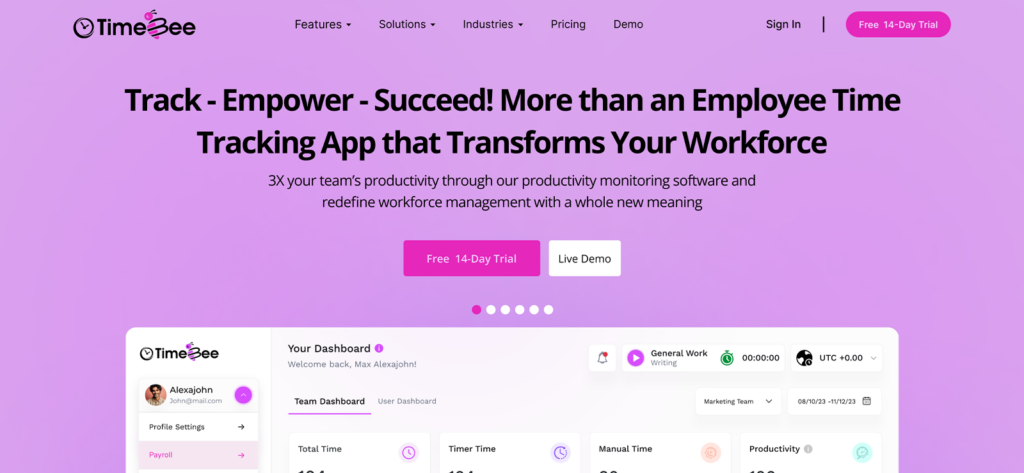
Setting up five users, two teams, three projects, hourly rates, permissions, and attendance rules took us around 45 minutes. This was longer than Toggl because TimeBee connects recorded hours with attendance, activity records, project costs, approvals, payroll calculations, and profitability reports.
Synchronization was one of TimeBee’s stronger areas. In 20 checks across Windows, macOS, web, and mobile, 19 entries appeared on the dashboard within 15 seconds. One mobile entry took 42 seconds because of a delayed connection but synchronized without manual intervention.
TimeBee displayed the configured warning in all 10 idle tests. Eight unattended timers stopped automatically after the warning period, while two continued because we resumed activity before the countdown ended.
TimeBee also completed all 10 offline tests. Eight entries appeared within one minute of reconnection, one took 76 seconds, and one required us to reopen the desktop application. The recorded durations remained correct in all 10 cases.
For activity evidence, TimeBee captured 29 of 30 scheduled screenshots. Its weekly timesheet also separated timer and manual time, while the project-cost and profitability reports matched our test calculations in all three report runs. Moreover, manual entries and CSV imports could be validated before approval, which helped prevent overlapping or incomplete records from affecting totals.
TimeBee Compatibility
TimeBee is compatible with Windows, macOS, Linux, Android, iOS, and web browsers. It also supports kiosks for field workers.
TimeBee Pricing
- Free trial: 14 days
- Paid plans: Custom pricing
TimeBee Pros and Cons
| Pros | Cons |
| Connects tracked time with attendance, activity, payroll calculations, project costing, and profitability | Initial workspace configuration takes longer than with a basic time tracker |
| Supports live, manual, imported, and offline time records | Public pricing is unavailable |
| Provides organization-, team-, and user-level controls | |
| Validates manual entries and CSV imports before approval |
How TimeBee Outperformed Toggl
TimeBee produced a more connected post-tracking workflow. Once an entry was recorded, the same data appeared in attendance, activity, project-cost, payroll, and profitability views without requiring us to reconstruct those reports manually. Toggl remained easier for simple timer use, but TimeBee offered separate calculations when workforce and financial context were needed.
When Toggl Isn’t Enough, TimeBee Delivers
See All Features
2. Clockify — Best Free Toggl Track Alternative
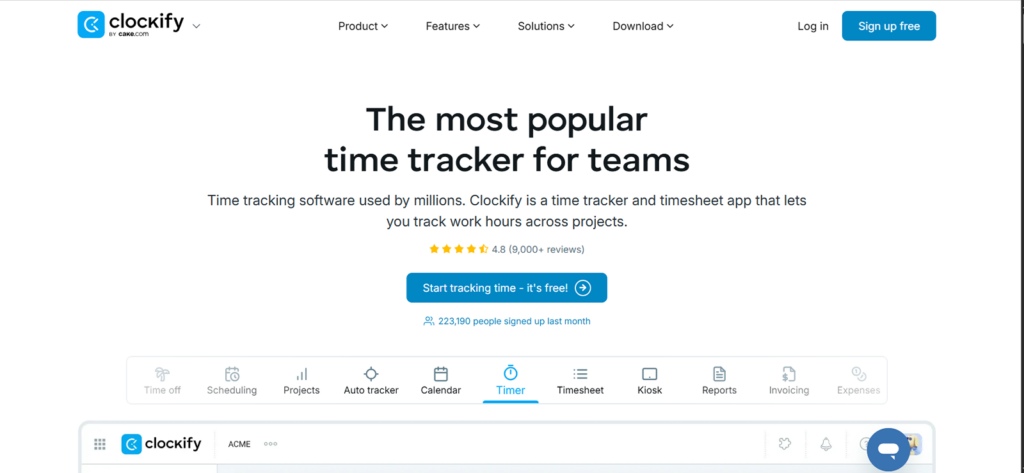
When Toggl competitors come to discuss, Clockify cannot be left behind. It took 24 minutes to configure the tool with the same dataset. Its interface included more administrative options than Toggl, but the basic timer and project setup remained straightforward.
All 20 timer sessions were preserved. In our synchronization tests, 18 entries appeared across web and desktop within 15 seconds. The remaining two took 31 and 44 seconds, respectively, but neither required manual recreation.
Clockify also completed 10 offline tests. Nine sessions synchronized within one minute of reconnecting, while one appeared after we reopened the desktop application. During 10 correction tests, 7 project, duration, and description changes saved immediately. The remaining 3 required a page refresh before the updated total appeared.
Report performance was generally reliable. Three standard reports loaded in an average of 11 seconds, and the exported totals matched our control spreadsheet. However, the Free plan restricted several workflows we tested, including approval, invoicing, time off, and more advanced administration.
Clockify Compatibility
Clockify works on web browsers, Windows, macOS, Linux, Android, and iOS.
Clockify Pricing
- Free: Up to five users
- Basic: $3.99 per user/month annually
- Standard: $5.49 per user/month annually
- Pro: $7.99 per user/month annually
- Enterprise: $11.99 per user/month annually
Clockify Pros and Cons
| Pros | Cons |
| Offers a broad range of functions | Many advanced capabilities are restricted to paid plans |
| Provides accessible pricing for small and midsize teams | The large number of settings can make administration feel complex |
| Includes strong reporting, export, API, and integration options | It may feel unnecessarily feature-heavy for simple manual tracking |
How Clockify Outperformed Toggl
Clockify offered more functionality at the lower end of its pricing structure. In comparison, Toggl provided a cleaner manual-tracking experience, but Clockify delivered greater entry-level administrative breadth.
3. Timely — Best for Automatic Time Tracking
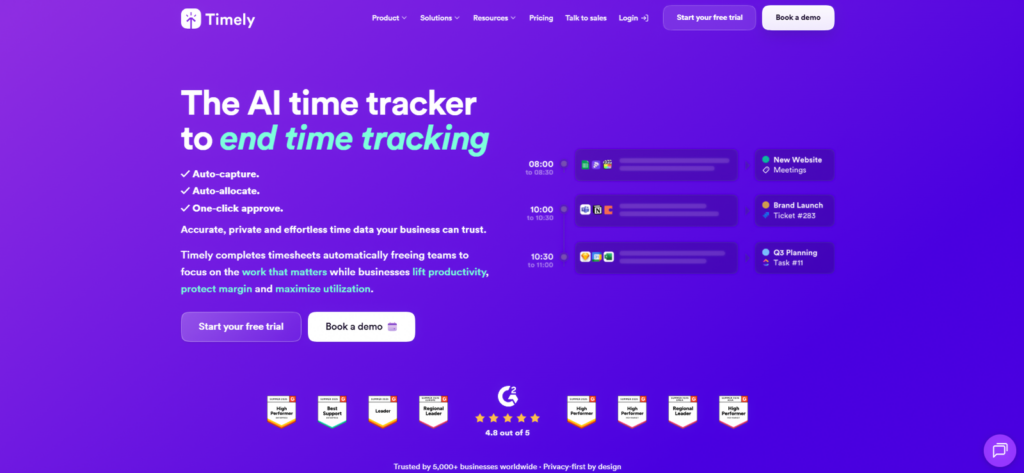
Timely took 38 minutes for the complete configuration. Most of that time was spent establishing a project structure the automatic suggestions could use.
We then completed 20 desktop work sessions without starting a timer. Timely captured 18 of the 20 sessions in its activity timeline. One short browser session and one five-minute document-editing task did not appear.
Of the 18 captured sessions, 15 were assigned to the expected project, while three needed manual reclassification. Suggested durations were within two minutes of our control stopwatch in 14 cases. Four sessions were shortened, merged, or divided in ways that required correction.
Timely performed best with work tied to identifiable applications, files, and calendar events. It performed less consistently when we switched rapidly among clients inside the same browser or communication application.
Timely Compatibility
Timely works on web browsers, Windows, macOS, Android, and iOS. Automatic Memory capture is primarily desktop-based, while mobile functions as a companion interface.
Timely Pricing
- Free trial: 14 days
- Starter: $9 per user/month (billed annually)
- Premium: $16 per user/month (billed annually)
- Unlimited: $22 per user/month (billed annually)
- Enterprise: Custom Pricing
Timely Pros and Cons
| Pros | Cons |
| Reconstructs desktop work from applications, websites, files, and calendar activity | Automatic records and AI suggestions still require regular verification |
| Keeps captured activity private until the user converts it into tracked time | Automatic capture is mainly limited to desktop work |
| Helps recover billable work that would otherwise be forgotten | Communication-heavy and rapid task-switching work can be misclassified |
| Mobile and offline functionality are less complete |
How Timely Outperformed Toggl
Timely was stronger for retrospective reconstruction, while Toggl’s workflow still required us to review and convert available activity into formal records.
4. Harvest — Best for Agencies and Client Billing
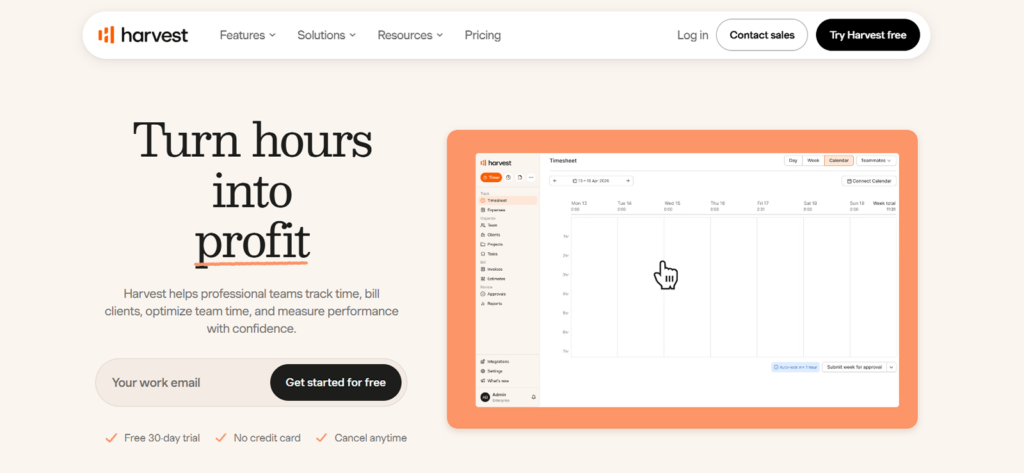
Harvest took 29 minutes to set up with five users, three clients, three projects, different billing rates, expenses, budgets, and approval permissions.
Across 20 timer sessions, 19 matched our control duration within one minute. One timer continued for 14 minutes after the reviewer finished working because no stop action was taken. Harvest did not automatically determine that the session had ended, so we corrected it manually.
All 20 entries appeared in the web workspace, with 18 synchronizing within 15 seconds and two taking between 30 and 45 seconds. We also submitted and approved two weekly timesheets containing 40 entries. Invoice preparation introduced no discrepancies in the approved time or totals.
Client billing was Harvest’s strongest result. We converted 20 approved billable entries and five expenses into an invoice in 2 minutes and 41 seconds. The invoice total matched our control calculation, and duplicating it for a recurring client didn’t take long as well.
Harvest Compatibility
It works across web browsers, Windows, macOS, Android, iOS, browser extensions, accounting platforms, payment processors, and supported project-management systems.
Harvest Pricing
- Free: One user and two projects
- Teams: From $9 per user/month annually
- Enterprise: From $14 per user/month annually
- Enterprise Plus: Custom Pricing
Harvest Pros and Cons
| Pros | Cons |
| Connects project time, expenses, approvals, invoices, and payments | Advanced reporting often requires spreadsheet work |
| Supports recurring invoices and different rates by person or project | Permission and audit controls are limited for complex organizations |
| Provides a straightforward workflow for agencies and client-service teams | Timer accuracy still depends heavily on user habits |
| Includes an open API for custom connections | Fixed-fee, multi-currency, and complex accounting workflows are underdeveloped |
How Harvest Outperformed Toggl
Harvest shortened the path from recorded work to a client-ready invoice. While Toggl supported billable values and invoice preparation, Harvest required fewer external steps for agencies that bill clients directly from tracked hours.
Go Beyond the Timer with TimeBee
Learn More
5. Everhour — Best for Project-Management Integrations
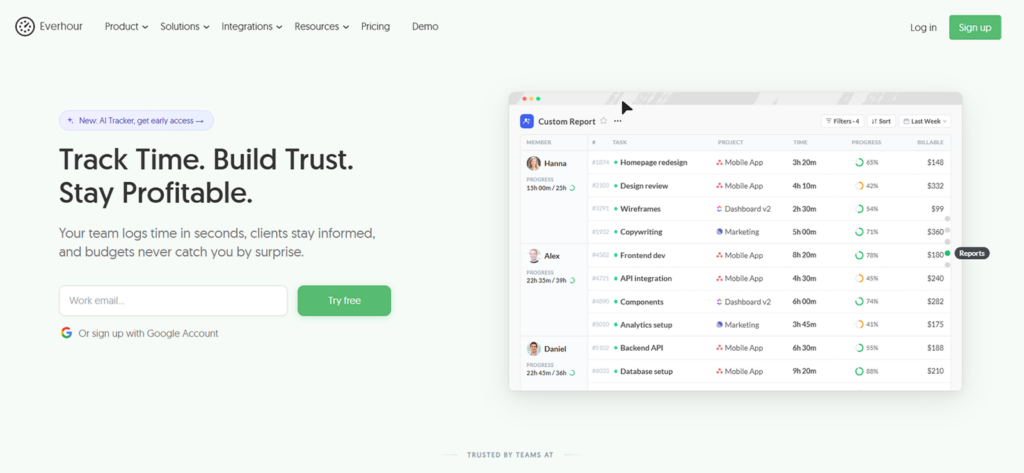
Everhour required 35 minutes to configure because we connected the account to our project-management test workspace before tracking time. We imported three projects and 12 tasks, then assigned five users and their rates.
Of the 12 imported tasks, 10 appeared within five minutes. The remaining two took 18 and 27 minutes. Once synchronization was complete, 19 of our 20 integrated timer sessions were assigned to the correct project and task. One entry was attached to the previous task and needed manual reassignment.
Everhour reduced context switching. Starting, stopping, and reviewing time from within the connected project platform required an average of three interactions, compared with five when we opened Toggl separately and selected the relevant project.
However, its structured workflow created friction for unexpected work. In all 10 unplanned-task tests, we had to create or select an existing client, project, and task before starting the timer. The average delay was 51 seconds.
Everhour Compatibility
The software works through browser extensions, a desktop app, iOS, and Android apps.
Everhour Pricing
- Free: Basic tracking for up to five users
- Team: $8.50 per use/month (billed annually)
- Custom pricing available.
Everhour Pros and Cons
| Pros | Cons |
| Supports project budgets, billable rates, invoices, and team timesheets | Clients, projects, and tasks generally need to exist before tracking begins |
| Reduces context switching for teams already working in connected tools | Offline and mobile-first workflows are limited |
| Provides configurable reports and hourly financial controls | Fixed-fee profitability and expense management require external tools |
How Everhour Outperformed Toggl
Everhour brought time tracking directly into the task-management workflow. Our reviewers needed fewer interactions to start and categorize time because the project and task context was already available. Overall, it performed better than Toggl when work was already organized inside a supported platform.
6. Hubstaff — Best for Employee Monitoring and Field Teams
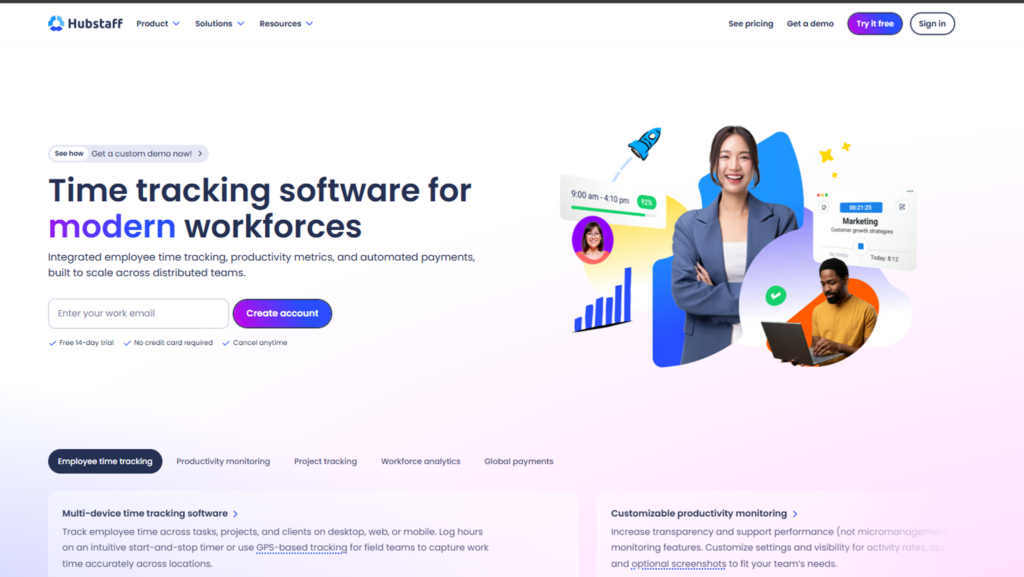
Hubstaff took 41 minutes to configure with five users, three projects, permissions, screenshots, activity thresholds, schedules, and mobile location controls.
In 20 timer tests, 18 entries appeared in the web dashboard within 20 seconds. Two mobile entries required a refresh but were preserved. The recorded durations matched our control stopwatch in 19 cases; one mobile session differed by two minutes after a delayed stop command.
Hubstaff captured 28 of 30 scheduled screenshots. Two were absent from the expected interval, although time and activity data remained available. We also completed 10 low-input work tests involving reading, planning, calls, and document review. Four received activity scores below 20%, despite the assigned work being completed.
Its field controls were useful but not faultless. In 10 geofence tests, eight clock-ins triggered at the expected location. One appeared after a 93-second delay, while another had to be entered manually after the mobile application failed to update its position.
Hubstaff Compatibility
Hubstaff can be used via Windows, macOS, Linux, Android, iOS, and web browsers.
Hubstaff Pricing
- Free Trial: 14 days.
- Starter: $4.99/seat/month
- Grow: $7.50/seat/month
- Team: $10/seat/month
- Enterprise: $25/seat/month
Hubstaff Pros and Cons
| Pros | Cons |
| Combines time tracking with screenshots, activity records, GPS, and geofencing | Monitoring can create privacy, trust, and employee-relations concerns |
| Supports remote, hybrid, and field-based workforce oversight | Keyboard and mouse activity do not reliably measure productivity |
| Includes scheduling, attendance, payroll connections, and project reporting | Seat billing and add-ons can increase the total cost |
How Hubstaff Outperformed Toggl
Hubstaff provided more evidence around when, where, and how a device was used. Toggl recorded project time effectively but did not provide the same combination of screenshots, activity percentages, app records, GPS, and geofencing. Hubstaff was therefore better suited to monitoring remote or field operations.
7. TimeCamp — Best Budget-Friendly Automation Alternative
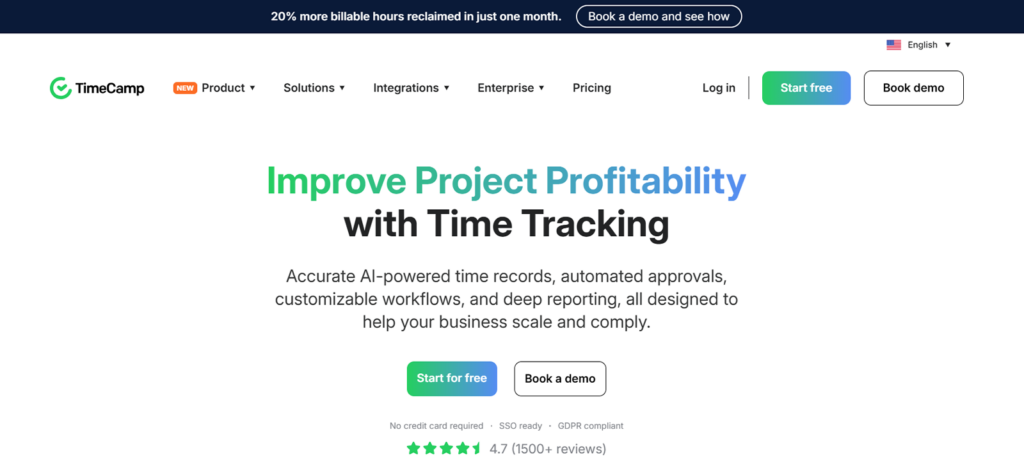
TimeCamp took 32 minutes to configure. Across 20 automatic-capture tests, 17 activities were assigned to the expected project. Three required manual reclassification because the keyword or application rule was too broad.
TimeCamp also excluded suspended-computer periods in all five tests, preventing inactive machine time from being added to the session.
However, the cross-device performance was less consistent. In 20 synchronization checks, 15 entries appeared within 15 seconds, three took between 30 and 60 seconds, and two appeared only after we refreshed the browser.
Manual editing produced mixed results. Of 10 correction tests, seven changes saved immediately. The other three involved a delayed duration calculation and errors when moving time to another project.
The browser application provided the most dependable administrative experience. All three reports eventually produced the expected totals, although one needed to be generated twice.
TimeCamp Compatibility
It works via a desktop application for Windows, macOS, and Linux. Moreover, it also supports Android and iOS. You can also use its browser extensions.
TimeCamp Pricing
- Free: Unlimited users and projects (limited features)
- Starter: $2.49 per user/month (billed annually)
- Premium: $3.99 per user/month (billed annually)
- Ultimate: $4.99 per user/month (billed annually)
- Enterprise: Custom pricing
TimeCamp Pros and Cons
| Pros | Cons |
| Offers automatic, manual, timer-based, and keyword-driven time tracking | Manual editing can behave unpredictably |
| Provides detailed activity history, reports, and exports | Cross-device synchronization can be inconsistent |
| Free plan allows unlimited users | Report filtering, sorting, and grouping can feel restrictive |
How TimeCamp Outperformed Toggl
TimeCamp combined a lower entry price with automatic rules. Its free-plan capacity was also more generous for a growing test team. Toggl remained clearer during manual entry, but if you are looking for apps like Toggl Track, TimeCamp delivers even better due to the reduced amount of work that had to be reconstructed from memory.
8. My Hours — Best for Invoicing and Project Profitability
My Hours took us a total of 27 minutes to configure. Of our 20 timer sessions, 19 saved with the expected project and duration. One mobile entry did not appear immediately but became visible after a refresh. In 20 synchronization checks, 16 entries appeared within 20 seconds, three took between 30 and 60 seconds, and one required a refresh.
My Hours performed well when each time record belonged to one project and task. However, all 10 split-allocation tests required separate entries because a single work session could not be divided among several clients by percentage. This added an average of 1 minute and 18 seconds per correction.
Its financial reports matched our control calculations for labor cost, billable value, and remaining project budget across all three test projects. Creating an invoice from 20 billable entries took 3 minutes and 12 seconds, although we had to filter and select the relevant items manually.
My Hours Compatibility
My Hours works well on web browsers via an extension and on desktop due to its Windows and macOS compatibility, as well as Android and iOS.
My Hours Pricing
- Free: Up to five users
- Basic: $4 per user/month (When billed annually)
- Pro: $8 per user/month (When billed annually)
- Custom pricing available as well.
My Hours Pros and Cons
| Pros | Cons |
| Connects tracked hours with project budgets, labor costs, rates, and profitability | Split allocations and complex billing structures require manual work |
| Supports timers, weekly timesheets, approvals, invoices, and reports | Offline tracking is limited |
| Works well for straightforward client and project structures | Mobile entries may require a refresh, and report filters can reset unexpectedly. |
How My Hours Outperformed Toggl
My Hours made project cost, billable value, budget use, and expected profit easier to review together. In comparison to Toggl, it offered financial reports that matched our control calculations without additional spreadsheet formulas.
Final Verdict
When it comes to alternatives to Toggl Track, there is no single Toggl Track alternative that will suit every team. The right choice depends on the limitation you are trying to solve and how closely time records need to connect with the rest of your operations.
For organizations that need time tracking linked with attendance, workforce activity, project costs, payroll calculations, and profitability, TimeBee provides the most complete overall workflow. Clockify is the stronger choice when affordability and broad functionality matter more than specialized depth, while Timely is better suited to professionals who regularly forget to start timers and need automatic desktop activity capture.
Harvest makes more sense for agencies that want approved hours and expenses to move directly into invoices. Everhour is better for teams that prefer to track time inside their existing project-management platform, whereas Hubstaff is designed for businesses that genuinely require screenshots, activity records, GPS, or geofencing.
TimeCamp offers a more affordable route to automatic tracking, while My Hours is particularly useful for small service teams focused on project budgets, labor costs, and margins.
The final decision should therefore begin with the workflow Toggl does not complete for your team, rather than with the product that has the longest feature list.
FAQs
What are the best alternatives to Toggl Track for freelancers?
The best ones include Harvest, My Hours, and TimeCamp. Harvest is strongest for turning billable hours and expenses into invoices, My Hours is useful for tracking project costs and profitability, and TimeCamp suits freelancers who want automatic activity capture at a lower price.
Which Toggl Track alternatives are best for automatic time tracking?
TimeBee, Timely, and TimeCamp are the strongest options for automatic time tracking. TimeBee and Timely record activity from desktop apps, websites, files, and calendar events, while TimeCamp uses application activity, keywords, and rules to assign time to projects. Both still require users to review suggested entries before using them for billing or payroll.
Which Toggl alternatives are best for invoicing?
Harvest is the strongest Toggl alternative for invoicing because it connects approved time, expenses, client rates, invoices, and payments in one workflow. TimeBee is better suited to businesses that need invoicing alongside attendance, payroll calculations, project costs, and profitability reporting, while My Hours is a practical option for small service teams managing simpler project budgets and client billing.
Can Toggl data be transferred to another time tracker?
Yes. Toggl allows users to export time entries, projects, clients, users, tags, and other workspace data through CSV files and its API. Whether everything transfers cleanly depends on the destination platform, as some tools may not preserve tags, billable rates, project hierarchies, or historical edits during import.
How difficult is it to switch from Toggl?
If you want to switch to apps like Toggl Track, the process is generally straightforward for small workspaces with simple projects and limited historical data. Larger teams may need to clean CSV files, recreate user roles, reconnect integrations, verify billing rates, and compare imported totals against Toggl reports before using the new platform as the system of record.
TimeBee: Turn Every Tracked Hour Into Business Insight
Try TimeBee

Jacob Tyler
Member since July 2, 2026
Jacob Tyler
Member since July 2, 2026
Jacob Tyler is a B2B technology journalist specializing in workplace software, employee monitoring platforms, productivity technology, HR systems, data privacy, and the changing role of technology in modern organizations.
He holds an MSc in Information Systems from the University of Manchester. His professional qualifications include the CompTIA Data+ certification.
With more than 10 years of experience covering B2B software and digital transformation, Jacob focuses on translating complex product capabilities into clear guidance for business readers.
His work examines how software functions in practice, which operational problems it is designed to address, what data it collects, and what organizations should consider before implementation.
Through his writing, Jacob helps HR leaders, operations teams, founders, managers, and IT decision-makers understand workplace technology and make informed purchasing decisions.