

9 Best Time Tracking Software for Consultants: Top Picks After Weeks of Testing
By Jacob Tyler
July 17, 2026 12 min readConsulting work does not fit into clean blocks, as a few believe. Within hours, many switch from client calls to research, revisions, follow-ups, and much more.
And to add to it, when those activities are not recorded correctly, missing billable time becomes the norm, and non-billable work cannot be properly measured.
To solve this issue, many consulting firms and even independent consultants want to try a time tracking app, but do not know where to start.
Therefore, we have created this guide after testing the 9 best time trackers for consultants and dwelling on their workings, plus points, limitations, and suitability.
Quick Answer: Which Time Tracking App Should Consultants Choose?
- TimeBee helps consultants automate billable and non-billable time tracking across client projects and internal work.
- Toggl Track works best for solo consultants who want to record time with a simple timer and manual entries.
- Harvest lets consultants turn tracked billable hours into invoices directly.
- Clockify gives consultants a free way to track time and projects, with advanced features requiring a subscription.
- Hubstaff helps remote consulting teams record time alongside screenshots and activity data.
- Everhour lets consultants track time inside supported project management tools.
- TimeCamp uses automatic activity capture to help reconstruct time that was not recorded manually.
- TMetric offers consultants and small teams a low-cost, web-based time-tracking workflow.
- Timely uses AI-assisted activity records to help consultants reconstruct desktop work.
How We Chose the Best Time Tracking Apps for Consultants
We assessed the best consultant time tracking apps against the same four criteria. Moreover, while supplementary functions were considered, they did not compensate for inaccurate time records.
Billable and Non-Billable Time Tracking — 35%
First, we checked whether you could distinguish paid client work from internal administration, business development, training, revisions, and other non-billable activity. We also examined whether rates and billing classifications remained attached to the correct entries.
Reliability of Time Updates — 30%
Next, we tested whether timers, manual changes, mobile entries, desktop activity, and integrations updated consistently. This criterion carried considerable weight because an attractive dashboard has limited value when hours move to the wrong date or remain out of sync.
Integration With Accounting Tools — 20%
We then considered how easily recorded hours could enter a consultant’s workflow. During testing, we preferred native connections, but still deemed dependable exports sufficient for consultants using external accounting software.
Ease of Use — 15%
Finally, we evaluated setup, daily time entry, corrections, project switching, and timesheet review. The strongest software was not necessarily the simplest on the first day; instead, it needed to remain manageable once several clients and time records had been added.
We Tested the Best Consultant Time Tracking Software in the Market & These 9 Stood Out
| App Name | Pricing | Compatibility | Best For | Main Limitation |
| TimeBee | Free trial; custom pricing | Web, desktop, browser extension, mobile, kiosk | Detailed consultant time tracking | Advanced setup |
| Toggl Track | Free; paid from $9/month | Web, Windows, macOS, Linux, iOS, Android, extensions | Solo consultants | Cross-platform data needs checking |
| Harvest | Free; paid from $9/month | Web, desktop, iOS, Android | Time tracking and invoicing | Limited deeper accounting and audit controls |
| Clockify | Free; paid from $3.99/month | Web, Windows, macOS, Linux, iOS, Android, extensions | Free time tracking | Important billing controls require payment |
| Hubstaff | Paid plans from $4/month | Web, desktop, mobile, browser extension | Remote consulting teams | Monitoring and data-reliability concerns |
| Everhour | Free; Team from $8.50/month | Web, browser extension, desktop, mobile | PM-based consulting workflows | Work generally needs to be structured first |
| TimeCamp | Free; paid from $3.99/month | Web, desktop, mobile, extensions | Automatic time tracking | Cross-device and editing inconsistencies |
| TMetric | Free; paid from $5.83/month | Web, desktop, mobile, extensions | Budget-conscious consultants | Android is weaker than the web app |
| Timely | Starts from $9/month | Web, Windows, macOS, iOS, Android | AI-assisted time tracking | Automatic records still require verification |
9 Best Consultant Time Tracking Apps for Teams and Solo Professionals
The discussion below dwells on everything we found out while testing the best time tracking software for consultants.
1. TimeBee – Best for Detailed Consultant Time Tracking
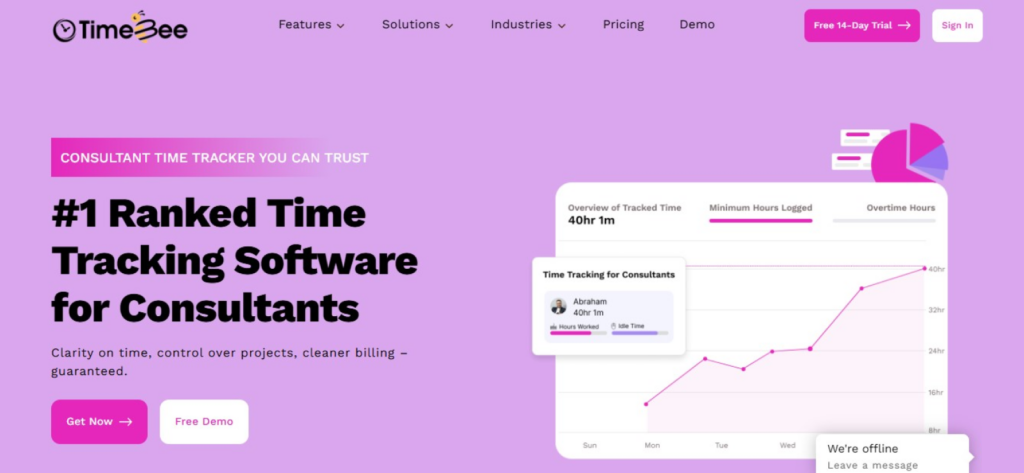
TimeBee takes a more automated approach than a basic start-and-stop timer.
During testing, we used it to separate external client projects from internal work, which made billable and non-billable time easier to review without manually classifying every activity at the end of the week.
The desktop app continued recording when the connection dropped and transferred the data after internet access returned.
However, offline hours did not appear in the web dashboard until synchronization was complete, so you still need to confirm that the update has finished before preparing a timesheet.
TimeBee also offers configurable screenshots at eight intervals ranging from every two minutes to every 30 minutes, or they can be disabled.
As per our experience, we believe that level of detail can support client transparency, although independent consultants may not need it.
Not only that, but project costs, tracked hours, overtime, attendance, and payroll information are also available from the same records.
TimeBee Pricing
- Free trial: 14 days
- Paid plans: Custom pricing
TimeBee Compatibility
TimeBee works through its web platform, desktop software, browser extension, and mobile access. The desktop app is the most relevant component for the background.
TimeBee Pros
- Separates billable client work from internal non-billable activity.
- Reduces dependence on continuous manual timer use.
- Preserves desktop activity during temporary connection loss.
- Offers detailed project, task, cost, and timesheet records.
TimeBee Cons
- Initial configuration takes longer than a simple timer.
- Detailed monitoring may be unnecessary for solo consultants.
Verdict
TimeBee is most suitable when you want detailed records without relying entirely on manual entries. However, it is less appropriate when your only requirement is a lightweight timer that can be opened and used immediately.
2. Toggl Track – Best for Solo Consultants
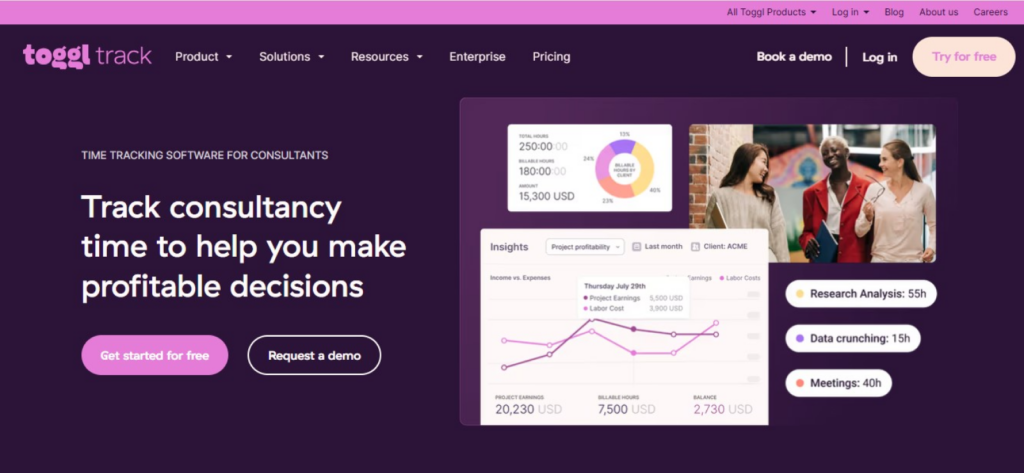
Toggl Track gave us one of the fastest workflows for starting a timer, assigning it to a client project, and moving on with the work.
Manual entries, idle detection, calendar-based tracking, and desktop activity records also helped when we forgot to start or stop a session.
However, the primary concern was record consistency across interfaces. When we compared activity through the web, desktop, and Android versions, changes did not always appear with equal speed.
Therefore, consultants who use several devices should check their final timesheets instead of assuming that every transition has synchronized correctly.
Toggl Track Pricing
- Free: $0
- Starter: $9/user/month, billed annually
- Premium: $18/user/month, billed annually
- Enterprise: Custom
Toggl Track Compatibility
Toggl Track supports web, Windows, macOS, Linux, iOS, Android, calendar connections, and browser extensions for more than 100 tools.
Toggl Track Pros
- Very quick timer and manual-entry workflow.
- Suitable for several clients and projects.
- Free plan is practical for basic solo use.
Toggl Track Cons
- Cross-platform synchronization needs monitoring.
- Forgotten timer corrections can become awkward.
Verdict
Choose Toggl Track when you work independently and value speed over administrative depth. However, reconcile your entries regularly when you alternate between desktop and mobile devices.
3. Harvest – Best for Time Tracking and Invoicing

Harvest is one of the best time tracking apps for consultants since it connects time recording with invoice preparation more directly than most of the tools we tested.
While using the software, we could assign rates, record billable work, review project budgets, and convert approved hours into invoices without rebuilding the same information in a separate system.
That workflow is particularly useful for hourly consultants.
Nevertheless, accuracy still depends on user habits, such as the timer can be left running or mobile tracking may stop unexpectedly.
Harvest Pricing
- Free: $0
- Teams: $9/seat/month annually
- Enterprise: $14/seat/month annually
Harvest Compatibility
Harvest is available through web, desktop, iOS, and Android apps. Moreover, it integrates with project management, accounting, and payment systems.
Harvest Pros
- Clear path from tracked time to an invoice.
- Supports billable rates, project budgets, and approvals.
- Stronger accounting connections than many lightweight trackers.
Harvest Cons
- Audit and change-history detail could be stronger.
- Advanced analysis often requires exporting data.
- Costs can increase as projects, clients, and team usage grow.
Verdict
Harvest is the most practical choice when invoicing is the immediate destination for your tracked hours. Nonetheless, it is less suitable when you need detailed activity evidence or complex accounting administration.
4. Clockify – Best Free Time Tracking Software
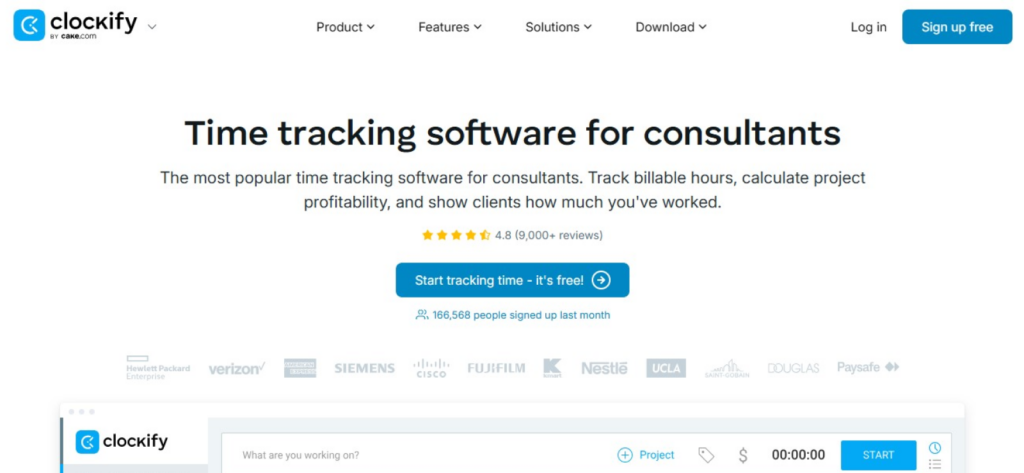
Clockify remains an accessible starting point because you can run timers, add entries manually, and organize work without paying immediately.
The interface also supports web, desktop, mobile, and browser-based use, which makes it easy to test in an existing consulting workflow.
However, the meaning of “free” has narrowed. In the version we evaluated, the free plan limited report history to one month and moved billable rates, billable status, CSV or Excel exports, and several administration controls into paid tiers.
Therefore, consultants who need time records for invoicing may outgrow the free plan sooner than those using Clockify only to understand where their day goes.
To add to that, we also encountered entries that needed a second submission and calendar records that appeared on the wrong day.
Clockify Pricing
- Free: $0
- Basic: $3.99/seat/month annually
- Standard: $5.49/seat/month annually
- Pro: $7.99/seat/month annually
- Enterprise: $11.99/seat/month annually
Clockify Compatibility
Clockify supports web, Windows, macOS, Linux, iOS, Android, Chrome, Firefox, and Edge.
Clockify Pros
- Useful free option for basic time capture.
- Paid plans support billing, invoicing, approvals, and exports.
- Simple enough for an individual consultant to start quickly.
Clockify Cons
- Calendar and entry updates require verification.
- Browser “integrations” are not always deep two-way connections.
Verdict
Clockify is a sensible first tracker when cost is your main constraint. But note that you must calculate the paid-plan cost before building a billing process around functions that are not included in the free tier.
TimeBee: Count Every Billable and Non-Billable Hour With a Click
Learn More
5. Hubstaff – Best for Remote Consulting Teams
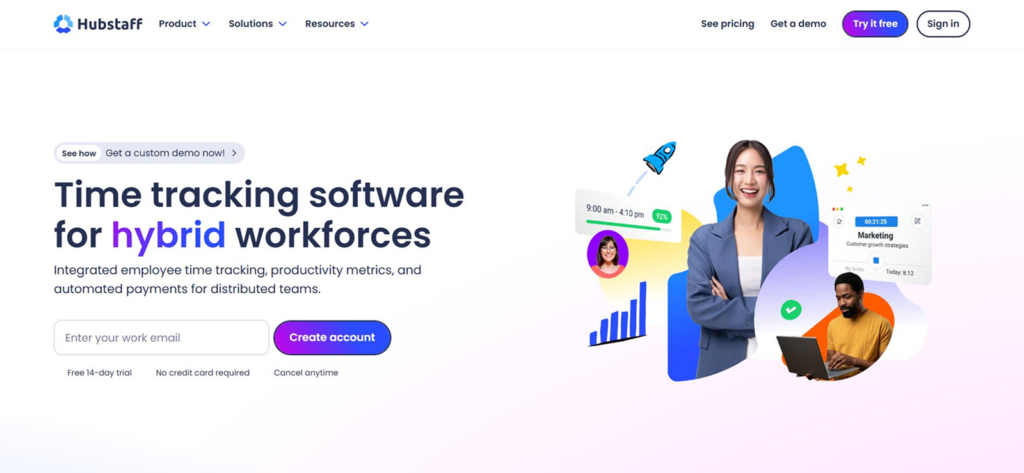
Hubstaff combines time tracking with screenshots, application and website records, activity rates, schedules, and team timesheets. All these functionalities can prove helpful when a remote consulting company needs more evidence than a self-reported weekly total.
Nevertheless, more data does not automatically mean more accurate data. During testing, we encountered concerns involving lost clock-ins, mixed project records, and totals that required reconciliation.
Furthermore, the activity percentage within the records reflected keyboard and mouse input instead of context into the value of work done.
Hubstaff Pricing
- Starter: $4.99/seat/month annually
- Grow: $7.50/seat/month annually
- Team: $10/seat/month annually
- Enterprise: $25/seat/month annually
Hubstaff Compatibility
Hubstaff supports web, desktop, mobile, and browser-based workflows.
Hubstaff Pros
- Detailed visibility for distributed consulting teams.
- Supports billable hours, timesheets, schedules, and payments.
- Monitoring can be adjusted or disabled by project.
Hubstaff Cons
- Activity rates do not measure actual consulting value.
- Lost or incorrect records can affect billing.
- Monitoring can damage trust without a clear policy.
Verdict
Hubstaff is appropriate when a remote team has a legitimate, documented need for work evidence. On the contrary, it is excessive for consultants who only need reliable billable-hour records.
6. Everhour – Best for Consultants Using Project Management Tools
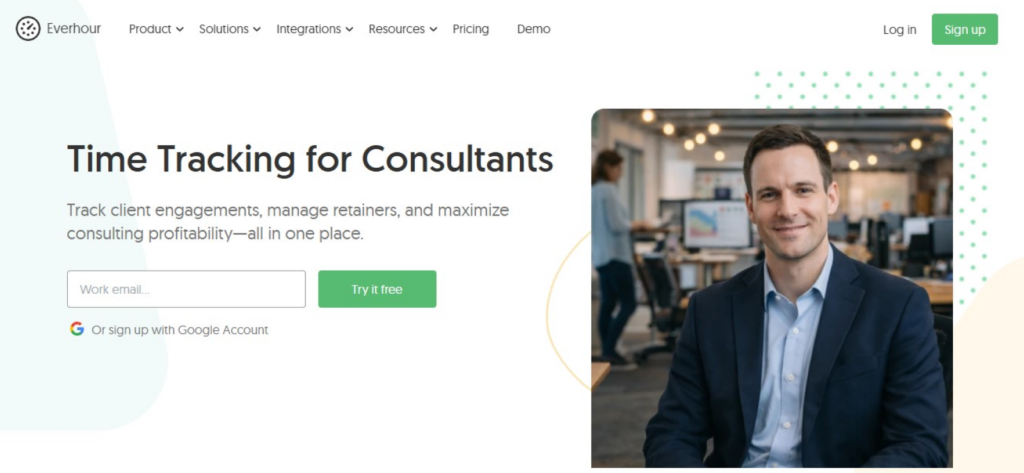
Everhour works differently from a standalone timer because it places time controls inside systems such as Asana, Jira, GitHub, ClickUp, Trello, and Basecamp. Officially, it now supports more than 40 integrations.
It was evident, while testing, that this approach helps reduce context switching when the work in progress is already linked to an existing task.
However, the same ease makes it restrictive when you need to log an urgent activity, since it requires you to create a project and its tasks first.
Integration reliability was also uneven. In our test data, synchronization commonly took 15-30 minutes, while some changes took even longer than that. That is why we ranked it at number 6 in the list of the best consultant time tracking software.
Everhour Pricing
- Free: $0 for up to five seats
- Team: $8.50/seat/month annually, with a five-seat minimum
- Custom: Contact Everhour
Everhour Compatibility
Everhour is centered on web and browser integrations, with desktop and mobile options also available.
Everhour Pros
- Tracks time close to the task being completed.
- Supports billable and non-billable hourly work.
- Converts recorded hours into basic invoices.
Everhour Cons
- Sync latency can delay updates.
- Time-zone handling needs validation.
- Offline, mobile, fixed-fee, and expense workflows are weaker.
Verdict
You should choose Everhour only when your consulting work is already structured inside a compatible project management tool. However, if your day contains frequent unplanned work that needs to be classified later, avoid it.
7. TimeCamp – Best for Automatic Time Tracking
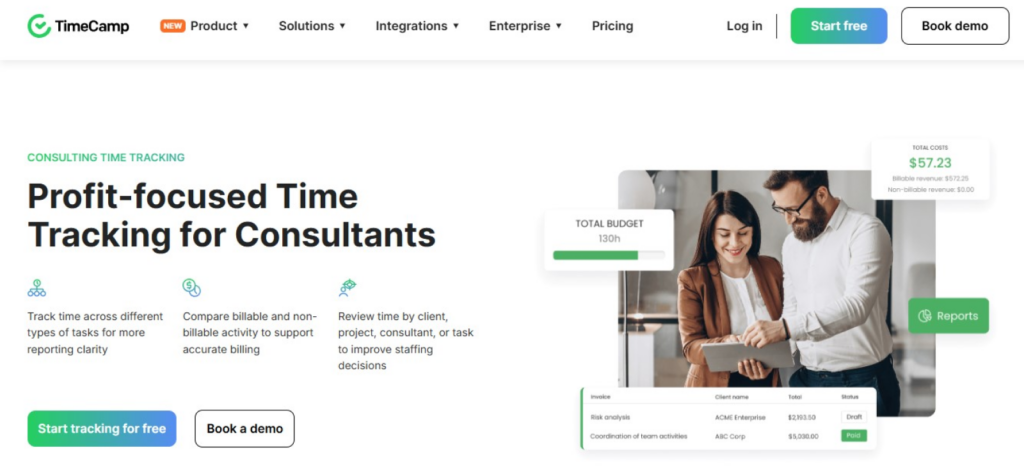
TimeCamp combines conventional timers with automatic desktop activity capture. Once configured, it can help you reconstruct forgotten time by showing applications and activity in chronological order.
However, only when we tested did we find that its automatic capture still needed review, since manual corrections were far less dependable than passive recording.
Some of the behaviors that led to this conclusion were the need for repetitive actions when moving entries and the sessions that cross midnight being divided between two dates.
To add to that, its integration quality varied by connector, and cross-device updates were slow at times.
TimeCamp Pricing
- Free: $0
- Starter: $3.99/user/month annually
- Premium: $6.99/user/month annually
- Ultimate: $9.99/user/month annually
- Enterprise: Custom
TimeCamp Compatibility
TimeCamp supports web, desktop, mobile, and browser-based use across the main operating systems.
TimeCamp Pros
- Helps reconstruct time after a forgotten timer.
- Free plan is available.
TimeCamp Cons
- Cross-device synchronization is inconsistent.
- Billable totals and reports need reconciliation.
Verdict
TimeCamp suits consultants who regularly forget manual timers and are prepared to review the captured activity. Though note that you should not use unverified automatic records as the sole basis for an invoice.
8. TMetric – Best for Budget-Conscious Consultants
TMetric provides a conventional project-based structure with timers, manual entries, billable and non-billable work, budgets, invoicing, and team visibility.
Overall, the web version gave us the clearest experience, particularly when assigning client time and reviewing project records.
On the other hand, the Android app was materially weaker since some sessions failed to sync, a few entries appeared one day behind, we faced difficulties correcting prior records, and tasks were inaccurately synchronized.
As a result, we would recommend not relying on the mobile app as the primary record for billing-sensitive work.
TMetric Pricing
- Free: $0 for up to two seats
- Professional: $5.83/seat/month annually
- Business: $7.50/seat/month/annually
- Enterprise: Custom
TMetric Compatibility
TMetric supports web, desktop, mobile, browser extensions, offline desktop tracking, and integrations with more than 50 web apps.
TMetric Pros
- Affordable entry point for consultants.
- Supports billable/non-billable work and invoicing.
TMetric Cons
- Mobile reporting is limited.
- Cross-platform task synchronization can create duplicates.
Verdict
TMetric offers good value when most time is recorded and reviewed through the web or desktop product. But if you are a mobile-first consultant, you should test Android thoroughly before relying on it.
9. Timely – Best for AI-Assisted Time Tracking
Timely records desktop activity, including applications, websites, documents, window titles, and calendar activity, inside a private Memory timeline. These records can then be further turned into formal project time.
Talking purely from our experience, we believe it is a useful tool for reconstructing a day after the work is done. However, its AI assistance did not always maintain accuracy while we were testing.
More often than not, we encountered missing activity blocks, merged work from different clients, incorrect labels, undercounted sessions, and suggestions that still required rewriting.
For instance, in one documented pattern, an hour of work appeared as only a fraction of its true duration, which put the accuracy of billable and non-billable records into question.
Timely Pricing
- Starter: $9/user/month annually
- Premium: $16/user/month annually
- Unlimited: $22/user/month annually
- Enterprise: Custom pricing
Timely Compatibility
Timely is primarily desktop-centered on Windows and macOS. On mobile, it allows reviewing but does not capture phone, tablet, call, email, and app activity as comprehensively.
Timely Pros
- Private Memory records remain under user control.
- Supports live, manual, planned, and retrospective entry.
Timely Cons
- AI classifications require regular human review.
- Activity can be missing, merged, or undercounted.
Verdict
Timely is useful when you want evidence to help reconstruct desktop work. Though it should remain a memory aid, not an unquestioned source of invoice-ready hours.
Paid vs Free Time Trackers for Consultants: Which Is Right for You?
A free tool is often enough when you work alone, track only a few clients, have minimal projects, and need a simple record of where your hours go.
For this purpose, you can easily use the free versions of various apps, although their restrictions differ.
Paid software, however, becomes viable when you need to assign rates, distinguish billable from non-billable work, export complete histories, integrate with accounting software, approve team timesheets, and preserve a stronger audit trail.
Therefore, you should switch from the free tool to the paid one once you have outgrown the billing workflow.
Final Verdict
There is no universally best time tracker software for consultants.
To say one can work for you is not a call we can make. That is because only you best know what your exact needs are and which app’s general functionalities and time tracking cater to them perfectly.
Not only that, but you should also thoroughly test the system with real work yourself before committing.
FAQs
How do consultants track billable hours?
To track billable hours, consultants create separate client projects, assign the correct hourly rate to them, and then record work in them. For time records, they tend to rely on timers, manual timesheets, and automatic trackers, depending on their workflow and needs. But note that each entry should clearly identify the client, task, date, duration, and whether the work is billable or non-billable.
What is the best time tracker software for consultants for free?
Clockify and Toggl Track are the strongest free options for most consultants. While Clockify suits consultants who need basic timers and project records, Toggl Track is better for solo consultants. However, both come with their fair share of limitations: Clockify has its more advanced features under a locked plan, and Toggl Track offers limited billing controls and reporting in its free plan.
Should consultants track non-billable time?
Yes. Non-billable tracking shows how much time goes into proposals, administration, training, revisions, internal meetings, and client communication that cannot be invoiced. Without that information, you may overestimate project profitability or set rates too low.
Do consultants need manual or automatic time tracking?
Manual tracking gives you greater control and works well when your work follows clear sessions. On the other hand, automatic tracking is better when you frequently switch clients or forget timers. Overall, many consultants benefit from a hybrid approach, such as using a timer for defined client work, then using automatic activity to find omissions before finalizing the timesheet.
Can time tracking software help with client billing?
Yes, time tracking software can connect hours with clients, rates, projects, and invoice periods. Some tools, such as TimeBee, can help generate invoices, while others send records to QuickBooks, Xero, or another accounting platform. However, you should always reconcile totals before billing because synchronization delays, incorrect classifications, forgotten timers, and rate changes can affect the final amount.
Every Hour Matters. Know Where It Went with TimeBee
Try Out TimeBee
Jacob Tyler
Member since July 2, 2026
Jacob Tyler
Member since July 2, 2026
Jacob Tyler is a B2B technology journalist specializing in workplace software, employee monitoring platforms, productivity technology, HR systems, data privacy, and the changing role of technology in modern organizations.
He holds an MSc in Information Systems from the University of Manchester. His professional qualifications include the CompTIA Data+ certification.
With more than 10 years of experience covering B2B software and digital transformation, Jacob focuses on translating complex product capabilities into clear guidance for business readers.
His work examines how software functions in practice, which operational problems it is designed to address, what data it collects, and what organizations should consider before implementation.
Through his writing, Jacob helps HR leaders, operations teams, founders, managers, and IT decision-makers understand workplace technology and make informed purchasing decisions.