

9 Best Time Tracking Apps for Freelancers: Expert-Tested Picks for 2026
By Jacob Tyler
August 3, 2026 18 min readFreelance work rarely follows a clean sequence. You may spend an hour completing client work, another 20 minutes answering messages, and the next 30 minutes researching a project that has not yet become billable.
Unless those activities are recorded consistently, it becomes difficult to invoice accurately, identify scope creep, or calculate whether a fixed-price project was profitable.
To figure out the optimal solution, we evaluated 9 best freelancer time trackers using common freelance workflows rather than comparing feature counts. Our team examined how each app handled everyday tasks such as recording time, correcting missed entries, managing client projects, preparing reports, and supporting billing.
The sections below explain what worked well, where we encountered limitations, and which types of freelancers each app is best suited to.
All About the Best Time Tracking Software For Freelancers In Under 60 Seconds
- TimeBee provides detailed work records, automatic activity insights, project costing, and client-facing reports.
- Toggl Track offers the quickest timer-based workflow for freelancers who want minimal setup.
- Clockify helps cost-conscious freelancers organize time across numerous clients and projects.
- Harvest connects tracked hours with invoices, expenses, and payment workflows.
- Everhour embeds time controls inside supported project management applications.
- Timely uses desktop activity records and AI assistance to reconstruct work automatically.
- Memtime records desktop activity locally when privacy is more important than centralized monitoring.
- EARLY supports digital, mobile, automatic, physical, and offline time tracking methods.
- TMetric connects tracked hours with project budgets, rates, expenses, and profitability reporting.
How We Chose the Best Time Tracker For Freelancers
We assessed all the tools against the same four criteria to determine how well they handled real freelance workflows. Although we considered supplementary features, they did not compensate for unreliable time records, confusing billing controls, or reports that required extensive manual correction.
Instead, we focused on whether each app could help you record work accurately, manage several clients, prepare usable billing data, and understand how your time affected project profitability.
Time-Tracking Reliability and Flexibility – 30%
First, we examined how reliably these best time tracking apps for freelancers recorded live, manual, forgotten, automatic, and offline work. We tested timers across multiple sessions, corrected previous entries, switched between client projects, and checked whether records remained attached to the correct dates and tasks.
We also considered idle detection, calendar imports, automatic activity capture, and cross-device synchronization. This criterion carried the greatest weight because even a well-designed dashboard has limited value when recorded hours disappear, appear on the wrong day, or fail to synchronize before you prepare an invoice.
Freelancer Billing and Client Workflow – 25%
Next, we evaluated whether each app could support the full workflow between completing work and billing a client. This included creating separate clients and projects, applying hourly rates, distinguishing billable from non-billable time, and turning approved records into invoices or dependable exports.
We preferred apps that preserved the connection between each client, project, task, rate, and time entry. However, native invoicing was not essential when the software produced complete reports that could be transferred to an external accounting or payment platform without rebuilding the data manually.
Ease of Use and Compatibility – 25%
We considered how quickly you could create an account, set up your first client, start a timer, and correct a mistake.
Compatibility included web access, desktop software, mobile apps, browser extensions, offline operation, and project management integrations. We also examined whether the mobile or extension experience provided meaningful functionality rather than acting only as a limited companion.
Reporting and Project Profitability – 20%
Finally, we evaluated whether each app’s reports answered practical business questions rather than merely presenting attractive charts. In particular, we checked whether you could see how much work was ready to invoice, which activities remained non-billable, whether a fixed-fee project was exceeding its time budget, and what effective hourly rate the project had produced.
Here’s a Quick Rundown of the Best Freelancer Time Tracking Apps
| App | Starting Price | Compatibility | Best For | Main Limitation |
| TimeBee | Custom pricing; 14-day trial | Web, Windows, macOS, browser and mobile access | Detailed work visibility and client reporting | More setup and monitoring depth than many solo freelancers need |
| Toggl Track | Free; paid from $9/user/month annually | Web, Windows, macOS, iOS, Android, Chrome and Firefox | Low-friction time tracking | Billable rates require a paid plan |
| Clockify | Free; paid from $3.99/seat/month annually | Web, Windows, macOS, Linux, iOS, Android and extensions | Managing numerous clients and projects | Important billing features are excluded from the free plan |
| Harvest | Free; paid from $9/seat/month annually | Web, Windows, macOS, iOS, Android and extensions | Time tracking and invoicing | Free plan supports only one person and two active projects |
| Everhour | Free; Team from $8.50/seat/month annually | Web, browser extensions, mobile and macOS app | Project management integrations | Paid plan has a five-seat minimum |
| Timely | From $9/user/month annually | Web, Windows, macOS, iOS and Android | AI-assisted automatic tracking | AI-generated records still require verification |
| Memtime | From $14/user/month annually | Windows, macOS and Linux | Private desktop activity capture | Automatic activity does not synchronize across devices |
| EARLY | From $7.50/month annually | Web, Windows, macOS, Linux, iOS and Android | Digital and offline time tracking | Offline editing is desktop-only; billing features require Personal Pro |
| TMetric | Free; paid from $5.83/seat/month annually | Web, desktop, mobile and browser extensions | Project budgets and profitability | Mobile records require careful reconciliation |
9 Best Time Tracking Software for Freelancers That Earned Our Recommendation
Here is all that we found about these best freelancer time tracking apps during our testing.
1. TimeBee – Best for Detailed Work Visibility and Client Reporting
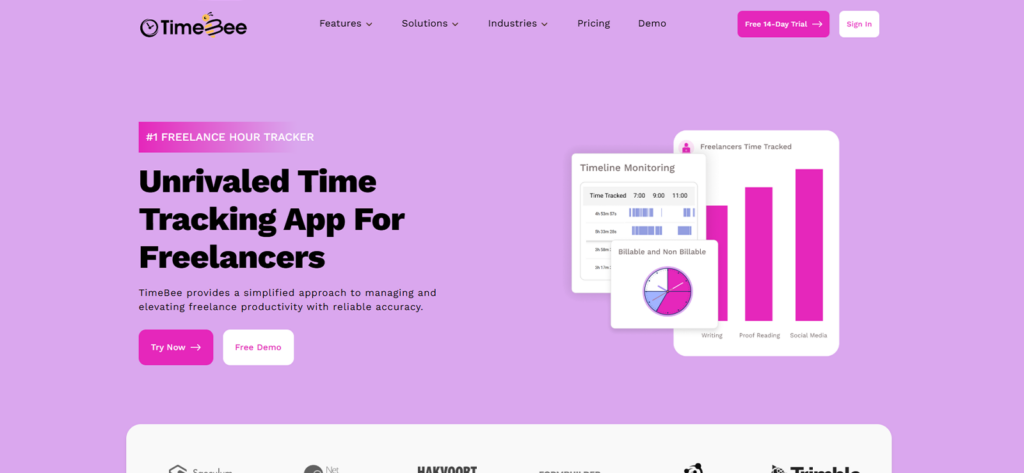
TimeBee is one of the best freelancer time tracking software, as it takes a more automated and evidence-oriented approach than a conventional stopwatch. You still start a work session from the desktop application, but the system can then record project time, task allocation, application and website usage, idle periods, and optional screenshots in the background.
This structure is relevant when you need more than a weekly total. For example, a freelance writer can separate billable drafting from non-billable administration, while a freelancer outsourcing research or editing can review the cost and time contributed by each collaborator.
During testing, we created separate internal and client projects, assigned tasks, and switched between them while the desktop timer was running. TimeBee recorded each session against the selected project and task, while its activity tracking helped distinguish billable work from administration and other non-billable time.
Idle detection also helped reduce overstated hours. When TimeBee detected inactivity, it displayed an alert and classified the period as idle if we did not respond within one minute. For additional evidence, we tested its application and website records and the eight screenshot intervals, ranging from every two to 30 minutes. Screenshots could also be disabled.
TimeBee’s desktop app continued recording during a temporary internet outage, although those hours appeared in the web dashboard only after synchronization finished. Once synced, the recorded time fed into client rates, project costs, billable totals, invoices, and client-facing reports.
Pricing
- Free trial: 14 days
- Paid plans: Custom pricing
Compatibility
TimeBee works through its web platform, desktop software, browser extension, mobile access, and kiosk mode. Moreover, it supports 40+ integrations like Todoist, Google Calendar, ClickUp, etc.
Pros
- Automatically produces detailed task and project records.
- Separates billable client work from internal activity.
- Continues recording during temporary connection loss.
- Supports project costing, profitability analysis, invoices, and client dashboards.
- Allows screenshots to be configured or disabled.
Cons
- Initial configuration takes longer than setting up a basic timer.
- Website, application, and screenshot monitoring may be excessive for solo use.
Verdict
TimeBee suits freelancers who need detailed, client-ready records without manually rebuilding their week from timers and notes. It is particularly relevant when you manage subcontractors, require project-cost visibility, or have clients requesting supporting work records.
Turn Every Freelance Hour Into Clear Client Proof With TimeBee
See More
2. Toggl Track – Best for Low-Friction Time Tracking
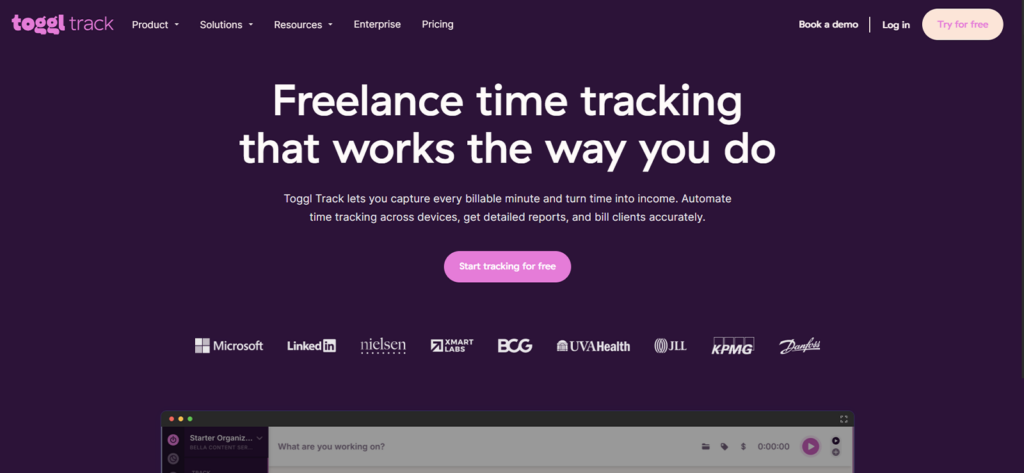
When it comes to the best time tracker for freelancers, Toggl Track cannot be forgotten. It provided us one of the quickest routes from opening the app to recording useful time. You can enter a description, choose a project, and start the timer without completing an extensive setup process.
In addition to conventional timers, it supported manual entries, calendar-based entry, idle detection, weekly timesheets, and a desktop timeline. These alternatives are useful when you forget to begin a session or leave a timer running after switching tasks.
The main concern in our test involved synchronization. When we compared edits through the web, desktop, and Android interfaces, updates did not always appear at the same speed. Toggl’s current help documentation also acknowledges that temporary connection problems can create unsynchronized records and advises users not to log out before the pending entries have synced.
Therefore, Toggl Track remains easy to use, but you should still reconcile your weekly report when moving frequently between devices.
Its free plan covers basic tracking, projects, reports, and invoice generation. However, billable status and billable rates require Starter. Free invoices can also carry Toggl branding, while paid subscriptions unlock custom branding and billable totals.
Pricing
- Free: $0
- Starter: $9 per license/month, billed annually
- Premium: $18 per license/month, billed annually
- Enterprise: Custom pricing
Starter adds billable rates, rounding, saved reports, project estimates, tasks, and additional billing controls.
Compatibility
Toggl Track is available through the web and offers dedicated applications for Windows, macOS, iOS, and Android. It also provides Chrome and Firefox extensions, which let you start tracking from supported browser-based tools without repeatedly opening the main dashboard.
Pros
- Very quick timer and manual-entry process.
- Practical free plan for basic solo tracking.
- Multiple views for correcting forgotten time.
- Generates invoices and downloadable reports.
- Works across desktop, web, mobile, and browser extensions.
Cons
- Billable rates require the Starter plan.
- Cross-device synchronization should be checked before invoicing.
- The product does not provide a conventional pause button.
- Advanced fixed-fee and profitability functions require higher plans.
Verdict
Toggl Track is a strong choice when you value speed and do not want time tracking to become another administrative project. It works particularly well for freelancers who manage several clear work sessions each day. Nevertheless, freelancers using several devices should review unsynchronized entries before treating the final report as invoice-ready.
3. Clockify – Best for Managing Multiple Clients and Projects
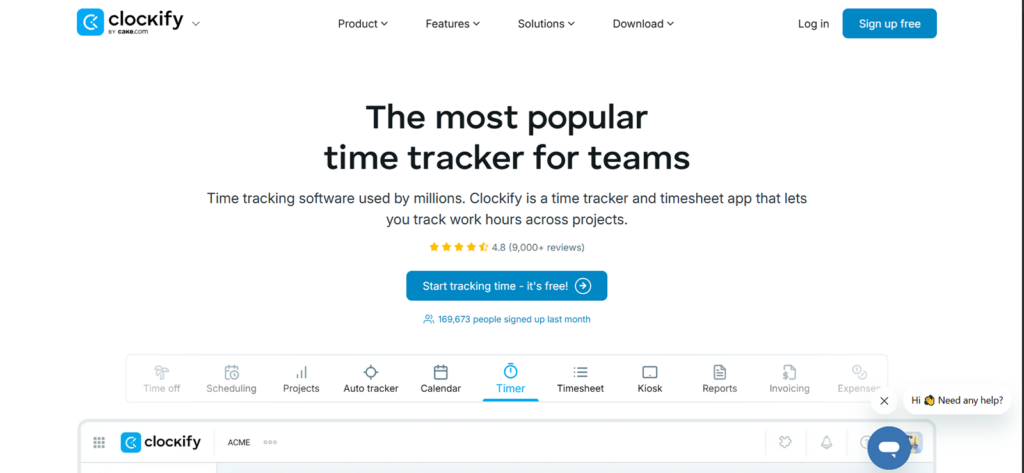
Clockify gives you a straightforward way to create clients, projects, tasks, and tags without paying for the initial tracking workflow. That makes it a practical starting point when you want to organize a growing client list but have not yet decided which advanced billing tools you need.
The free plan supports core timers and project records. However, its current plan structure places billable rates in Basic, invoicing in Standard, and labor-cost and profit analysis in Pro. Consequently, “free time tracking” should not be confused with a complete free billing system.
Our testing also showed why final review remains necessary. We encountered an entry that required a second submission before it was saved, while one calendar record appeared under the wrong day. These were not constant failures, but they were significant enough that we would not export an invoice without checking the detailed report first.
Clockify is otherwise flexible. You can record time with a live timer, enter hours manually, organize work by client and task, use calendar views, and access the same workspace from its desktop, browser, and mobile applications.
Paid plans extend that workflow considerably. Standard adds invoices, recurring invoices, approvals, locking, task rates, rounding, and QuickBooks integration. Pro then adds expense tracking, budgeting, estimating, labor cost tracking, profit tracking, scheduling, and forecasting.
Pricing
- Free: $0
- Basic: $3.99/seat/month, billed annually
- Standard: $5.49/seat/month, billed annually
- Pro: $7.99/seat/month, billed annually
- Enterprise: $11.99/seat/month, billed annually
For an hourly freelancer, Basic is the first plan that supports billable rates. Standard is the first tier with native invoicing.
Compatibility
Clockify supports web, Windows, macOS, Linux, iOS, Android, Chrome, Firefox, and Edge.
Pros
- Useful free entry point for core project tracking.
- Handles numerous clients, projects, tasks, and tags.
- Broad desktop, mobile, browser, and operating-system support.
- Paid plans add progressively stronger billing and profitability tools.
- Standard includes native invoicing and QuickBooks connectivity.
Cons
- The free plan does not include billable rates.
- Native invoicing requires the Standard plan.
- Entries and calendar dates should be verified before billing.
- The number of pricing tiers makes plan selection less straightforward.
Verdict
Clockify is suitable when you need an inexpensive way to organize time across numerous clients and projects. The free version is enough for understanding where your hours go. However, calculate the cost of Basic, Standard, or Pro before building a billing workflow around features that the free plan does not include.
4. Harvest – Best for Time Tracking and Invoicing
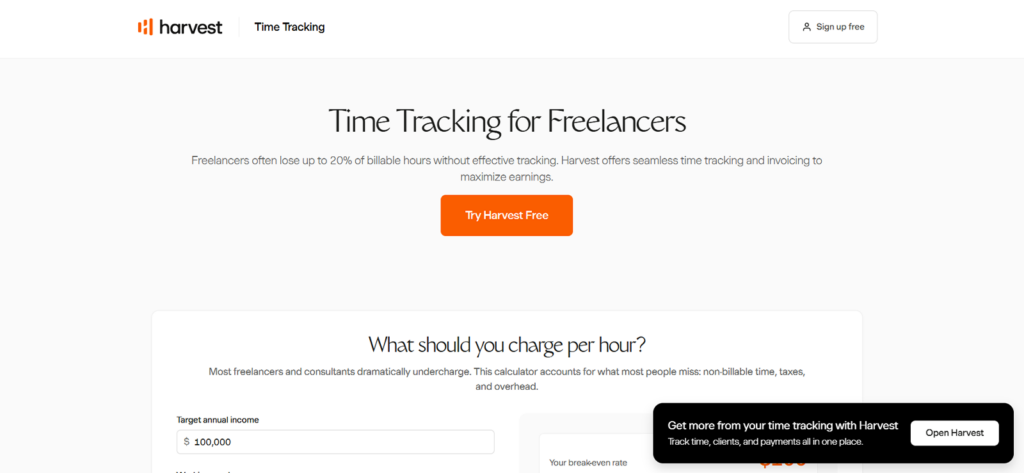
Harvest, being amongst the best time tracking software for freelancers, connects time records to invoicing more directly than most lightweight trackers. Each entry belongs to a task, project, and client, which gives the resulting invoice a clear structure.
During testing, we could create a client project, assign a rate, record billable work, review the budget, and convert the approved hours into an invoice without rebuilding the information in separate billing software. This workflow is particularly effective when you charge hourly.
Harvest also supports fixed-fee projects, expenses, project estimates, basic reports, and accounting or payment integrations. Therefore, it can remain useful even when you do not invoice every hour directly; fixed-price freelancers can use the records to compare the agreed project fee with the actual labor required.
The principal weakness that we found was that accuracy still depends heavily on timer discipline. A timer can remain active after you stop working, while mobile recording may not provide the same dependable experience as the primary web workflow. You have to therefore review unusually long sessions before generating the invoice.
Plan selection also matters. The free version includes time tracking and invoicing, but it supports only one person and two active projects. Teams removes those restrictions, while Enterprise is required for profitability reporting, timesheet approvals, an activity log, and custom reports.
Pricing
- Free: $0 for one seat and two active projects
- Teams: $9/seat/month, billed annually
- Enterprise: $14/seat/month, billed annually
- Enterprise Plus: Custom pricing
Compatibility
Harvest supports web, Windows and macOS desktop applications, iOS, Android, and browser-based tracking. It also connects with accounting, payment, and project management platforms.
Pros
- Clear progression from tracked time to an invoice.
- Free plan includes basic invoicing.
- Supports hourly and fixed-fee projects.
- Includes expense tracking and project estimates.
- Integrates with platforms such as QuickBooks Online, Xero, and Stripe.
Cons
- Free plan is restricted to two active projects.
- Advanced profitability reporting requires Enterprise.
- Timer mistakes still need manual review.
- Detailed audit controls are reserved for higher plans.
Verdict
Harvest is a practical option when invoicing is the immediate destination for your recorded hours. It reduces duplicate data entry and gives hourly freelancers a coherent client-to-payment workflow. However, when you require detailed application activity, screenshots, or private automatic reconstruction of desktop work, this option may not suit you.
5. Everhour – Best for Project Management Integrations
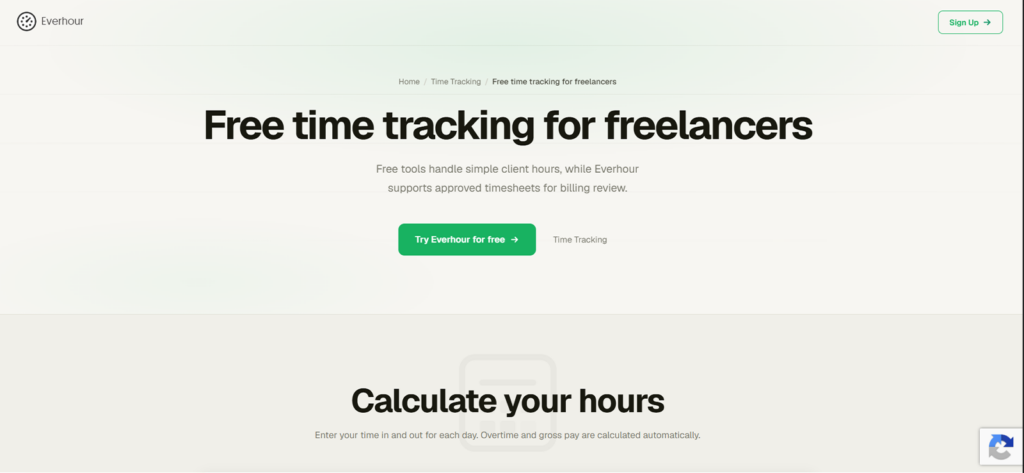
Next on our list of the best freelancer time trackers is Everhour. It is most useful when your projects already live inside another application. Its browser extension places timers, estimates, and budget information inside tools such as Asana, Trello, Jira, ClickUp, Basecamp, Notion, GitHub, and Monday.
This arrangement reduces the need to move between applications. Instead of opening a separate time tracker, you can start the timer directly from the task you are already working on. Everhour currently advertises more than 40 supported integrations.
However, the integration-led approach also creates dependencies. In our test records, synchronized changes commonly took between 15 and 30 minutes to appear, while a few required longer. Urgent, unplanned work was also less convenient because the cleanest workflow required the project and task to exist first.
Everhour’s embedded controls depend on the browser extension and do not appear inside the desktop or mobile versions of the connected project management application. An extension update or change to the underlying project platform can also temporarily affect the integration.
Pricing deserves particular attention. The free plan supports up to five users but excludes integrations. The Team plan includes integrations, billing, budgets, and invoicing at $8.50 per seat per month, but it has a five-seat minimum. A solo freelancer therefore pays for at least five seats.
Pricing
- Free: $0 for up to five seats; limited features and no integrations
- Team: $8.50/seat/month annually, with a five-seat minimum
- Custom: Contact Everhour; minimum 50 seats
The effective minimum Team cost is $42.50 per month when billed annually.
Compatibility
Everhour supports:
- Web application
- Chrome, Firefox, Safari, Edge, and Opera extensions
- iOS and Android
- Native macOS desktop app
Its native desktop app currently requires an internet connection, and Windows desktop support is not yet available.
Pros
- Places time controls directly beside project tasks.
- Supports budgets, estimates, expenses, invoices, and reports.
- Works with more than 40 project management platforms.
- Free plan accommodates up to five users.
- Reduces tab switching when work is already structured.
Cons
- Paid subscription has a five-seat minimum.
- Integrations are unavailable on the free plan.
- Synchronization can be delayed.
- Native desktop app is macOS-only and requires internet access.
- Unplanned work must usually be structured before it can be tracked cleanly.
Verdict
Everhour is a strong choice when almost all your work is already organized inside a compatible project management system. In that environment, embedded tracking can remove a noticeable amount of administrative friction. It offers less value to a solo freelancer who does not need integrations, particularly because the paid plan’s seat minimum substantially increases its real cost.
6. Timely – Best for AI-Assisted Automatic Time Tracking
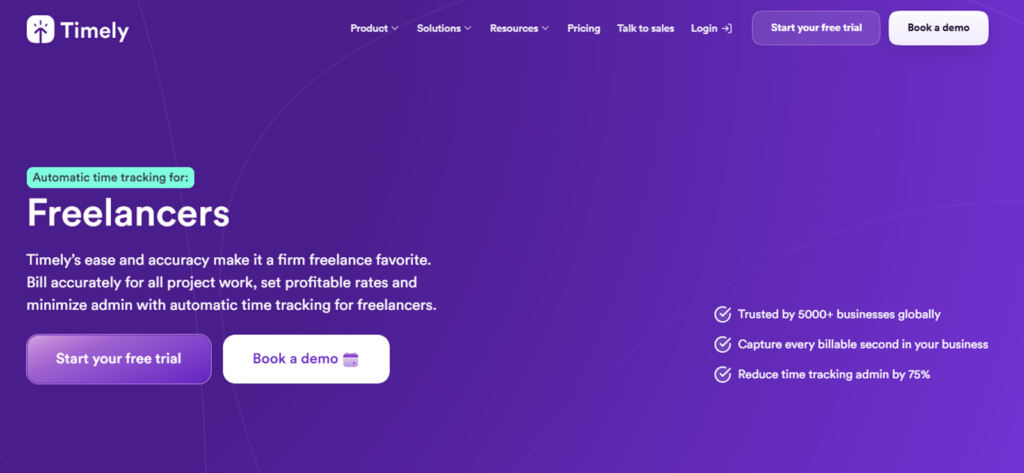
Timely records desktop activity through its Memory application and then uses those records to help prepare formal timesheets. The private timeline includes applications, websites, documents, window titles, and calendar activity.
This approach is useful when you regularly forget to start a timer. Instead of reconstructing the entire day from memory, you can review the captured sequence and assign relevant blocks to clients and projects.
Nevertheless, automatic capture and accurate billing are not the same thing. During our testing, Timely occasionally produced missing activity blocks, combined work from separate clients, applied incorrect labels, and suggested durations that required rewriting. In one documented test, approximately one hour of work appeared as only a fraction of its actual duration.
Therefore, we would use Timely as evidence for reconstructing work, not as an unquestioned source of invoice-ready hours.
When it comes to pricing, the Starter plan includes automatic tracking, AI categorization, billable-hour reporting, API access, and up to 20 projects. Premium adds unlimited projects, accounting and project-management integrations, budgets, costs, and broader team administration.
Pricing
- Starter: $9/user/month annually or $11 monthly
- Premium: $16/user/month annually or $20 monthly
- Unlimited: $22/user/month annually or $28 monthly
- Tasks add-on: From $5/person/month
Compatibility
Timely’s main experience is available through its web platform and Memory applications for Windows and macOS. Mobile apps were available for iOS and Android, but Timely stated in April 2026 that they are not actively being developed and that new functionality is focused on the web and desktop products.
Pros
- Helps reconstruct work after a missed timer.
- Automatically records detailed desktop context.
- Keeps the private Memory timeline under the user’s control.
- Supports live, manual, planned, and retrospective entries.
- Includes billable reporting from the Starter plan.
Cons
- AI classifications require regular review.
- Activity can be missing, merged, mislabeled, or undercounted.
- No permanent free plan.
- Current product development is desktop- and web-centered.
- Mobile apps are no longer actively developed.
Verdict
Timely is appropriate when forgotten hours are a persistent problem, and most of your work happens on a Windows or macOS computer.
However, its AI should help you prepare a timesheet rather than approve one automatically. Review the client, task, duration, and billable status before using its suggestions for an invoice.
7. Memtime – Best for Private Desktop Activity Capture
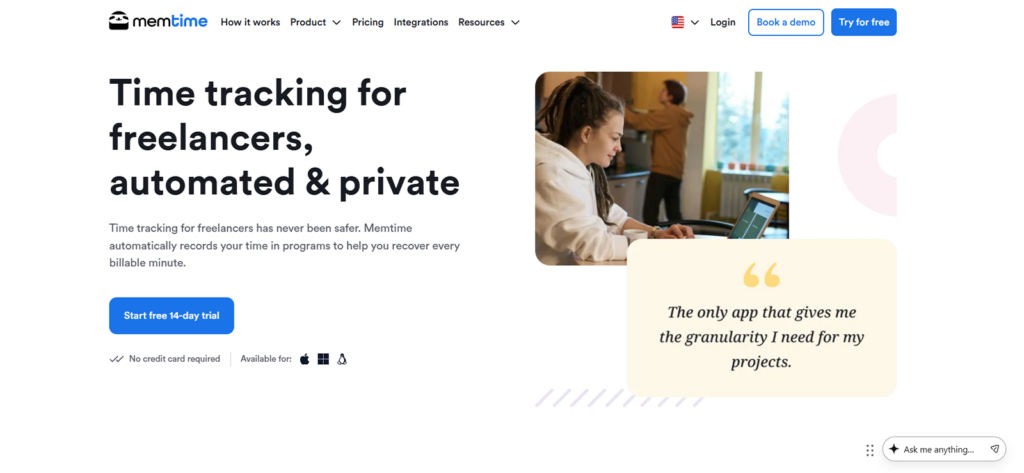
Memtime automatically records which applications, files, browser tabs, and documents are active on your computer. Unlike monitoring-oriented products, however, it stores that automatic activity history locally rather than uploading it to a shared cloud dashboard.
That architecture gives you complete control over the raw record. A client, manager, or colleague cannot view your automatic timeline. You decide which periods become formal project entries and which information is exported.
In practice, the privacy model creates an intentional trade-off. Automatic activity does not synchronize across devices. If you work on two computers, each machine retains its own local timeline, so you need to review them separately before finalizing your records.
Memtime organizes the captured activity into a detailed timeline, which helped us reconstruct work in intervals as short as one minute. Because this history remains stored on the device, we could review older activity without uploading the raw record to a shared dashboard.
After identifying the relevant work, we could then convert it into formal time entries and use the Basic plan’s calendar connections, billability reports, and PDF, CSV, or XLSX exports to prepare client records.
However, the workflow changes when your projects are managed in another platform. In that case, the Connect plan is required to synchronize finalized time entries with more than 100 supported tools.
Premium extends the setup further with phone-call integrations and enterprise identity controls, although most independent freelancers are unlikely to need those additional functions.
Pricing
When billed annually:
- Basic: $14/user/month
- Connect: $21/user/month
- Premium: $29/user/month
- Enterprise: Custom pricing for organizations with at least 50 seats
- Free trial: 14 days
Compatibility
Memtime’s automatic tracker is available for Windows, macOS, and Linux. It does not offer a conventional mobile activity-tracking app.
Pros
- Raw application activity remains private and local.
- No timer is required for desktop activity capture.
- Works offline.
- Supports highly detailed historical reconstruction.
- Includes customizable reports and billability analysis.
- Connect integrates with more than 100 external tools.
Cons
- Automatic activity does not synchronize between computers.
- No native mobile automatic tracker.
- External project software integrations require Connect.
- Does not provide the same client-facing monitoring evidence as screenshot-based tools.
Verdict
Memtime is a strong option when you want automatic desktop evidence but do not want that evidence stored in a central monitoring system. Going for another product may be more viable for you if you need real-time client dashboards, screenshots, native mobile capture, or straightforward synchronization between multiple computers.
8. EARLY – Best for Digital and Offline Time Tracking
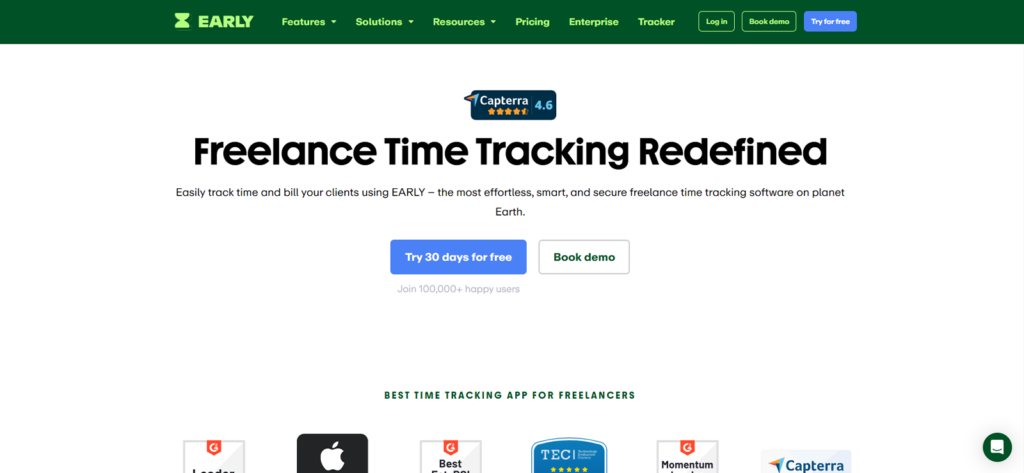
EARLY, previously known as Timeular, supports more tracking methods than most applications in this comparison. You can use a digital timer, desktop application, mobile app, automatic suggestions, keyboard shortcuts, connected calendars, or its optional physical Tracker.
The physical device lets you associate activities with its sides and change the active task by turning the device. It is not essential, but it provides a tactile alternative for freelancers who find on-screen timers easy to ignore.
During testing, we also used EARLY’s automatic records to review applications, documents, and websites after a work session. This made it easier to reconstruct forgotten time, although the suggestions still needed checking before we assigned them to a client or project.
Its desktop app continued recording when we disconnected from the internet, which was useful for uninterrupted work. However, existing online entries could not be edited while offline, and overlapping records created conflicts that had to be resolved after reconnection. The mobile app did not provide the same offline capability.
For billing, Personal Pro supports billable rates, project budgets, automatic alerts, report rounding, and customizable PDF, CSV, and XLSX exports. It does not provide the same complete invoice-management workflow as Harvest or Clockify Standard.
Pricing
The latest indexed official plan guide lists:
- Personal: $9/month or $90/year
- Personal Pro: $14/month or $140/year
- Team: $19/seat/month or $190/seat/year
- Enterprise: Custom pricing
- Free trial: 30 days
For freelancers who need billable rates and exports, the relevant starting tier is Personal Pro, equivalent to approximately $11.67 per month when billed annually.
Compatibility
EARLY supports:
- Web
- Windows
- macOS
- Linux
- iOS
- Android
Offline tracking is restricted to the desktop application.
Pros
- Offers several manual and automatic tracking methods.
- Supports Windows, macOS, Linux, web, iOS, and Android.
- Desktop application can record time offline.
- Provides project budgets, alerts, and billable-rate reports.
- Optional physical device reduces dependence on screen-based timers.
- Supports connections to more than 3,000 applications through Zapier.
Cons
- Billable rates and customizable exports require Personal Pro.
- Physical Tracker is sold separately.
- Existing records cannot be edited while offline.
- Overlapping offline entries may require conflict resolution.
- No native end-to-end invoice-management workflow.
Verdict
EARLY is particularly suitable when your work alternates between a computer, meetings, travel, and offline tasks. Its range of entry methods gives you more flexibility than a timer-only application. However, freelancers focused primarily on invoicing may find Harvest’s billing workflow more direct, while those wanting fully passive desktop reconstruction may prefer Memtime.
9. TMetric – Best for Project Budgets and Profitability
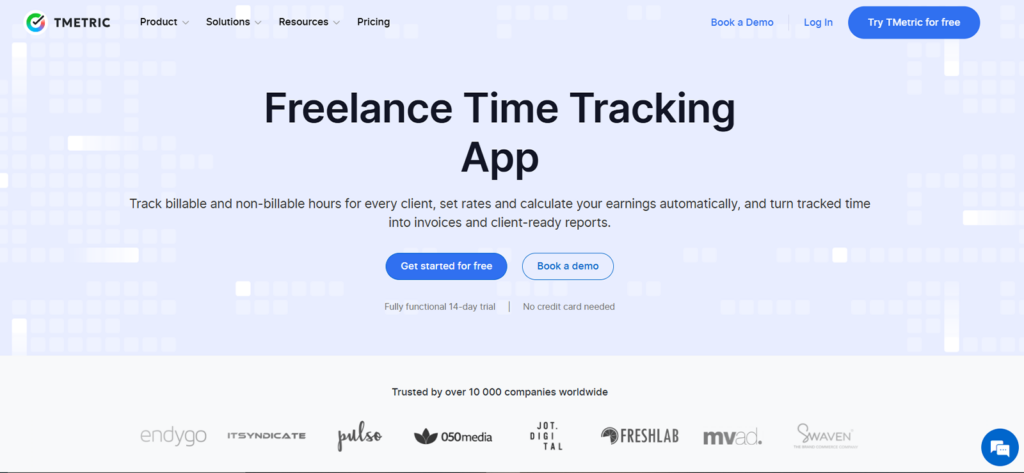
TMetric combines conventional project time tracking with rates, expenses, budgets, alerts, invoices, and financial reports. It is therefore more useful than a basic timer when you need to understand whether a project is commercially worthwhile.
The web interface gave us the clearest experience. We could create multiple clients and projects, separate billable and non-billable time, apply rates, and review project totals without moving through an excessive number of screens.
Our Android testing was less dependable. Some sessions failed to synchronize, several entries appeared one day behind, and corrections to prior records were more difficult than through the web product. We also encountered task synchronization that produced inaccurate or duplicated records.
For that reason, we would use TMetric’s web or desktop application as the primary billing record and treat mobile entries as records requiring reconciliation.
The free plan supports up to two users, unlimited clients and projects, exportable project reports, API access, and timer controls inside more than 50 web applications. Professional adds billable rates, expenses, project budgets and alerts, rounding, invoicing, calendar synchronization, and enhanced timesheets.
Pricing
- Free: $0 for up to two users
- Professional: $5.83/seat/month annually or $7 monthly
- Business: $7.50/seat/month annually or $9 monthly
- Enterprise: Custom pricing
- Free trial: 14 days
Professional is the relevant starting plan for freelancers who need profitability and invoicing rather than basic time capture alone.
Compatibility
TMetric supports web, desktop, iOS, Android, browser extensions, offline desktop tracking, and timer integrations with more than 50 web applications.
Pros
- Free plan supports unlimited clients and projects.
- Professional includes rates, expenses, budgets, alerts, and invoices.
- Suitable for fixed-price and hourly profitability analysis.
- Offers desktop, web, mobile, browser, and offline workflows.
- Integrates timer controls into more than 50 web applications.
Cons
- Android synchronization was weaker than the web experience.
- Mobile records should be checked before invoicing.
- Financial functions require you to get the Professional plan.
- Advanced activity and screenshot monitoring require the Business.
Verdict
TMetric offers strong value when project budgeting and profitability matter more than automatic desktop reconstruction. It is particularly useful for freelancers who want to compare billable income against time, expenses, and project limits. However, mobile-first freelancers should test the Android workflow thoroughly before relying on it as their primary billing record.
Final Verdict
There is no single best freelancer time tracking software that will work equally well for everyone. Your decision should depend on how you record work, bill clients, manage projects, and review profitability.
For instance, some freelancers only need a simple timer, while others require automatic activity capture, project budgets, invoices, offline tracking, or detailed client reports. Therefore, choosing one app as the best for everyone would overlook the differences between hourly, fixed-price, retainer-based, and project-led freelance work.
Before committing to a paid plan, test your preferred option using a real client project. Record work, correct an entry, apply your rate, review the report, and check whether the final data is clear enough for billing. This will show you whether the app suits your workflow more accurately than its feature list alone.
FAQs
Do fixed-price freelancers still need to track their time?
Yes. Fixed-price freelancers should track time even though the client is not billed by the hour. The records show whether the agreed fee covers the actual labor involved. Time records also help you identify unpaid communication, excessive revisions, inaccurate estimates, and recurring scope creep. You can then adjust future fees or tighten the project agreement.
Is automatic or manual time tracking better for freelancers?
Neither method is universally better. For many freelancers, a hybrid workflow is the most dependable. Manual timers provide greater control because you deliberately select the correct client and task. They work well when your day contains long, clearly defined work sessions. However, they depend on remembering to start, stop, and switch the timer. Automatic trackers are more useful when you change tasks frequently or regularly forget timers. Nevertheless, captured application activity still needs to be classified.
Can time tracking apps record offline work and client calls?
Yes, although the method varies by application. Desktop products can preserve at least some records while the computer is offline. However, the data may not appear in the central dashboard until the connection returns. Client calls are usually recorded through a mobile timer, calendar event, or manual entry.
Can freelancers track billable and non-billable hours separately?
Yes. Most established time tracking apps let you mark projects or entries as billable or non-billable. Billable work may include writing, design, development, consulting, client meetings, or agreed revisions. Non-billable work usually includes proposals, bookkeeping, marketing, training, internal administration, and unpaid communication. Tracking both categories gives you a more accurate view of your working day. If you record only invoiceable hours, you may believe a project is more profitable than it actually is.
Should freelancers share time tracking reports with clients?
Freelancers should share reports when the contract requires hourly evidence, the client needs to approve time, or a clear record could prevent a billing dispute. However, the report should contain only information relevant to the engagement. A client generally needs the date, task, duration, rate, and billable total, not your unrelated application history or personal browsing data.
Stop Rebuilding Your Workday – Let TimeBee Track the Details
Get TimeBee Now



Jacob Tyler
Member since July 2, 2026
Jacob Tyler
Member since July 2, 2026
Jacob Tyler is a B2B technology journalist specializing in workplace software, employee monitoring platforms, productivity technology, HR systems, data privacy, and the changing role of technology in modern organizations.
He holds an MSc in Information Systems from the University of Manchester. His professional qualifications include the CompTIA Data+ certification.
With more than 10 years of experience covering B2B software and digital transformation, Jacob focuses on translating complex product capabilities into clear guidance for business readers.
His work examines how software functions in practice, which operational problems it is designed to address, what data it collects, and what organizations should consider before implementation.
Through his writing, Jacob helps HR leaders, operations teams, founders, managers, and IT decision-makers understand workplace technology and make informed purchasing decisions.