How to Track Developer Productivity: A Complete Framework for Better Performance
By Frank Oliver
July 9, 2026 11 min readAnyone who has led developers knows how the easiest signals are collected to measure productivity. And more often than not, these signals like commits, ticket counts, logged hours, and screen-activity reports are not even worth collecting.
The reason is simply that while they look precise on the dashboard, they do not really explain developers’ performance.
Still, over the years, I have seen many organizations and managers make the same mistake repeatedly. So, to not end up with unnecessary data that does not answer the real questions, you need to remember one thing.
Developers are not working on an assembly line; instead, they are solving complex problems, among other things.
So, instead of asking, “How active is each developer?” I prefer a better question: “How effectively does the developer workflow convert effort into reliable output?”
Continue reading to figure out how to measure developer productivity.
Developer Productivity Tracking Summarized
- Developer productivity measures how effectively developer effort turns into reliable outcomes.
- Traditional productivity metrics capture only visible work of developers and do not reflect quality or complexity.
- Workflow metrics such as lead time, cycle time, deployment frequency, pull-request review time, and waiting time show how efficiently work moves from start to release.
- Change failure rate, escaped defects, reopened issues, deployment rework, and recurring production issues show whether software delivery is stable.
- DORA measures delivery performance and deployment stability, while SPACE considers satisfaction, collaboration, activity, efficiency, and flow.
- Reliable productivity tracking requires connected data, standardized metric definitions, developer feedback, and workflow improvements.
What Is Developer Productivity?
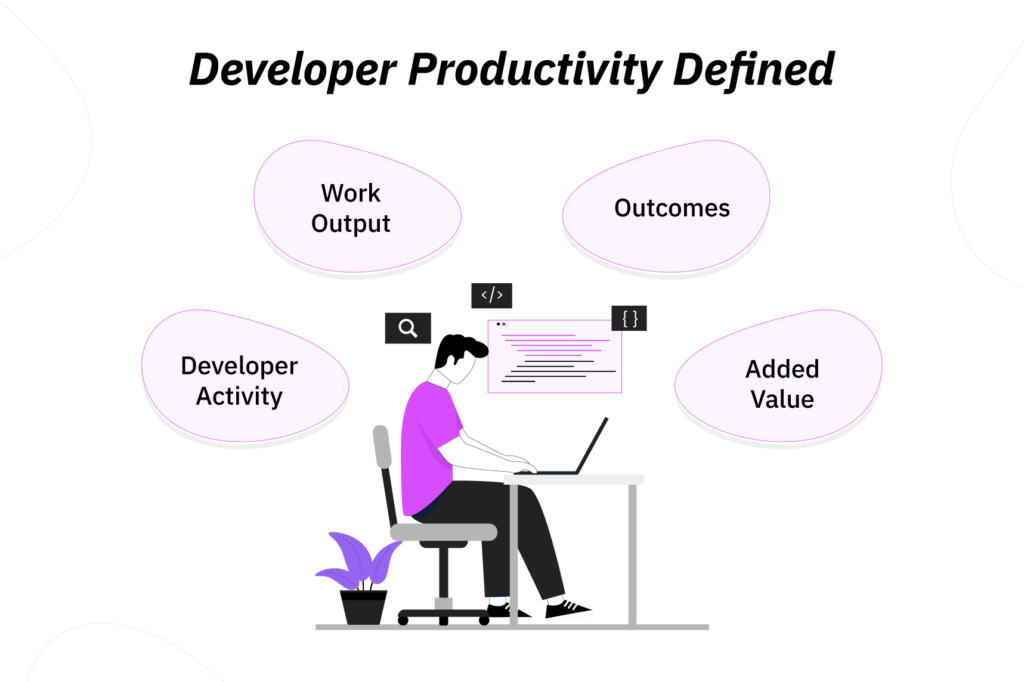
Developer productivity is the rate at which developer efforts turn into reliable outcomes, without unnecessary friction and rework.
To measure it properly, you need to clearly separate four important ideas:
- Activity: Developers’ observable actions, such as commits, hours, reviews, and ticket updates.
- Output: Work produced by an individual, like resolved issues.
- Outcome: The effect that the work done had on customers and company revenue.
- Productivity: How effectively developer activity becomes a valuable outcome.
Why Traditional Developer Productivity Metrics Do Not Suffice
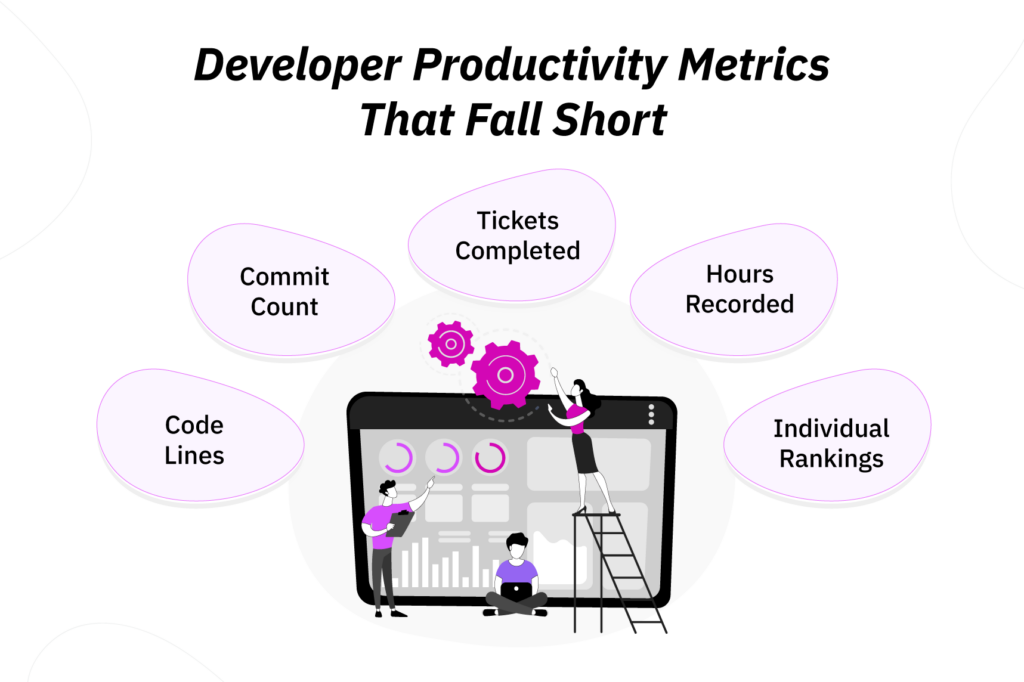
Traditional productivity metrics are not popular because they are enough to determine productivity, but because they are cheap to collect and visible on a dashboard.
However, most of them only explain the activity rather than its value.
1. Lines of Code Only Reward Volume
Lines of code measure how much code changed. Though they miss the context, like how the changes helped the product.
For example, a developer may have added 1,000 lines to the code, but while doing so, they may also have introduced avoidable complexity.
On the other hand, another developer may have removed 500 lines from the code to simplify it and improve its performance.
The point is, more code does not automatically equate to more value.
2. Commit Counts Ignore Difficulty
Commit counts can show repository activity, but they do not show the difficulty or impact of the work.
Let me put it this way: one developer may create many small commits for minor adjustments, while another may spend several days diagnosing a production issue and then commit one fix.
Therefore, commit count should not be treated as a performance measure.
3. Completed Tickets Are Not Directly Comparable
Tickets aid work allocation and planning, but they do not provide any direct insight into the complexity and value of a task.
You need to remember that tickets vary a lot. While one may represent a text update, another may involve a security review.
Likewise, how tickets are handled may differ from team to team. For example, one team may split a task into 20 tickets while another records the same work in 5.
Given these factors, the number of tickets completed is not a useful indicator for the value of the work.
4. Hours Worked Measure Time, Not Results
Hours can support planning, billing, costing, and workload reviews, but as a standalone signal of productivity, they are insufficient.
For instance, long hours can mean one of two things: the individual is committed, or there is a workload problem.
Apart from the lack of context, it also does not account for the fact that one developer may complete a task in 2 focused hours, while another may take 8 hours to get the same results.
If this is not taken into consideration, hours alone can misrepresent the whole picture.
5. Individual Rankings Overlook System Problems
Developers depend on requirements, approvals, review capacity, testing environment, and other collaborating teams to move forward. Therefore, by individually ranking them, organizations may ignore bottlenecks within the workflow.
How to Measure Developer Productivity Accurately?
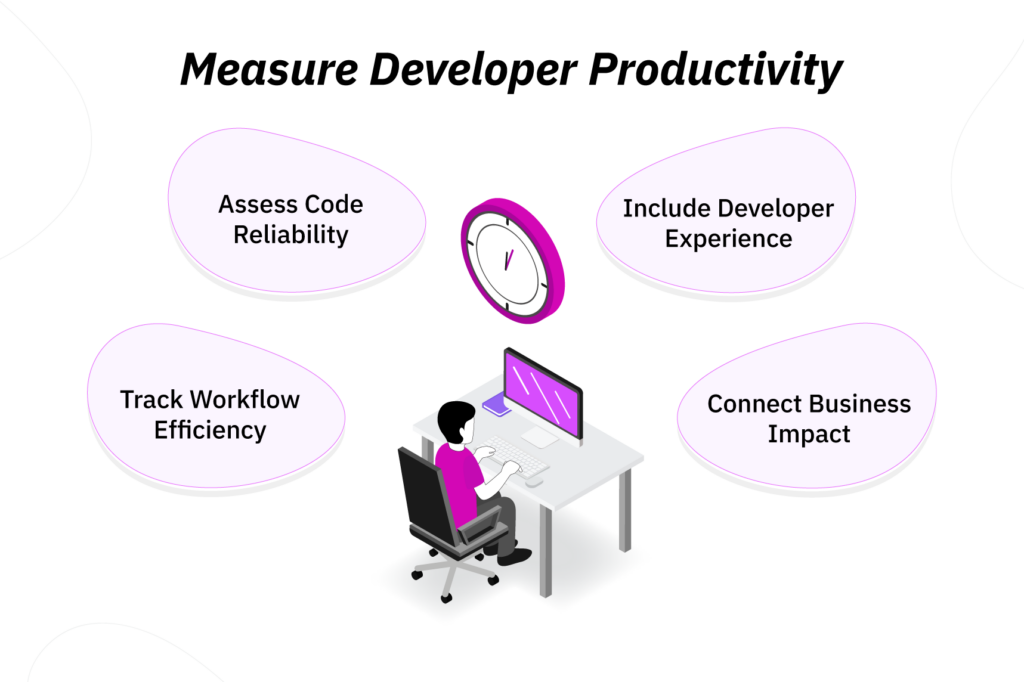
We have learned so far that developer productivity should not rely on a single metric. With multiple metrics at hand, you can better view the work done.
Not only that, but before measuring developer productivity, you should also decide what problem you want to improve. Then, based on that, choose measurements that help you understand it.
Simply put, the answer to “how to track developer productivity” differs depending on the goal.
1. Track Delivery and Workflow
Delivery and workflow metrics show how efficiently work moves through the developer workflow.
The following signals help determine the delivery and workflow:
- Lead time;
- Cycle time;
- Deployment frequency;
- Pull-request review time;
- Work-in-progress age;
- Waiting time.
When I review developer workflows, I pay close attention to waiting time. That is because I understand how tasks may take six days from start to release, but the developer may have completed the coding work in two.
If the remaining time was consumed by review delays, test failures, release approval, etc., the issue is workflow design, not the developer effort.
2. Consider Quality and Reliability
Speed is only useful when the produced work is reliable.
To measure quality and reliability, you should look into the following signals:
- Change failure rate;
- Escaped defects;
- Reopened issues;
- Deployment rework;
- Recurring production issues.
A common example is how a team that releases more often may also be creating more defects. Therefore, organizations should avoid mistaking output for progress. Contrarily, a team that is slow may be more productive due to the developers working on stabilizing a fragile service and improving test coverage.
Remember, speed and stability are not trade-offs.
3. Take Developer Experience into Account
Developer experience is not a soft add-on because it directly affects how easily they can do valuable work.
To take their experience into consideration, you should look into:
- Tooling friction;
- Build and test delays;
- Cognitive load;
- Interruptions;
- Collaboration quality;
- Environment problems;
- Access and approval delays.
Not only that, but the DevEx framework also asks managers to consider the following dimensions to determine developer experience:
- Feedback loops include waiting time for tests, builds, reviews, and system responses.
- Cognitive load reflects the mental effort required by a developer to understand systems and complete tasks.
- Flow state refers to the focused work condition developers need for complex problem-solving.
4. Monitor Business Impact
Developer output becomes productive when it contributes to a useful operational or financial outcome.
Depending on your organization, business-impact measures may include:
- Feature adoption;
- Customer satisfaction;
- Support-volume reduction;
- Delivery predictability;
- Project profitability;
- Operational cost savings;
- Progress toward strategic goals.
By taking business impact into account, you can prevent celebrating output that had no impact.
However, at the same time, you should not judge developers only by business impact since they do not fully control pricing, sales, market timing, or customer communication.
TimeBee: Know What Your Developers Are Up to
Learn More
How to Measure Software Developer Productivity with DORA and SPACE
DORA and SPACE prevent developer productivity from relying solely on a single metric. However, even they should be used only as frameworks rather than rigid scorecards.
DORA Measures Delivery Performance
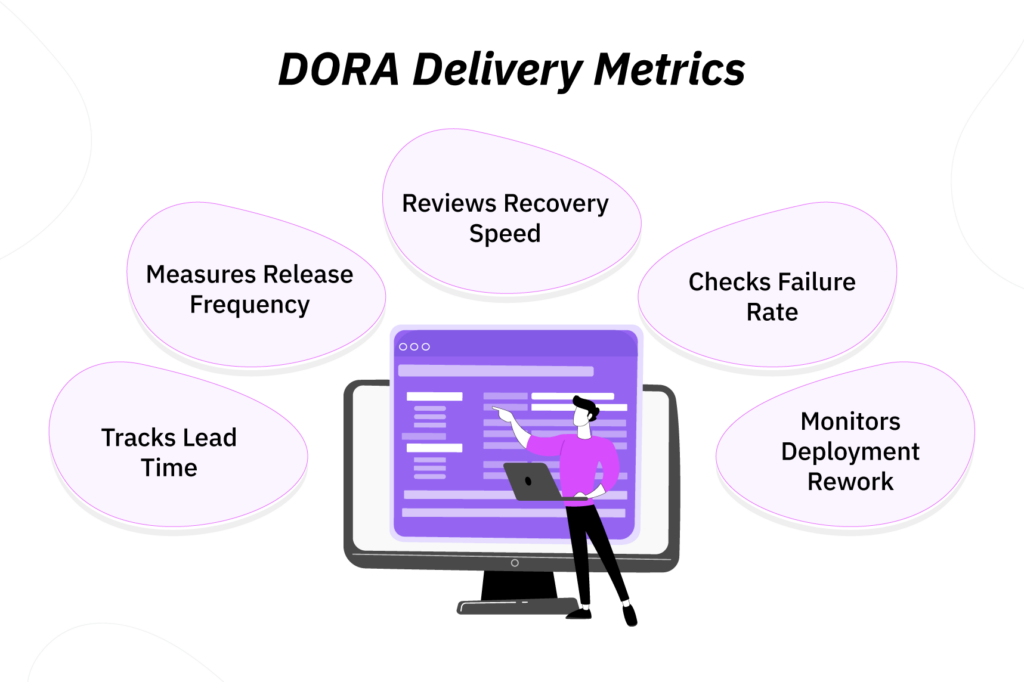
DORA focuses primarily on software delivery performance.
Its current five-metric model includes change lead time, deployment frequency, failed deployment recovery time, change fail rate, and deployment rework rate.
DORA groups these metrics into throughput, which shows how changes move through the system, and instability, which shows how often deployment creates immediate problems.
Operationally, DORA helps you answer five questions:
- Change lead time: How long it takes a change to reach production
- Deployment frequency: How often completed work is released
- Failed deployment recovery time: How quickly the team recovers from a failed deployment
- Change fail rate: How often deployments require immediate intervention
- Deployment rework rate: How much deployment work is reactive after production issues
These questions are fundamental because developer productivity does not solely revolve around producing work; it is also about moving work safely through the delivery system.
SPACE Provides a Broader View
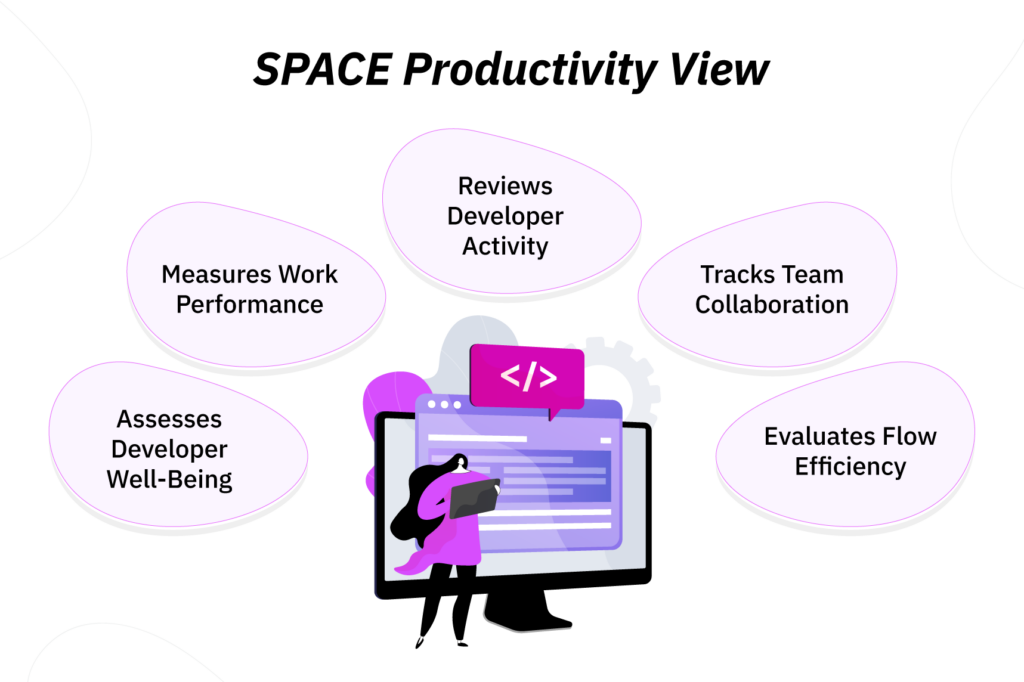
SPACE expands the view beyond delivery metrics. It also covers five dimensions, i.e., satisfaction and well-being, performance, activity, communication and collaboration, and efficiency and flow.
Moreover, the framework argues that developer productivity is more than individual activity and system efficiency and cannot be measured by one metric.
Given below is what you can track for each SPACE dimension:
- Satisfaction and well-being: Developer survey scores, workload confidence, burnout risk;
- Performance: Quality, reliability, customer value, project outcomes;
- Activity: Commits, reviews, deployments, tickets, tracked time;
- Communication and collaboration: Review quality, handoffs, mentoring, knowledge sharing;
- Efficiency and flow: Interruptions, waiting time, context switching, focus time.
An important point to raise here is that SPACE does not ask you to track everything. Instead, it only tells you to avoid measuring one narrow piece of developer work and calling it productivity.
Neither Framework Tells the Full Story Alone
DORA and SPACE overlap with the measurement categories above, but they do not replace them.
While DORA fits best under delivery and quality, SPACE expands the view into developer experience and flow.
Nonetheless, even with both frameworks in use, you still need business-impact metrics to understand whether the work created value, and time-allocation data to see where developer capacity was actually spent.
| Approach | Best For | Limitation |
| DORA | Delivery speed and deployment stability | Does not fully explain experience, collaboration, or business value |
| SPACE | Multidimensional developer productivity | Can become too broad without clear priorities |
| Business Metrics | Customer and commercial outcomes | May be influenced by factors outside developers’ control |
| Time Data | Capacity and workload visibility | Does not prove quality or value on its own |
4 Ways to Improve Developer Productivity Tracking Further
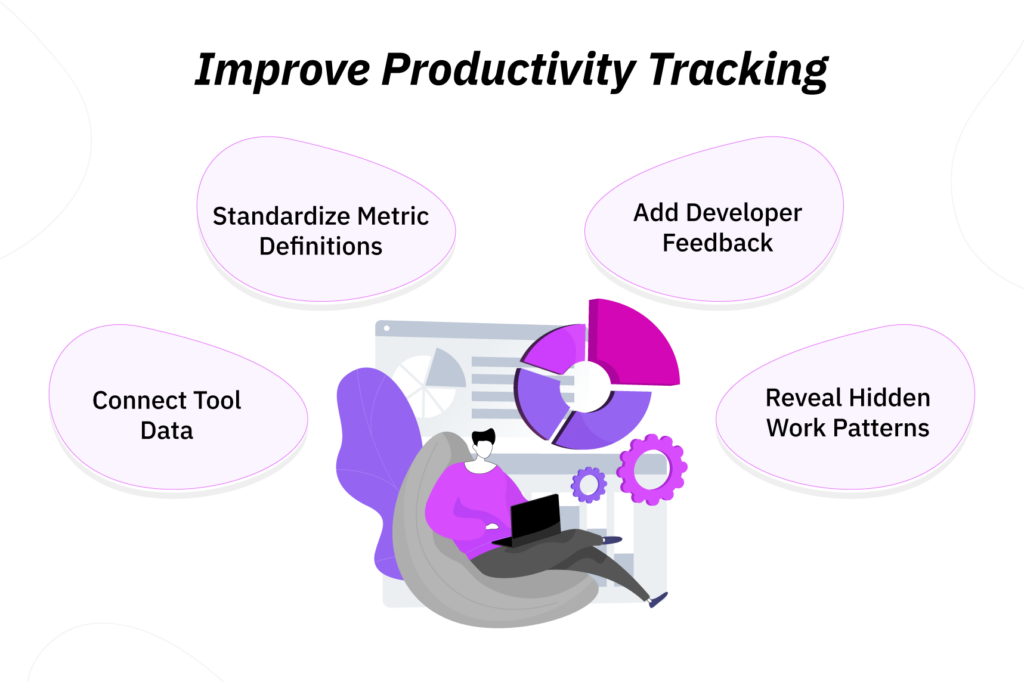
Once you know how to measure software developer productivity, the next challenge is making the tracking system reliable.
In my experience, poor productivity measurement usually comes from disconnected data, inconsistent definitions, missing context, and weak visibility into time allocation.
1. Connect Productivity Data Across Tools
Most organizations have various tools to measure developer productivity.
While source-control tools record commits and pull requests, project-management tools keep track of assigned work and deadlines. Likewise, CI/CD platforms record builds and deployments, and incident tools capture failures.
Now, if they are used as is, regardless of other metrics, each one tells only a partial story. However, when collected data is connected to specific questions, organizations can have better visibility into their developers’ productivity.
- Which work items create long review delays?
- Which releases lead to rework?
- How much planned capacity is lost to incidents?
- Where do handoffs repeatedly slow developers down?
2. Standardize Metric Definitions
A metric is only useful when everyone agrees on what it means.
It is common for metrics to be measured differently across teams. While one team may measure cycle time from ticket creation, another may start when work enters “in progress.”
Therefore, when you compare those teams, you are not comparing their actual performance.
As a result, it is best to standardize where each metric starts and ends, what counts as completed work, how reopened work is handled, etc.
But remember that standardization will not remove every judgment call. It will, however, reduce confusion and make trend reviews more useful.
3. Add Context Through Developer Feedback
Metrics can show what changed, but developers can explain why it really changed.
Therefore, while a dashboard might show that pull-request review time increased by 35%, it may not tell you whether the cause was larger pull requests, fewer available reviewers, new compliance requirements, etc.
To gain clarity into that, you can use short pulse surveys, retrospectives, project reviews, workflow interviews, and team discussions.
Moreover, the DevEx framework even recommends combining developers’ inputs with workflow data because neither source tells the full picture alone.
4. Use TimeBee to Improve Visibility
If a developer’s output slows down, the cause may not be as simple as a skill issue. Instead, it may be due to repeated context switching, excessive meetings, unclear task ownership, and too much time spent moving between tools.
TimeBee’s productivity reports, app and website monitoring, screenshots, distraction alerts, idle-time detection, and project/task tracking can help surface those patterns when they are reviewed responsibly.
For example, if a developer is switching between a code editor, chat tool, browser, project board, and documentation every few minutes, the issue may be fragmented work rather than low productivity.
Similarly, if screenshots show frequent interruptions from support requests during planned feature work, you can investigate whether the team needs protected focus blocks or clearer ownership.
Obviously, the goal here is not to watch developers for the sake of monitoring; it is to identify patterns that affect productivity but would otherwise remain invisible.
Common Developer Productivity Mistakes to Avoid
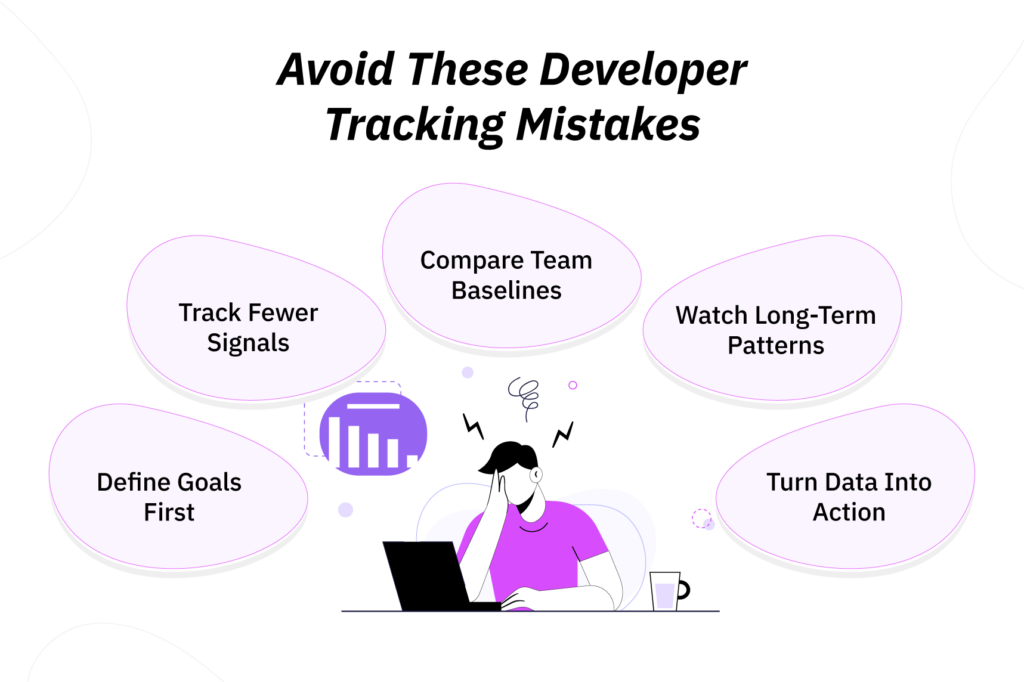
- Choosing metrics before defining the goal: Organizations tend to first choose tools to measure developer productivity based on a framework and then decide the goal. Instead, you should decide beforehand whether you want to improve delivery speed, quality, workload balance, planning accuracy, or business impact metrics first.
- Tracking too many signals at once: Just because you track many metrics does not mean you are on the right track for developer productivity, as a crowded dashboard can make productivity harder to interpret. Therefore, start with a few balanced signals that actually help you make decisions.
- Comparing unrelated teams: Having the same productivity standards for all teams is unreliable since they work under different conditions. As a result, you should compare teams against their own baseline rather than forcing one standard across all roles.
- Reacting to short-term fluctuations: One issue does not warrant entirely changing the workflow. It should only be done when sustained patterns are observed. That is because weekly numbers can be easily distorted for many reasons.
- Collecting data without improving anything: Productivity tracking should lead to action. If the same bottleneck appears repeatedly, use the data to fix one workflow problem instead of just producing another report.
Conclusion
Developer productivity tracking is only useful when it helps teams diagnose why valuable work slows down.
The goal is not to prove who is busy. Instead, it is to look beyond surface activity and identify where effort gets stuck and fails to translate into reliable outcomes.
That is how productivity improves, not by pushing developers to look busier, but by removing the bottlenecks that make useful work harder.
Overall, the best managers treat productivity tracking as a continuous practice. They review the evidence, listen to developers, fix one constraint at a time, and adjust the system as the work changes.
FAQs
What are the best metrics for measuring developer productivity?
The best developer productivity metrics are the ones that help you diagnose a specific problem. For example, if delivery is slow, it is best to track lead time, review time, and deployment frequency. Likewise, if quality is slipping, look at change failure rate, reopened issues, etc. Overall, a good rule is to choose metrics that lead to a decision.
What is the difference between developer activity and developer productivity?
Developer activity is what you can easily observe, such as commits, tickets, hours, app usage, or review counts. On the other hand, developer productivity is the value that comes from that activity once it turns into reliable software, smoother workflows, better customer outcomes, or reduced operational friction.
Should developer productivity be measured individually or by team?
Developer productivity should usually be measured at the team, workflow, application, or service level. Individual data, on the other hand, can still be useful for workload support and understanding role-specific blockers. However, it should not be used as a simple ranking system.
How often should developer productivity be measured?
Operational signals such as review time, cycle time, deployment frequency, and unplanned work can be reviewed weekly or monthly as trends. Contrarily, developer experience, workload health, and business-impact measures are usually better reviewed monthly or quarterly.
How to measure software development productivity in remote teams?
Measure software development productivity in remote teams by evaluating whether work is completed on time and delivered with consistent quality. Review completed work against planned outcomes and check whether developers can collaborate effectively despite working from different locations. Regular feedback from code reviews, sprint retrospectives, and stakeholders also helps determine whether the team is delivering valuable software consistently while maintaining a sustainable pace.
Use TimeBee to Better Understand Your Developers’ Productivity
Try Out TimeBee