

7 Best Time Tracking Software for Accountants: Our Test Reveals Which Ones Are Worth Using
By Jacob Tyler
October 26, 2026 16 min readAn accountant might spend the morning reconciling transactions for one client, switch to preparing tax returns after lunch, and end the day reviewing financial statements for another business. By closing time, they have worked eight hours, but that figure alone tells the firm very little.
It doesn’t show which engagements consumed the most time, how much work remains unbilled, or whether a fixed-fee client is costing more to serve than expected.
That’s where the best accounting time tracking software becomes useful. The right platform connects working hours to client engagements and gives firms a clearer view of the costs behind their services.
To find out the right one, we compared seven options and examined their capabilities against common accounting workflows.
Quick Shortlist of the Best Time and Billing Software for Accountants
- TimeBee: Best for firms prioritizing automated time capture, billable-hour visibility, and productivity insights.
- Financial Cents: Best for small accounting and bookkeeping firms that need time tracking alongside recurring client work and invoicing.
- Teamwork: Best for collaborative accounting projects where several people contribute to the same engagement and managers need visibility into project budgets.
- TaxDome: Best for tax firms wanting client management and time-based billing in one practice management platform.
- TPS Cloud Axis: Best for CPA firms that need traditional time and billing functionality with WIP control and accounts receivable visibility.
- TimeCamp: Best for accountants who want automatic time tracking without adopting a complete practice management system.
- Firm360: Best for accounting firms that want to manage client engagements and billing within a centralized practice management platform.
How We Tested to Choose the Best Accounting Time Tracking Software
The main challenge with evaluating accounting time trackers is that capturing an hour and billing that hour are two different tasks. A timer may accurately record work but still require someone to identify the client, assign the engagement, apply a billing rate, and transfer the record into an invoice.
We therefore assessed the seven different apps against different accounting-firm workflows.
The workflows were designed around Windows and macOS desktop use, with iOS and Android access considered where supported.
We applied four weighted criteria to our assessment.
Accounting-Specific Fit — 30%
An accounting firm needs more than a timer attached to a project. We placed particular weight on whether a platform can associate time with a client and distinguish one engagement from another.
We also assessed whether it supports recurring accounting tasks, distinguishes billable from non-billable activities, and allows managers to establish engagement-level time budgets. Moreover, we paid particular attention to how easily these functions could be configured for routine bookkeeping and tax-related work.
Billing & Integration Reliability — 25%
Accurate time records are only useful for billing when they can move into invoices without introducing errors or additional administrative work. Since accounting firms often rely on established financial systems, we considered billing functionality and integration reliability essential to the evaluation.
We assessed how each platform handles billing rates, invoice creation, and adjustments to recorded time. We then examined its compatibility with accounting systems such as QuickBooks Online and Xero, focusing on which information can be transferred and whether synchronization is native or requires third-party software.
We also evaluated how the platform handles unbilled time and whether administrators can review entries before invoicing.
Time Tracking Accuracy — 25%
Even minor inaccuracies in recorded hours can affect client billing and the reliability of profitability reports. We therefore considered time-tracking accuracy a major evaluation factor.
Our assessment process focused on how each application captures working time through manual entries, running timers, or automatic activity tracking. We examined how interruptions and idle periods are handled, whether entries can be corrected afterward, and how reliably recorded time remains associated with the appropriate client or task.
Ease of Adoption — 20%
Accounting software needs to fit into daily work without making time recording another demanding administrative responsibility.
We evaluated the steps required to configure client accounts, assign billing rates, and begin recording time. Furthermore, we also examined how easily employees could switch between engagements, edit existing entries, and submit completed timesheets.
After Testing the Best Time Billing Software for Accountants, We Picked These 7
| App Name | Pricing | Compatibility | Best For | Main Limitation |
| TimeBee | 14-day trial; custom paid pricing | Web, Windows, macOS, Linux, iOS, Android, and browser extension | Automated tracking, with billing and productivity insights | Less accounting-specific engagement management |
| Financial Cents | From $19/month for Solo, annually | Web-based, with mobile access | Small accounting and bookkeeping firms | Team subscriptions cost more than basic timers |
| Teamwork | From $9.99/user/month, annually | Web, Windows, macOS, Linux timer, iOS, Android | Collaborative client projects | Accounting-specific practice management is limited |
| TaxDome | Region- and subscription-dependent pricing | Web and mobile applications | Tax client management and billing | More setup than a standalone time tracker |
| TPS Cloud Axis | From $18/user/month | Web-based platform | Traditional CPA time and billing | Some advanced integrations require higher plans |
| TimeCamp | Free; paid from $3.99/user/month, annually | Web, desktop, mobile, browser extension | Automated time and billable-hour tracking | Lacks dedicated accounting practice management |
| Firm360 | From $49/month on annual billing | Cloud-based web application | Integrated accounting practice operations | Higher-tier functionality increases cost |
7 Best Time Tracking Software for Accounting Firms
The seven tools below take different approaches to tracking time in accounting firms. Some focus on automatically capturing work hours, while others connect time entries directly to client engagements and billing workflows.
We assessed each platform, paying close attention to how its features support everyday accounting tasks.
1. TimeBee — Best Time and Billing Software for Accountants Overall
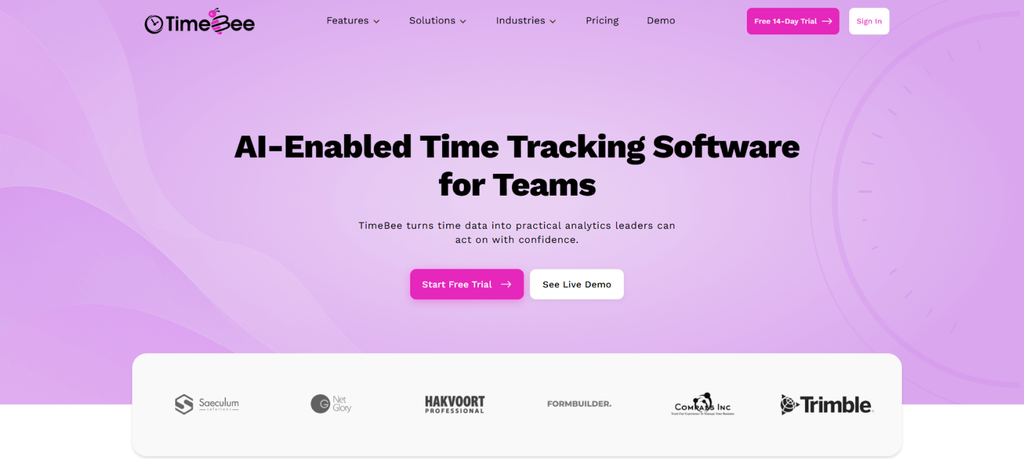
TimeBee brings time tracking and client billing into one workflow, which makes it more relevant to accounting firms that need to monitor employee hours without relying entirely on manual timesheets. Its strongest advantage is how recorded time feeds into project progress, labor costs, productivity reports, and invoicing.
To examine this workflow, we structured an evaluation around three accountants handling bookkeeping, tax preparation, and advisory assignments across four client projects.
We started with 18 timed work sessions, assigning each session to a specific project and task. The key distinction was that TimeBee recorded desktop activity against the selected assignment, but switching between clients still required the accountant to select the appropriate task. This matters when employees regularly move between engagements.
Next, we evaluated manual time entries by preparing six missed-time requests, including two deliberately overlapping records. However, the tool identified overlapping time at the entry level, with its validation and approval workflow.
We then examined billable and non-billable classifications. We used 12 billable hours at $125 per hour and three hours of internal administration. TimeBee’s billing workflow accounted for these hours and calculated $1,500 in chargeable work. Furthermore, it allowed approved billable entries to contribute to invoices without including administrative hours.
For project costing, we assigned two accountants hourly labor costs of $35 and $50. Five hours from each produced an automated, calculated project cost of $425. We also explored TimeBee’s Project Progress report by tracking bookkeeping and tax preparation work under separate client projects.
The report showed how much time each accountant had contributed to those projects and the tasks under them to help us identify which tasks consumed the most effort and which team members handled them.
Finally, we reviewed productivity insights and idle alerts. TimeBee categorized application activity and allowed us to configure inactivity thresholds that pause tracking.
Overall, TimeBee offered a useful combination of automatic tracking and billing visibility, although correct client and project attribution remains essential.
TimeBee Pricing
- Free Trial: 14 days
- Paid Plans: Custom pricing
TimeBee Compatibility
TimeBee supports Windows, macOS, and Linux desktop environments, alongside web-based administration and mobile access for both Android and iOS.
TimeBee Pros and Cons
| Pros | Cons |
| Combines automatic tracking with manual time corrections and approvals | Correct client/project attribution still requires user attention |
| Connects billable hours with invoicing and project costing | Pricing requires a custom quote |
| Provides project progress reports and productivity insights | |
| Allows integrations with different accounting and management software |
Verdict
TimeBee is a strong fit for accounting firms wanting to capture employee time and connect it with billing and project performance without maintaining separate timesheets.
TimeBee: Less Timesheet Chasing, More Clarity Across Every Client
Learn More
2. Financial Cents — Best for Small Accounting and Bookkeeping Firms
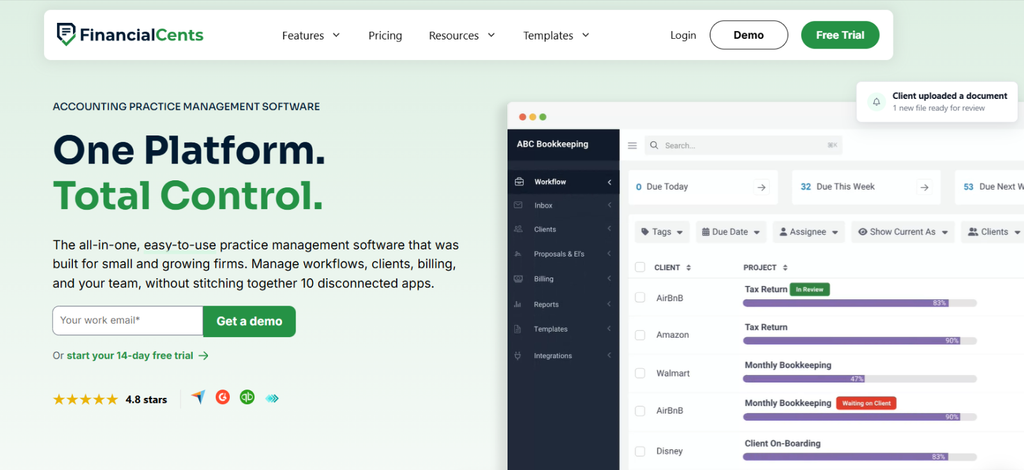
Financial Cents combines time tracking with accounting practice management. This is why it is suitable for firms that want to record working hours while managing recurring client engagements.
To explore its functionality, we structured an evaluation around two accountants handling monthly bookkeeping for five clients. We created separate reconciliation tasks and examined how the built-in timer associates recorded time with individual clients and projects. The system also supports manual entries, allowing accountants to record work they forgot to track.
We found that Financial Cents keeps timer-based and manually entered hours together in its time-tracking reports, allowing managers to see how much time each accountant spends on individual client engagements.
However, we identified one limitation: if an entry is assigned to the wrong client or project, its association cannot be edited directly. The accountant must delete the entry and recreate it under the correct assignment.
Next, we tested different billing rates by setting $100 for a project, $125 for an employee, and $150 for a service. Financial Cents prioritized the service-item rate under its standard rate hierarchy and correctly applied the service rate, calculating $300 for two hours of work. This showed us how firms can charge different rates for bookkeeping and advisory services.
We also examined its time-tracking reports using eight billable hours and two non-billable hours. The reports distinguished billable time from internal work and allowed us to filter entries by client or service.
Finally, we explored its invoicing workflow by associating billable time with client invoices. Financial Cents supported invoice generation and QuickBooks Online synchronization, which reduced the need to transfer billing information between systems manually. However, its integrated billing service is currently available only to firms in the US and Canada.
Financial Cents Pricing
- Free Trial: 14 days
- Solo: $19/month, billed annually
- Team: $49/user/month, billed annually
- Scale: $69/user/month, billed annually
- Enterprise: Custom pricing
Financial Cents Compatibility
Financial Cents operates through a cloud-based interface accessible on modern web browsers, with mobile access available for managing accounting workflows.
Financial Cents Pros and Cons
| Pros | Cons |
| Connects time tracking directly with recurring accounting tasks | Relies on employees starting timers or entering time manually |
| Supports different billing rates and detailed time reports | Billing-rate configuration requires attention |
| Integrates invoicing with QuickBooks Online | Integrated billing is restricted to US and Canadian firms |
| Provides project-level profitability reporting | Advanced profitability reports require a higher plan |
Verdict
Financial Cents is particularly useful for smaller accounting firms that want time tracking alongside client engagements and invoicing. Its integrated workflow reduces the need for separate practice management and billing tools.
3. Teamwork — Best for Collaborative Client Projects and Time Billing
Teamwork connects employee time with project tasks, making it particularly useful for accounting firms handling advisory engagements involving multiple accountants.
To examine its capabilities, we structured an evaluation around three accountants preparing a financial advisory report for one client. We divided the engagement into six tasks and assessed how Teamwork’s timers record working hours against each assignment. Its timesheet interface also allows employees to add missing entries and classify their work as billable or non-billable.
Next, we explored project-specific billing rates. We assigned one accountant a standard rate of $120 per hour and a project rate of $150. Teamwork prioritized project rates over default employee rates, so four billable hours on that engagement added up to $600 instead of $480. This can provide flexibility when firms negotiate different rates for individual advisory projects.
We then examined how Teamwork handles project spending. Using 21 recorded hours against a 30-hour engagement allowance, we calculated 70% budget consumption. Teamwork’s budget view displayed logged time against the configured allowance, which helped us understand how much of the project’s planned capacity has been used.
For billing, we reviewed the process of selecting unbilled time entries and adding them to a client invoice. Teamwork marked those entries as invoiced and prevented us from further editing unless they are removed from the invoice.
All in all, Teamwork provided detailed project-level visibility, although its workflow is better suited to collaborative engagements than routine accounting practice management.
Teamwork Pricing
- Free Plan: Available
- Basics: $9.99/user/month, billed annually
- Accelerate: $24.99/user/month, billed annually
- Optimize and Enterprise: Custom pricing
- Free Trial: 14 days
Teamwork Compatibility
Teamwork supports Windows and macOS desktop applications, alongside web-based access and mobile applications for Android and iOS. Its separate desktop Timer also supports Linux.
Teamwork Pros and Cons
| Pros | Cons |
| Connects time entries with individual project tasks | Not designed specifically for accounting practices |
| Supports project-specific billing rates | Advanced billing features require higher-tier plans |
| Provides time-budget and project profitability reporting | Recurring accounting engagements need manual project configuration |
| Allows invoices to be created from unbilled time | Invoiced entries cannot be edited without removing them from the invoice |
Verdict
Teamwork works well for accounting and advisory teams that collaborate on client projects. Its task-level tracking and billing controls provide useful oversight, although firms focused on recurring bookkeeping may prefer accounting-specific software.
4. TaxDome — Best for Tax Firms Needing Time Tracking and Client Management
TaxDome integrates time tracking with tax practice management. This approach allows accountants to record hours against client jobs and use those entries for billing.
To evaluate its accounting workflow, we structured three tax preparation engagements involving a junior preparer and a senior reviewer. We explored how timers work when launched directly from job cards. TaxDome linked these entries to the corresponding jobs, while completed time could also be added manually or corrected afterward.
After this, we examined service-based billing rates. We assigned a $90 hourly rate to tax preparation and $160 to senior review. For two hours of preparation and one hour of review, the application generated $340 in billable work. TaxDome automatically applies the relevant rate when an employee selects a service with a configured billing rate.
We also evaluated its Work in Progress (WIP) functionality using six billable entries, four of which were ready for invoicing. TaxDome’s WIP viewed groups unbilled time by client and allowed us to select entries for invoicing.
Once invoiced, those entries changed to billed status and disappeared from the WIP list. This can help firms identify outstanding billable work without manually reconciling separate timesheets.
Furthermore, we explored fixed-fee tax engagements. TaxDome distinguished hourly services from fixed-price services. It allowed us to record the actual time spent on a return without changing its agreed service fee.
However, we found an important billing distinction: editing an invoice line item does not change the original time entry. Firms must therefore review their billing adjustments carefully to keep internal records consistent.
TaxDome Pricing
- Essentials: $800/year per user
- Pro: $1,000/year per user
- Business: $1,200/year per user
TaxDome Compatibility
TaxDome supports web-based access and mobile applications for Android and iOS. Its time-tracking functionality is integrated with client jobs and the platform’s billing environment.
TaxDome Pros and Cons
| Pros | Cons |
| Tracks time directly against accounting and tax jobs | Requires initial service and rate configuration |
| Automatically applies service-specific employee billing rates | More complex than a standalone timer |
| Provides client-level WIP visibility and invoicing | Invoice adjustments do not update original time entries |
| Supports both hourly and fixed-fee services | Subscriptions require a long-term commitment for core seats |
Verdict
TaxDome is well suited to tax practices that need to manage recorded hours alongside client engagements and billing. Its WIP functionality is particularly useful for firms handling several returns at different stages of completion.
5. TPS Cloud Axis — Best CPA Time And Billing Software
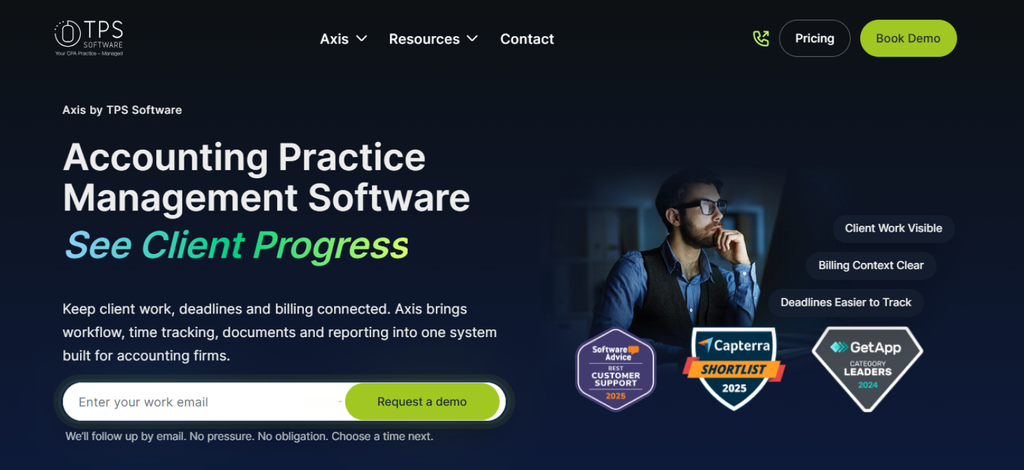
TPS Cloud Axis focuses on traditional CPA firm time and billing, particularly the management of recorded hours before they become client invoices.
To explore its functionality, we structured an evaluation around four accountants completing bookkeeping and tax engagements for five clients. In TPS Cloud Axis, each accountant recorded their hours on the Time Entry screen by selecting the relevant client and work code, then marking the entries as WIP.
These entries appeared in the WIP Detail report, where we could review unbilled work. The Detail Bill option also allowed us to select specific entries and apply write-downs before invoicing.
We then evaluated its billing workflow using ten hours of recorded work at $150 per hour. The total billable value was $1,500. We allocated eight hours to the current billing cycle and retained two hours as WIP. This produced $1,200 in work available for invoicing, with $300 remaining unbilled.
Next, we examined TPS’s write-down functionality by applying a $100 reduction to the current billing amount. This brought the invoice value to $1,100 without requiring the firm to disregard the original recorded work. Such adjustments are particularly relevant when CPA partners review client invoices before approval.
We also explored batch invoicing and accounts receivable reporting. TPS provided both, so firms can manage multiple client invoices while maintaining visibility into outstanding balances.
However, its QuickBooks Online synchronization is restricted to the Ultimate plan and carries a separate implementation charge. This increases the cost for firms requiring connected accounting records.
TPS Cloud Axis Pricing
- Entrepreneur: $18/user/month
- Pro: $25/user/month
- Ultimate: $34/user/month
- QuickBooks Online Implementation: $350 for the first two hours
TPS Cloud Axis Compatibility
TPS Cloud Axis operates through a cloud-based web platform.
TPS Cloud Axis Pros and Cons
| Pros | Cons |
| Supports accounting-specific time and billing workflows | Less focused on automatic desktop activity tracking |
| Provides WIP management with write-ups and write-downs | Initial client and billing configuration requires attention |
| Offers batch invoicing and accounts receivable reporting | QuickBooks Online synchronization requires the Ultimate plan |
| Data conversion may involve additional costs |
Verdict
TPS Cloud Axis is a strong fit for CPA firms that need structured control over WIP and invoice adjustments. Its billing functionality is particularly valuable where partners review recorded time before invoices are issued.
6. TimeCamp — Best for Automated Time Tracking and Billable Hours
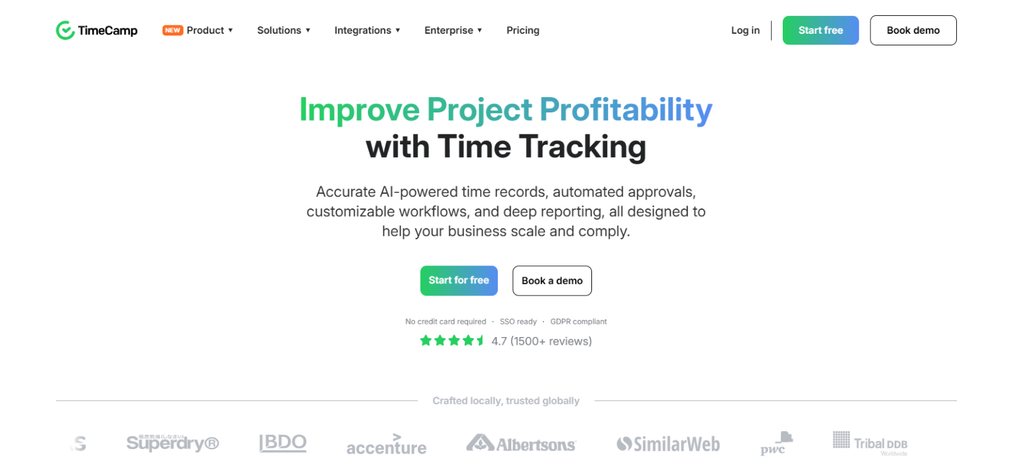
TimeCamp combines automatic activity tracking with project-based time records. This makes it relevant to accountants who frequently switch between financial applications while working for different clients.
To explore its functionality, we structured an evaluation around two accountants handling bookkeeping and tax assignments across three projects.
We focused first on TimeCamp’s keyword-based tracking by assigning client-specific keywords to project tasks and examined how the desktop application identifies those keywords in document titles and browser URLs. Whenever a matching keyword was detected, TimeCamp would automatically associate the activity with the corresponding task.
However, the feature examined filenames and window titles rather than the contents of documents. So, accountants using generic document names may need to correct project assignments manually.
Other than this, we also examined billable-hour reporting using eight hours of client work and two hours of internal administration. By separating these classifications, the reporting workflow was able to distinguish chargeable activity from non-billable work correctly.
We also evaluated billing-rate functionality. At $125 per hour, the eight billable hours represented $1,000 in potential client charges. TimeCamp supported billing rates and invoice-related workflows, although more advanced rate controls are available on higher plans.
Finally, we explored timesheet approvals, which allowed us to review submitted entries before accepting them.
Overall, TimeCamp reduced dependence on manual tracking, but accurate client attribution still depended on correctly configured project keywords.
Timecamp Pricing
- Free Plan: Available
- Starter: $3.99/user/month, billed annually
- Premium: $6.99/user/month, billed annually
- Ultimate: $9.99/user/month, billed annually
- Enterprise: Custom pricing
Timecamp Compatibility
TimeCamp supports Windows and macOS desktop tracking, alongside web access and mobile applications for Android and iOS. Browser extensions are also available.
Timecamp Pros and Cons
| Pros | Cons |
| Supports automatic project attribution using keywords | Generic filenames can require manual corrections |
| Combines automatic tracking with manual time entries | Not designed specifically for accounting practices |
| Provides billable-hour reporting and timesheet approvals | Advanced billing features require higher plans |
| Lacks comprehensive accounting engagement management |
Verdict
TimeCamp is suitable for accountants who want automatic time tracking without replacing their existing accounting software. Its keyword-based tracking is useful, although accurate project categorization depends on how consistently files and client tasks are named.
7. Firm360 — Best for Integrated Accounting Practice Operations

Firm360 combines accounting time tracking with billing and practice management.
To test it, we structured an evaluation around two accountants completing different tasks for four different clients.
Firm360 recorded time through timers accessible from project screens and its main dashboard. This allowed us to associate working hours with the relevant engagement without navigating to a separate timesheet.
Next, we examined its billing adjustments using ten recorded hours at $150 per hour. The entries represented $1,500 in produced value. We then modeled a $200 write-down, bringing the invoiced amount to $1,300.
Firm360 supported adjustments at the line-item or category level and distributed those adjustments across the associated time entries.
We also explored WIP management by selecting two incomplete entries for deferred billing. Firm360 allowed these entries to remain unbilled and carried them forward into the next billing cycle.
Finally, we examined its Client Realization reporting. Using the $1,500 recorded value and $1,300 invoice amount, the calculated billing realization rate was 86.7%. Firm360’s reporting connects produced value with realized billing to help managers identify engagements affected by write-downs.
However, advanced reporting requires the Standard plan or higher.
Firm360 Pricing
- Basic: $49/user/month
- Standard: $79/user/month
- Premium: $99/user/month
Prices are based on annual billing. Standard and Premium require at least three users.
Firm360 Compatibility
Firm360 operates through a cloud-based web interface. Its time tracking is accessible from the main dashboard and within accounting project workflows.
Firm360 Pros and Cons
| Pros | Cons |
| Connects time tracking with accounting practice management | Higher starting price than standalone trackers |
| Supports hourly and fixed-fee billing | Requires broader practice configuration |
| Allows billing adjustments and deferred WIP | Advanced reporting requires a higher plan |
| Provides client realization and utilization reporting | Less emphasis on passive desktop activity tracking |
Verdict
Firm360 is particularly suitable for accounting firms that want time tracking connected with billing and practice operations. Its realization reporting and WIP controls provide useful financial visibility beyond basic employee timesheets.
Solo vs Small vs Mid-to-Large Firms: The Best Solutions by Accounting Practice Size
The best time tracking software for accountants also depends on your firm’s size and how you manage client work. Solo accountants generally need straightforward time recording and billing, while larger practices require more control over employee hours and engagement profitability.
Based on the capabilities we evaluated, here’s where each tool fits best.
Best for Solo Accountants and Bookkeepers
- TimeBee: Suitable for independent accountants who switch between multiple client assignments. Its automatic tracking reduces manual timesheet work, while billable-hour classification and invoicing help organize client charges.
- Financial Cents: A practical option for solo bookkeepers handling recurring client work. It connects time entries with accounting tasks and invoicing within one platform.
Best for Small Accounting and Tax Firms
- TaxDome: Particularly useful for tax firms where preparers and reviewers charge different rates. Its WIP management also helps identify completed work awaiting invoicing.
- Financial Cents: Suitable for bookkeeping practices managing recurring client engagements. Its time-tracking reports and billing-rate configuration help managers review recorded work before invoicing.
Best for Mid-to-Large CPA and Advisory Firms
- TimeBee: Relevant for firms needing centralized visibility into employee working hours across multiple projects. Its productivity insights and project progress reports help managers examine how staff time is distributed, while project costing and invoicing connect recorded work with financial outcomes.
- TPS Cloud Axis: A strong fit for established CPA firms with formal billing processes. Its WIP management and write-down controls support partner-level invoice reviews.
Final Verdict
Choosing the best time billing software for accountants comes down to how effectively it fits your accounting firm’s daily operations. Accurate time capture is important, but so is the ability to distinguish billable work, manage invoicing, and understand the costs associated with client engagements.
Our evaluation highlighted the importance of balancing automation with accounting-specific functionality. Ultimately, the right choice is one that reduces manual work while giving you reliable visibility into employee hours, client billing, and project profitability.
FAQs
How should accounting firms track billable and non-billable hours using the best time tracking tools for accountants?
Accounting firms should record time against the correct client and engagement as work happens, then classify each entry as billable or non-billable. The best time tracking software for accounting firms lets teams use timers or manual entries while keeping client work separate from internal administration. Managers should review timesheets before invoicing, correct misclassified hours, and apply agreed billing rates. This keeps client invoices accurate and makes subsequent staff utilization reports more meaningful.
How does time tracking help accounting firms measure client profitability and realization rates?
Time tracking reveals how many staff hours each client engagement consumes, so firms can compare billed revenue with labor costs. That comparison helps managers identify engagements whose labor costs exceed expectations. Billing realization rates show how much recorded billable value becomes invoiced revenue: divide the invoiced amount by the recorded billable value, then multiply by 100. Reviewing both measures helps firms adjust scope, rates, and workloads before profit margins deteriorate.
How can the best time tracking apps for accountants help them track unbilled hours and work in progress (WIP)?
The best CPA time and billing software assigns hours to specific clients and engagements, then identifies which billable entries have not yet been invoiced. This unbilled work forms the firm’s work in progress (WIP), subject to its billing policies. Managers can review WIP by client, check entries awaiting approval, and decide whether to invoice, carry forward, or write down the recorded value.
Do accountants need time tracking software if they charge fixed fees?
Yes. Accountants charging fixed fees still need time tracking to understand how much effort each engagement requires. Although the invoice amount stays the same, additional hours increase labor costs and reduce profitability. By comparing actual hours with the effort originally estimated, firms can spot scope creep and improve future fee quotes.
What is the difference between accounting practice management software and time tracking software?
Time tracking software focuses on recording working hours, assigning them to clients or projects, and identifying billable time. Accounting practice management software covers a broader workflow, including client engagements, recurring tasks, deadlines, billing, and often WIP reporting. Some practice management platforms include built-in time tracking, so you may not need a separate tool. The better choice depends on whether your firm primarily needs reliable time capture or a system for managing client work.
From First Time Entry to Final Invoice, Keep It Connected with TimeBee
Try TimeBee

Jacob Tyler
Member since July 2, 2026
Jacob Tyler
Member since July 2, 2026
Jacob Tyler is a B2B technology journalist specializing in workplace software, employee monitoring platforms, productivity technology, HR systems, data privacy, and the changing role of technology in modern organizations.
He holds an MSc in Information Systems from the University of Manchester. His professional qualifications include the CompTIA Data+ certification.
With more than 10 years of experience covering B2B software and digital transformation, Jacob focuses on translating complex product capabilities into clear guidance for business readers.
His work examines how software functions in practice, which operational problems it is designed to address, what data it collects, and what organizations should consider before implementation.
Through his writing, Jacob helps HR leaders, operations teams, founders, managers, and IT decision-makers understand workplace technology and make informed purchasing decisions.